

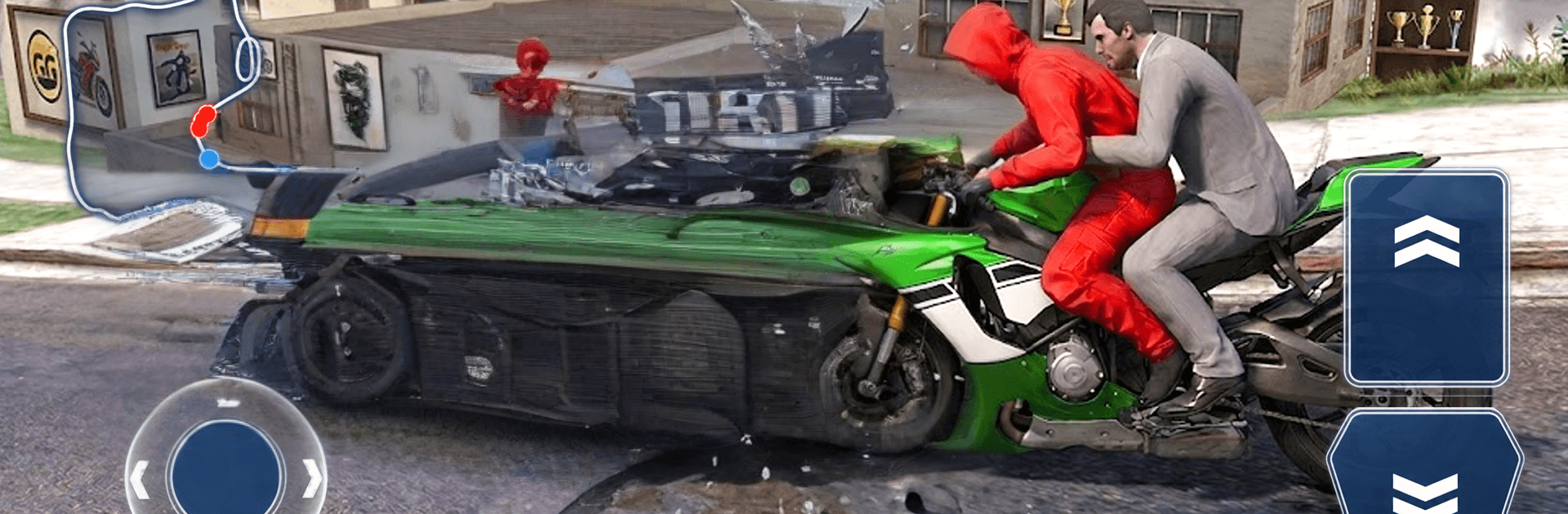
MotoGP Extreme: Race Master 3D
Play on PC with BlueStacks – the Android Gaming Platform, trusted by 500M+ gamers.

Page Modified on: Oct 6, 2026
Play MotoGP Extreme: Race Master 3D on PC or Mac
Bring your A-game to MotoGP Extreme: Race Master 3D, the Racing game sensation from HAI AU TECHNOLOGY COMPANY. Give your gameplay the much-needed boost with precise game controls, high FPS graphics, and top-tier features on your PC or Mac with BlueStacks.
About the Game
MotoGP Extreme: Race Master 3D drops you into high-speed battles where every split second counts. This Racing game is all about threading between rivals, holding your line through sharp corners, and finding that burst of speed when it matters most. Play a quick session to chase a clean lap, or stick around to outsmart the pack and own the track. Prefer a bigger screen and steady performance? It plays smoothly on BlueStacks, too.
Game Features
- Pick-up-and-play handling: Simple, responsive controls make it easy to start, with plenty of depth as you improve.
- Challenging tracks: Tight hairpins, sweeping bends, and tricky chicanes test your timing and nerve on every lap.
- High-speed duels: Time your move, slip past opponents, and keep control as the speed climbs.
- Reactive rivals: Competitors push hard, capitalize on mistakes, and force you to earn every position.
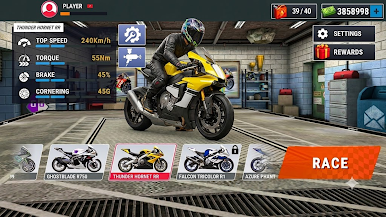
- Skill progression: Rack up results to enhance your rider’s abilities and sharpen acceleration, braking, and cornering.
- Clean 3D presentation: Smooth visuals, crisp effects, and believable lean angles make every overtake feel intense.
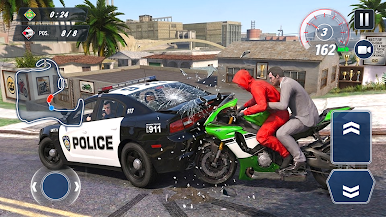
- Obstacles and hazards: Dodge on-track surprises and stay composed when the course throws something unexpected at you.
- Quick hits or long sessions: Jump in for a short heat or settle into a string of back-to-back races.
Start playing MotoGP Extreme: Race Master 3D on BlueStacks and get a smoother, more comfortable PC or Mac setup.
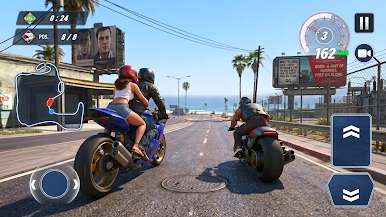
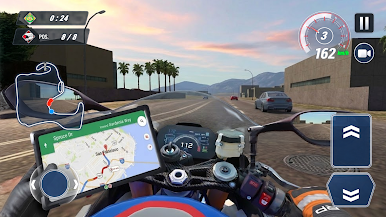
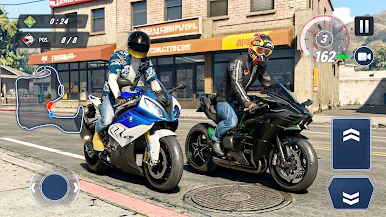
Play MotoGP Extreme: Race Master 3D on PC. It’s easy to get started.
-
Download and install BlueStacks on your PC
-
Complete Google sign-in to access the Play Store, or do it later
-
Look for MotoGP Extreme: Race Master 3D in the search bar at the top right corner
-
Click to install MotoGP Extreme: Race Master 3D from the search results
-
Complete Google sign-in (if you skipped step 2) to install MotoGP Extreme: Race Master 3D
-
Click the MotoGP Extreme: Race Master 3D icon on the home screen to start playing

