


WING-Q
Play on PC with BlueStacks – the Android Gaming Platform, trusted by 500M+ gamers.

Page Modified on: Nov 26, 2025
Run WING-Q on PC or Mac
Upgrade your experience. Try WING-Q, the fantastic Music & Audio app from Empower Tribe Innovations DE GmbH, from the comfort of your laptop, PC, or Mac, only on BlueStacks.
About the App
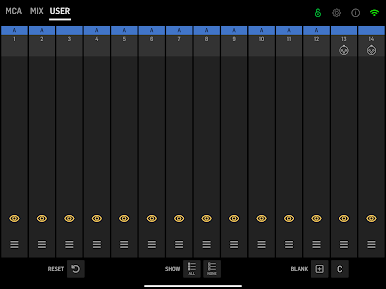
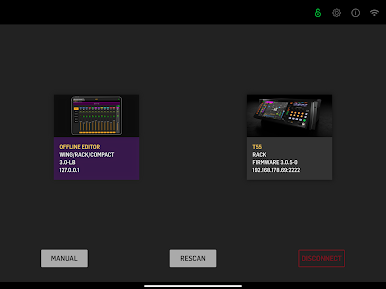
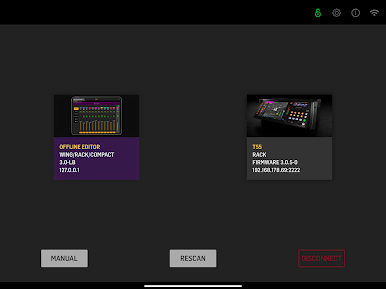
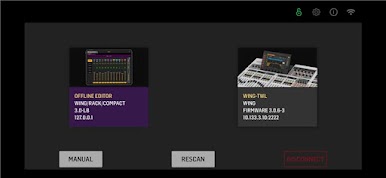
WING-Q is your handy sidekick for the Behringer WING console, built by Empower Tribe Innovations DE GmbH. This Music & Audio tool lets you shape personal monitor mixes over Wi‑Fi from your phone or tablet—on stage, in rehearsal, or back in the studio. Prefer a bigger screen? You can also use WING-Q on your computer with BlueStacks.
App Features
- 16 stereo aux buses: Pick the exact stereo bus you want to work on without touching the console.
- Bus lock: Lock your selected bus so no one accidentally switches it mid‑show.
- Multi-user control: Several people can dial in their own mixes at the same time—ideal for bands and techs.
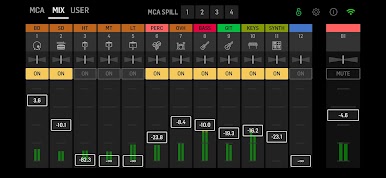
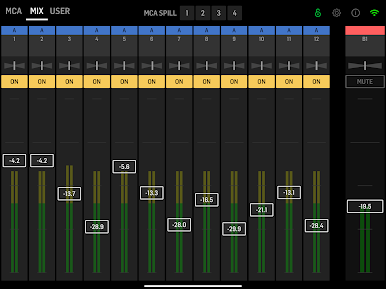
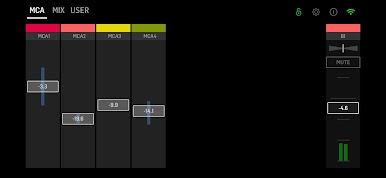
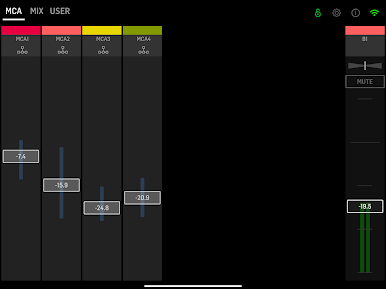
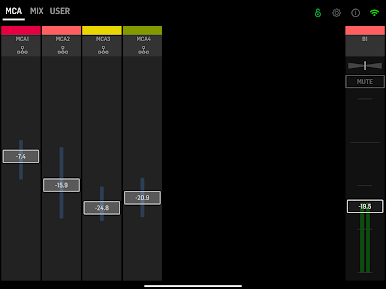
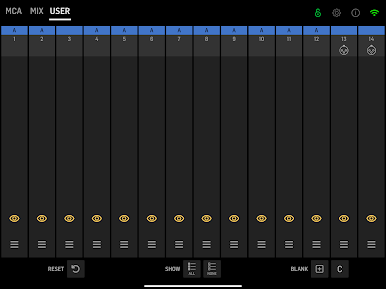
- Channel or MCA mixing: Adjust sends by individual channels or work faster with MCAs for grouped control.
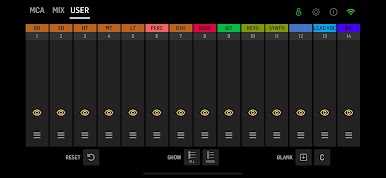
- Custom MCA names: Label MCAs however you like—Lead Vox, Drums, Tracks—so your layout makes sense at a glance.
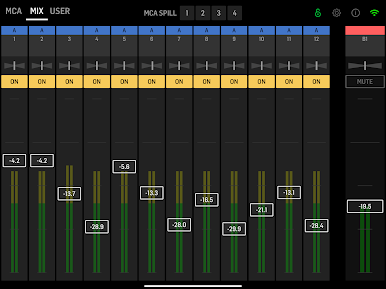
- Per-send tweaks: Set level, stereo width, and pan for every input feeding your selected bus.
- Master bus tools: Control the bus’s overall volume, stereo width, and panorama from one screen.
- Wireless workflow: Make changes from anywhere on your network; no need to camp at the desk.
- Built for live and studio: Quick tweaks during concerts, precise adjustments during sessions—same clean interface.
- WING compatibility: Designed for Behringer WING consoles running firmware 3.1 or newer and a router connected to the console.
Eager to take your app experience to the next level? Start right away by downloading BlueStacks on your PC or Mac.
Play WING-Q on PC. It’s easy to get started.
-
Download and install BlueStacks on your PC
-
Complete Google sign-in to access the Play Store, or do it later
-
Look for WING-Q in the search bar at the top right corner
-
Click to install WING-Q from the search results
-
Complete Google sign-in (if you skipped step 2) to install WING-Q
-
Click the WING-Q icon on the home screen to start playing

