


Calculator MobiCalc
Play on PC with BlueStacks – the Android Gaming Platform, trusted by 500M+ gamers.

Page Modified on: Oct 25, 2025
Run Mobi Calculator free & AD free! on PC or Mac
Get freedom from your phone’s obvious limitations. Use Mobi Calculator free & AD free!, made by IP, a Tools app on your PC or Mac with BlueStacks, and level up your experience.
About the App
Ever needed a calculator that just gets out of your way and actually helps you figure stuff out—percentages, everyday math, or a little more complicated work? Mobi Calculator free & AD free! is that no-nonsense sidekick, ready to tackle anything from splitting bills to handling school assignments or even a bit of professional number crunching. Built by IP, it focuses on simplicity and ease, minus distracting ads or unnecessary permissions. Whether you’re a student, an accountant, or just handling a daily budget, it keeps everything friendly, straightforward, and safe. You can even use it on big screens through BlueStacks, which can be pretty handy.
App Features
-
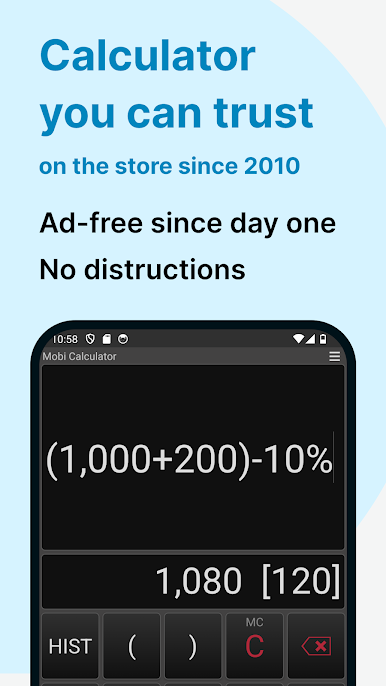
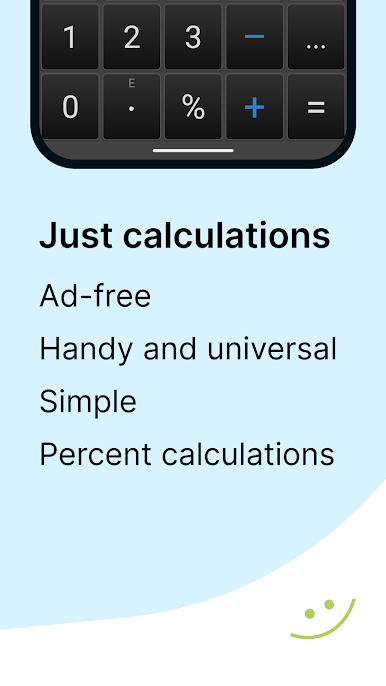
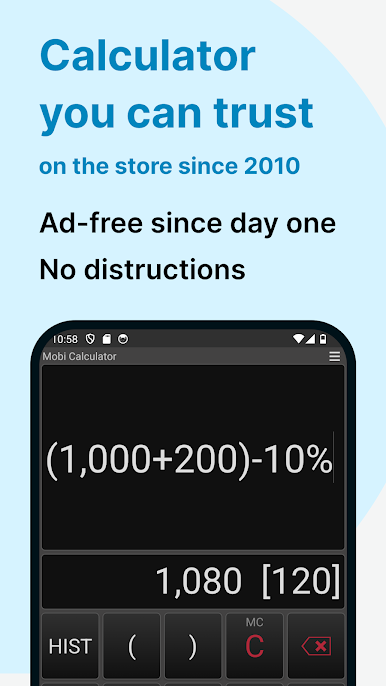
Absolutely Ad-Free
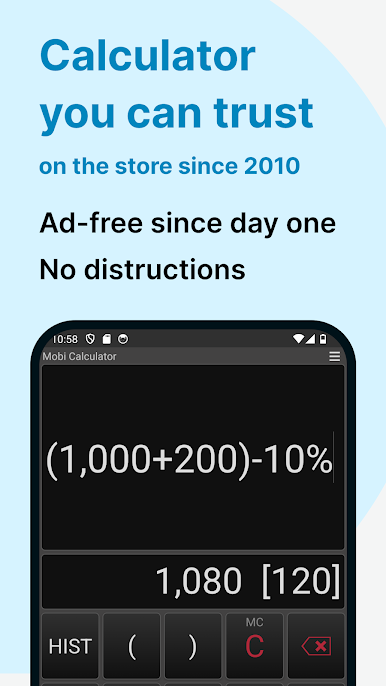
No surprise pop-ups, no accidental taps—just clean, uninterrupted calculating whenever you need it. -
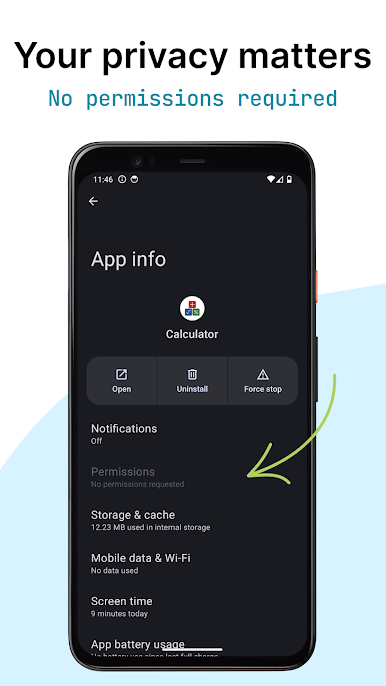
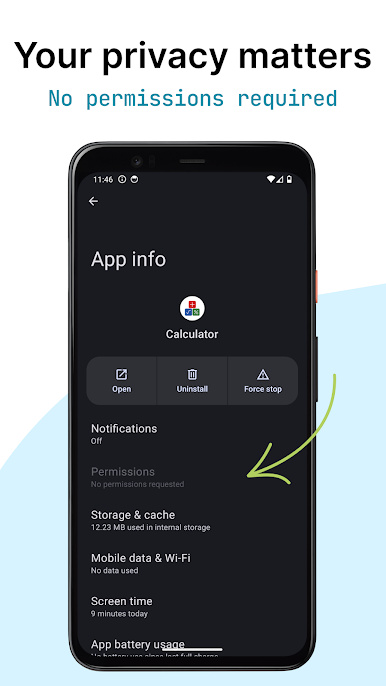
Privacy First
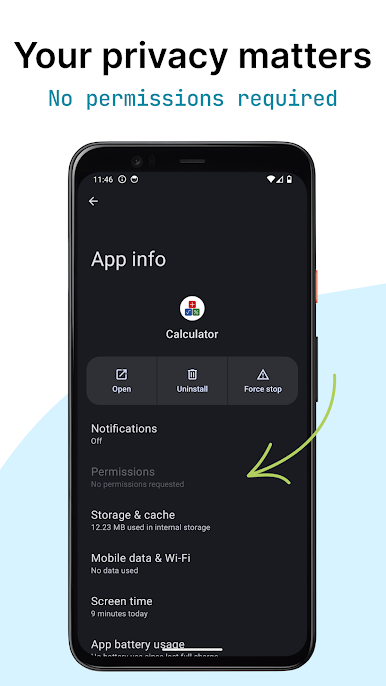
No sneaky data collection. The app doesn’t ask for odd permissions, so your info stays yours. -
Percentage Wizardry
Whether it’s figuring out discounts, tax, or interest, the percentage tools are super straightforward. -
Classic Calculator Functions
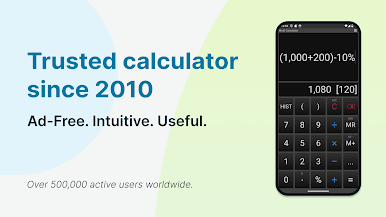
Want to save a result (M+), recall it (MR), or reuse and update your numbers? The familiar memory buttons are all here. -
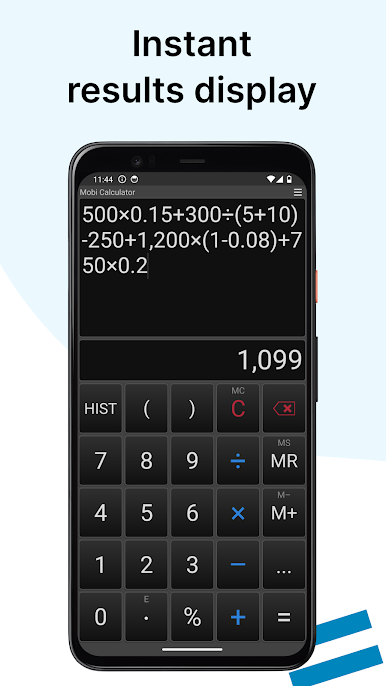
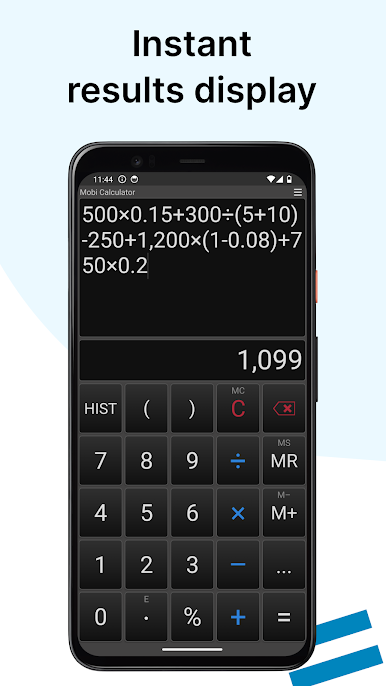
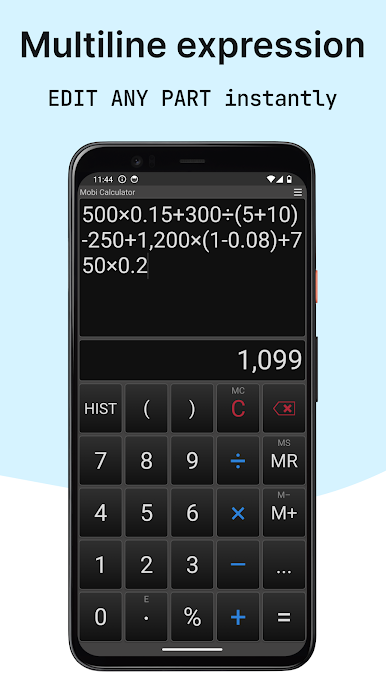
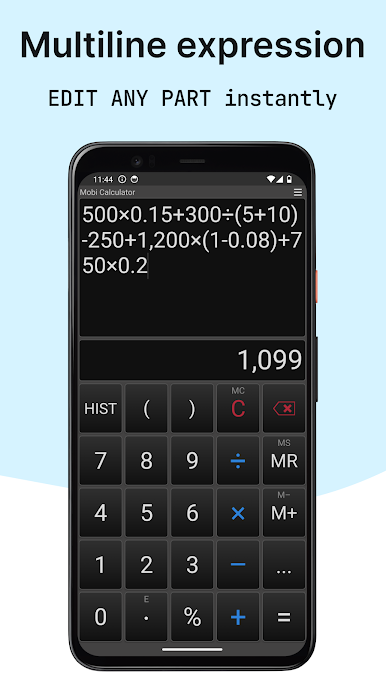
Handles Complicated Expressions
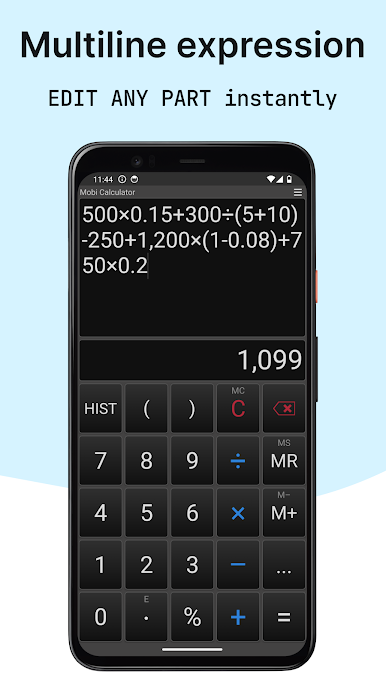
Stack up multiple calculations in one go and see your equations all at once—no more losing track of steps. -
Big Buttons & Customizable Looks
Choose between handy themes, enjoy large buttons (no more typos!), and even tweak which controls appear up front. -
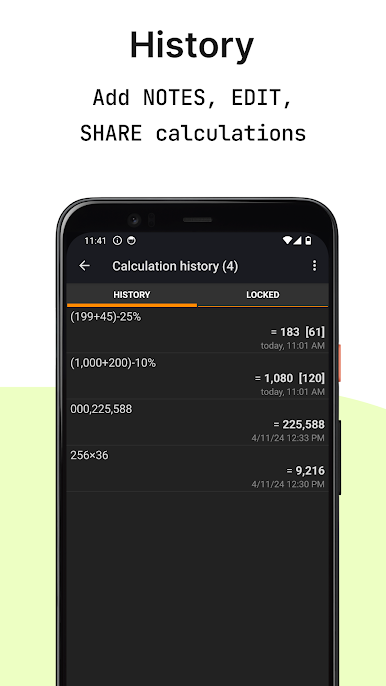
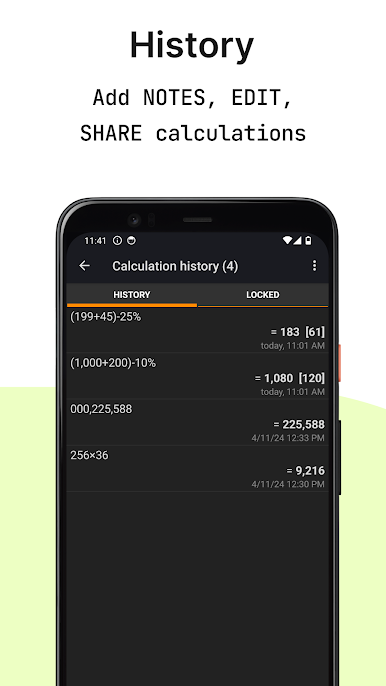
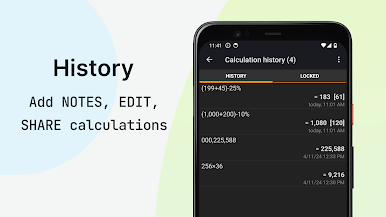
Complete Calculation History
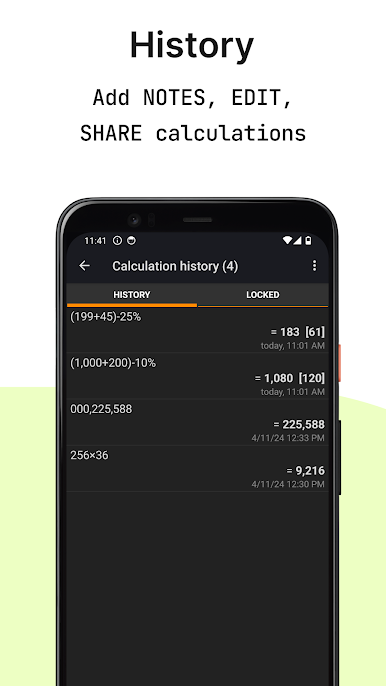
Keep track of every result, add your own notes, and share results—ideal when double-checking your math or sharing with a friend. -
Advanced Modes for Power Users
Need to switch to HEX, BIN, or OCT (great for the techies)? Advanced numerical modes are there if you want them. -
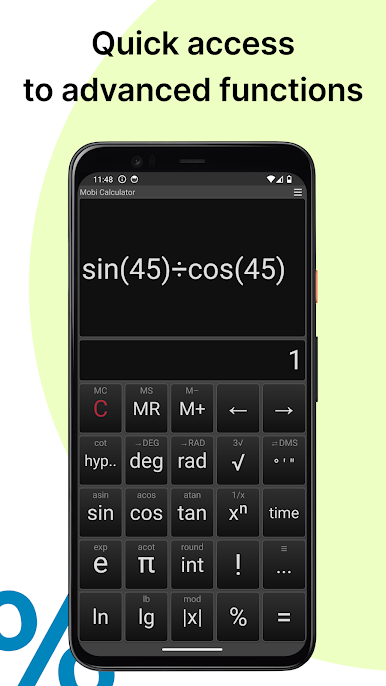
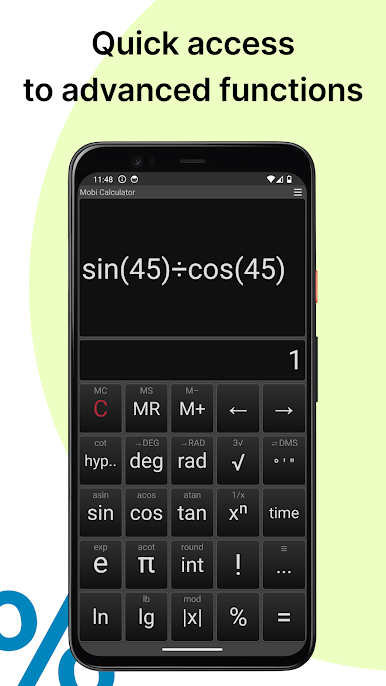
Basic and Scientific Functions
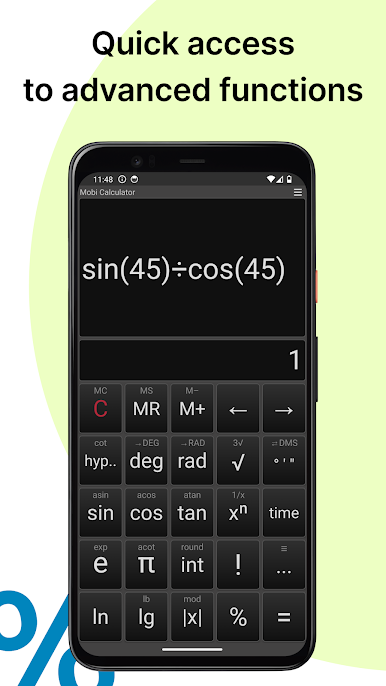
Roots, exponents, trigonometric stuff like sine and cosine—all those extras for school or work are tucked right in. -
Accurate & Lightweight
Works with up to 30 digits, so precision isn’t a problem, and it keeps your device fast because it barely takes any space. -
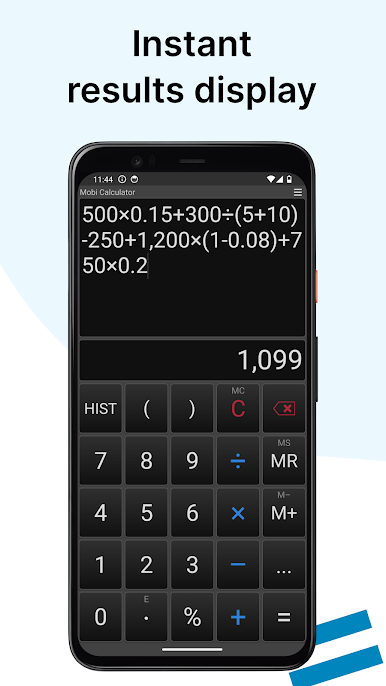
Real-Time Calculating
See your results instantly as you type—no more hunting for “equals” every single time. -
Multilingual Support
Switch languages within the app as needed—no need to be stuck with just English. -
Battery-Friendly Dark Themes
Prefer to save your eyes at night or your battery during the day? Choose from sleek, modern looks to fit your style and needs. -
Flexible on Every Device
Works smoothly on your device—and you can take advantage of a bigger screen with BlueStacks if you want to do some heavy-duty problem solving.
Switch to BlueStacks and make the most of your apps on your PC or Mac.
Play Calculator MobiCalc on PC. It’s easy to get started.
-
Download and install BlueStacks on your PC
-
Complete Google sign-in to access the Play Store, or do it later
-
Look for Calculator MobiCalc in the search bar at the top right corner
-
Click to install Calculator MobiCalc from the search results
-
Complete Google sign-in (if you skipped step 2) to install Calculator MobiCalc
-
Click the Calculator MobiCalc icon on the home screen to start playing

