

English4Kids
Play on PC with BlueStacks – the Android Gaming Platform, trusted by 500M+ gamers.

Page Modified on: Jan 14, 2026
Run English4Kids on PC or Mac
What’s better than using English4Kids by MITSoftwarelab? Well, try it on a big screen, on your PC or Mac, with BlueStacks to see the difference.
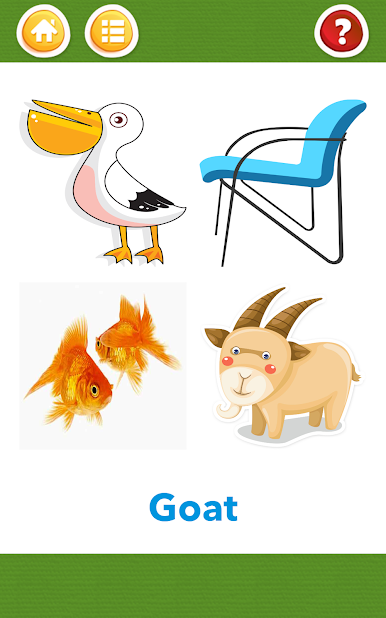
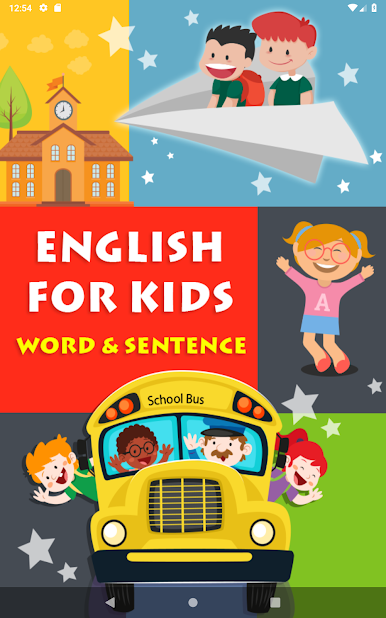
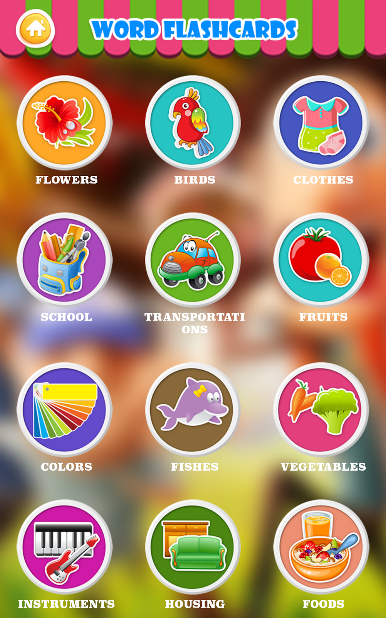
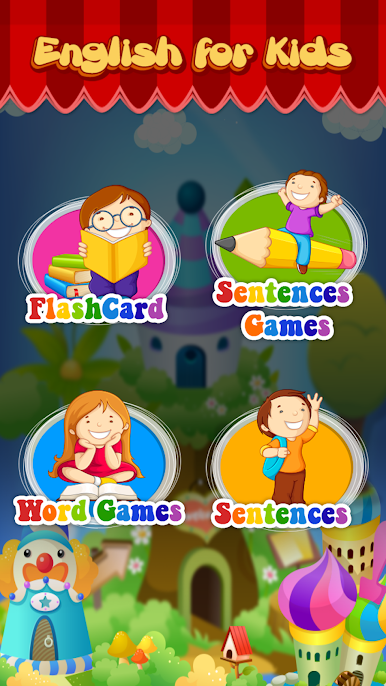
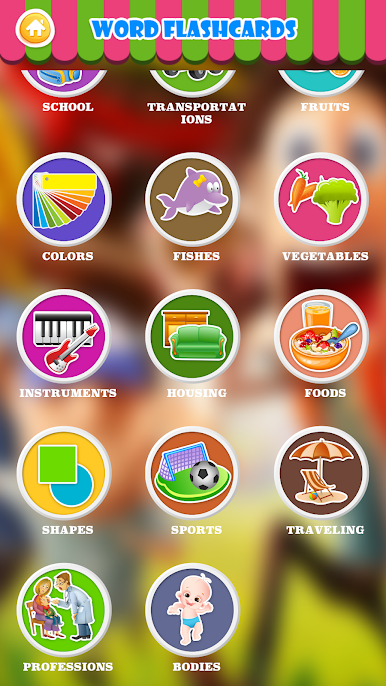
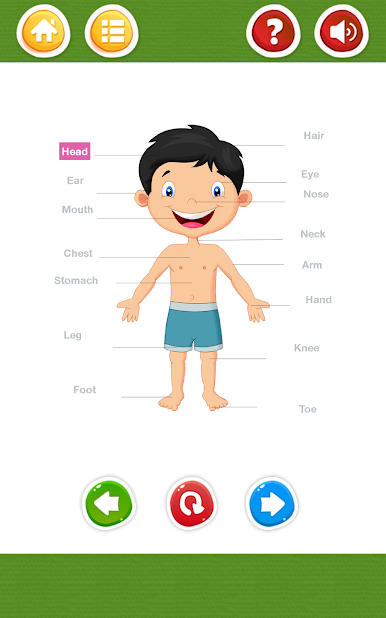
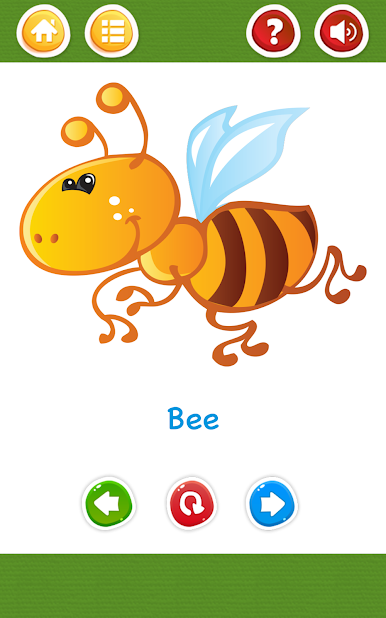
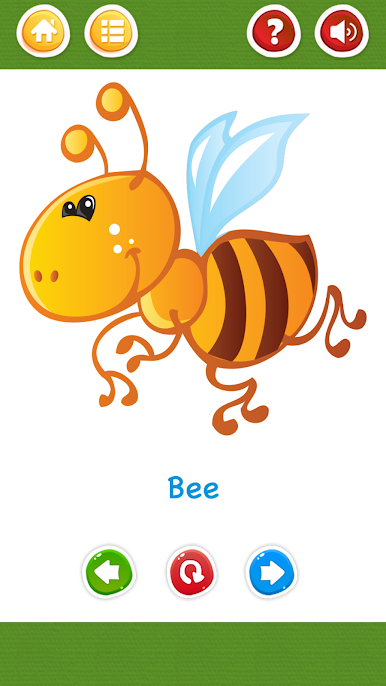
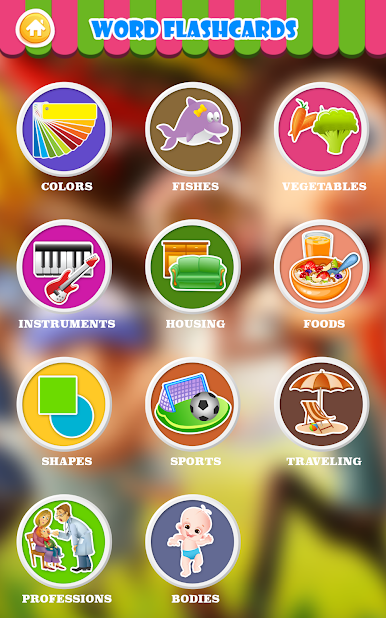
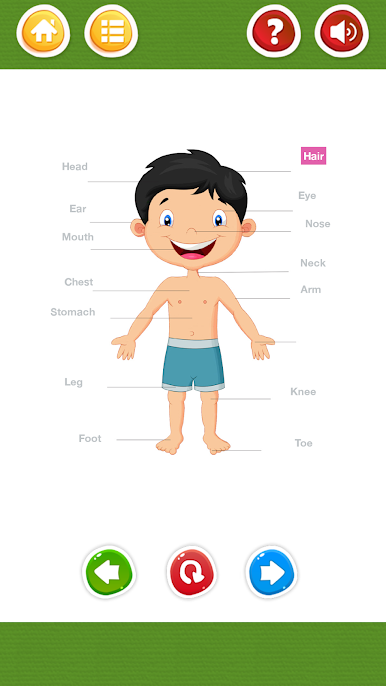
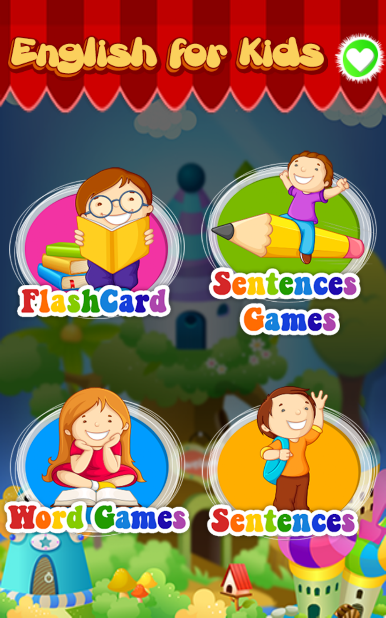
English4Kids feels like a bright little toolkit for early English practice. It focuses on flashcards and short sentences, so toddlers, preschoolers, and kids around grade 1 to 3 can learn without feeling overwhelmed. There are lots of topics with a few hundred word cards, each with a clear picture and a voice that says the word. Tap or click and the picture reacts, which keeps attention better than a plain list. On BlueStacks, the big screen makes everything easy to see, and clicking through cards with a mouse is calm and steady for small hands.
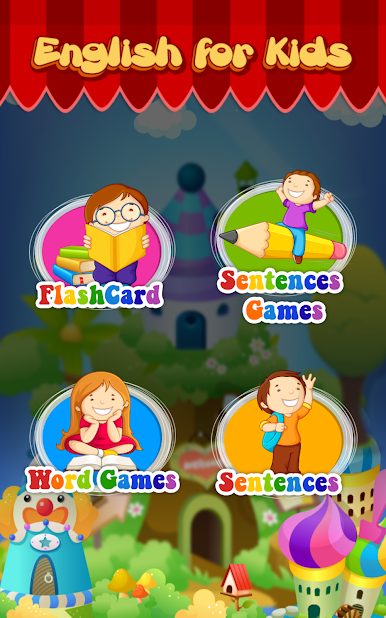
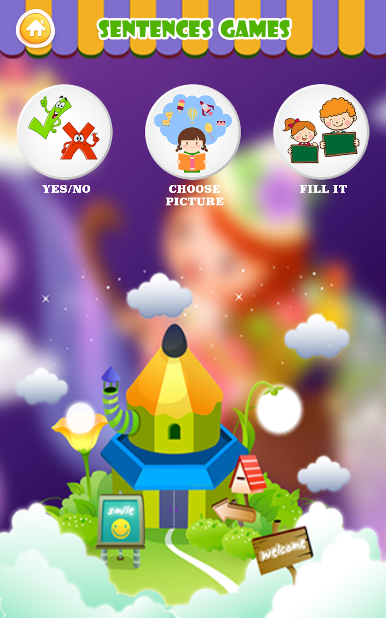
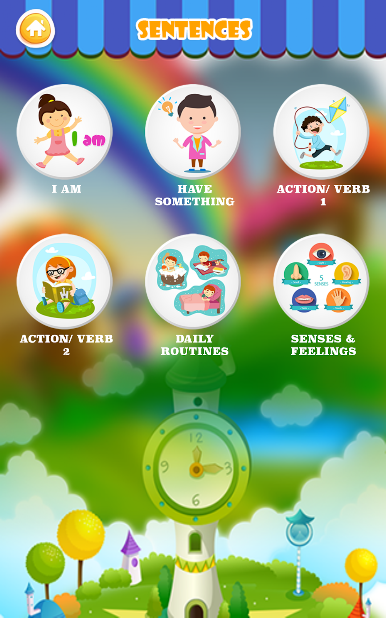
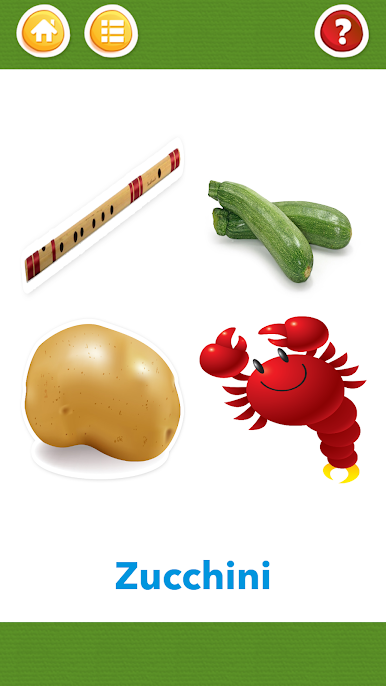
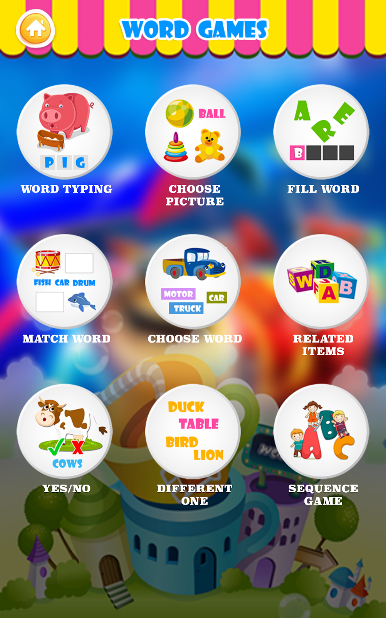
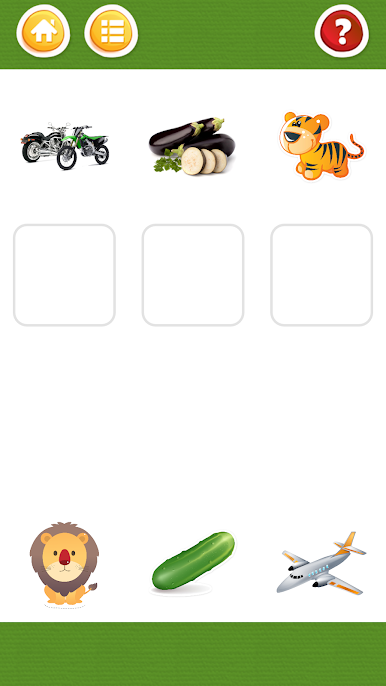
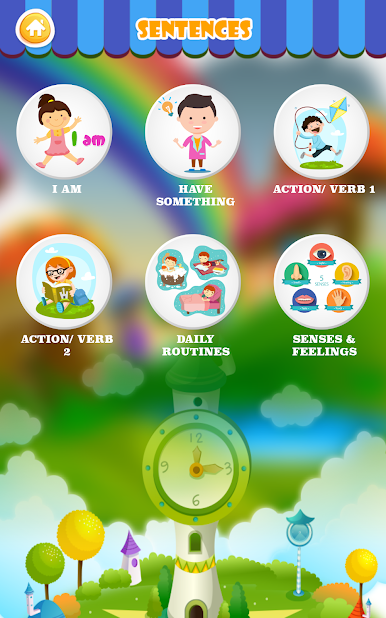
The sentence section is a simple step up from single words. Short, useful lines that reuse the same vocabulary, spoken slowly, so new learners do not get lost. What stands out is how clean the flow is. Big buttons, simple paths, no confusing extras. The two game areas, Word Games and Sentence Games, give quick rounds that help the words and sentences stick by mixing pictures and sound. Adults who are starting English can use it as well, since the language stays basic and clear. It will not cover complex grammar, but for building a starting set of words and getting used to hearing them out loud, it does its job, and kids tend to keep going without a fuss.
Big screen. Bigger performance. Use BlueStacks on your PC or Mac to run your favorite apps.



Play English4Kids on PC. It’s easy to get started.
-
Download and install BlueStacks on your PC
-
Complete Google sign-in to access the Play Store, or do it later
-
Look for English4Kids in the search bar at the top right corner
-
Click to install English4Kids from the search results
-
Complete Google sign-in (if you skipped step 2) to install English4Kids
-
Click the English4Kids icon on the home screen to start playing

