


Math Solver
Play on PC with BlueStacks – the Android Gaming Platform, trusted by 500M+ gamers.

Page Modified on: Jan 4, 2024
Run Math Solver on PC or Mac
Let BlueStacks turn your PC, Mac, or laptop into the perfect home for Math Solver, a fun Education app from NaNSolvers.
About the App
There’s a lot going on in math class—and Math Solver by NaNSolvers is here to help make sense of it all. Whether you’re puzzling over geometry, wrangling quadratic equations, or keeping track of math sequences, this app’s got your back. You’ll find step-by-step solutions and a bunch of tools, so working through problems actually feels manageable. If you’ve ever wished math could be a little less mysterious, this one’s worth checking out.
App Features
-
Step-by-Step Solutions
Stuck on a problem? The app breaks things down into clear, easy-to-follow steps, so you can see exactly how to reach the answer. -
All-In-One Math Toolkit
Covering topics like algebra, geometry, linear systems, quadratic and linear functions, sequences, and vectors, it’s a bit like having a portable math tutor in your pocket. -
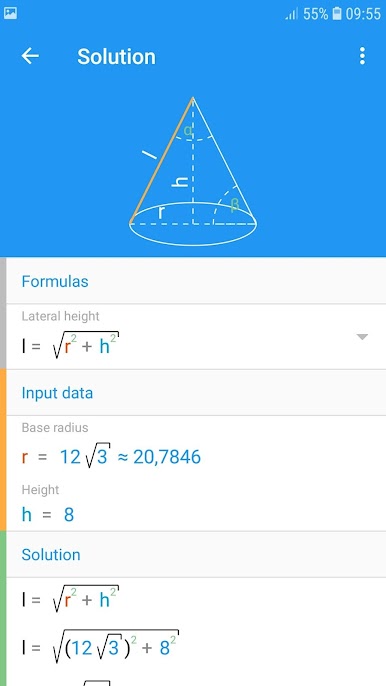
Geometry Explored
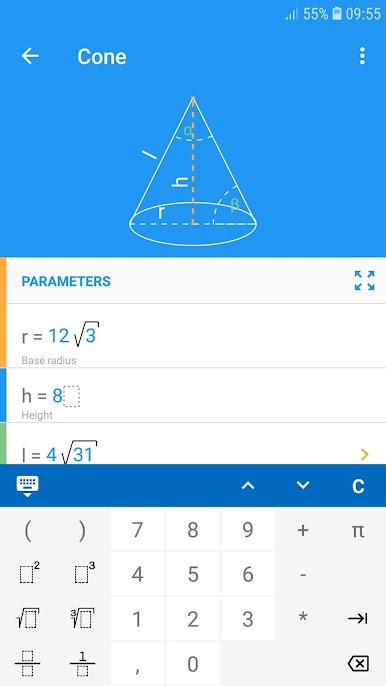
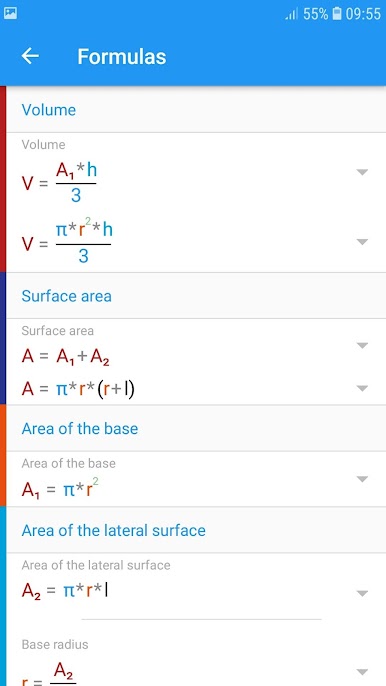
Need to figure out the sides of a triangle or the area of an ellipse? You’ll get help with all sorts of shapes—triangles, quadrilaterals, polygons, circles, solids, prisms, pyramids, and more. -
Equations and Inequalities
From first-degree equations to quadratic inequalities and even those confusing equations with parameters, the app tackles them all. -
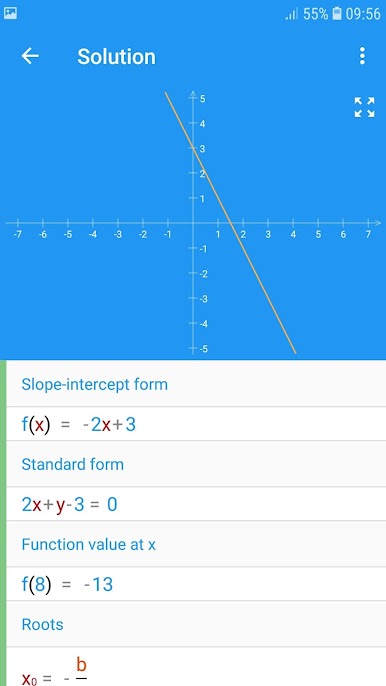
Functions Made Simple
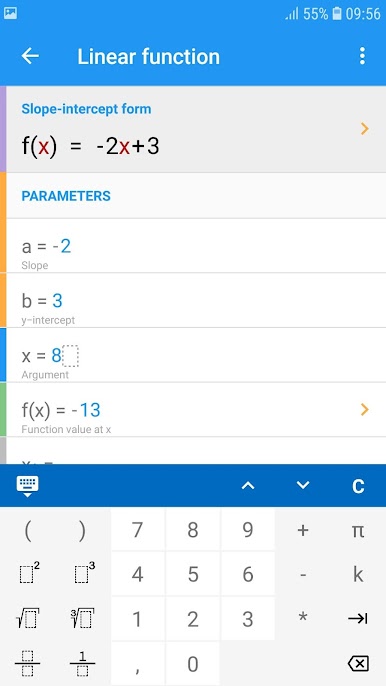
It demystifies quadratic and linear functions, laying out forms like standard and vertex form, and pointing out key thing like slopes, intercepts, and roots. -
Linear Systems Solved Four Ways
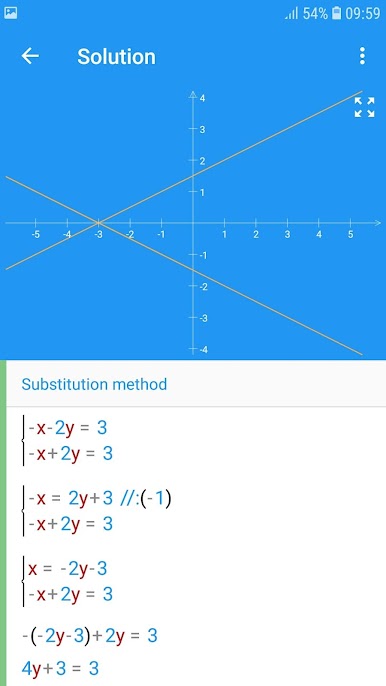
Choose your favorite method—substitution, elimination, graphing, or determinants—to solve linear systems. It’s up to you. -
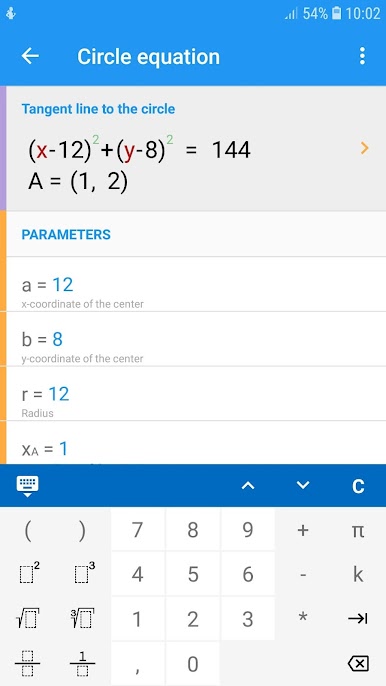
Circle Equation Help
Get support with both standard and general forms of circle equations, as well as things like tangent lines. -
Math Sequences Demystified
Struggling with arithmetic or geometric progressions? The app spells out properties, sums, and all those formulas. -
Algebra Basics Sorted
Handy tools for finding the greatest common divisor, least common multiple, and more. -
Vector Calculations
Work in both 2D and 3D spaces—sort out length, dot and cross products, and handle vector addition or subtraction. -
Comprehensive Units Calculator
Converting between units gets less confusing when you can handle length, mass, time, temperature, energy, data, and more in one place.
Math Solver fits smoothly on your phone, or you can get an even bigger view with BlueStacks if you prefer handling math on your computer.
Ready to experience Math Solver on a bigger screen, in all its glory? Download BlueStacks now.

Play Math Solver on PC. It’s easy to get started.
-
Download and install BlueStacks on your PC
-
Complete Google sign-in to access the Play Store, or do it later
-
Look for Math Solver in the search bar at the top right corner
-
Click to install Math Solver from the search results
-
Complete Google sign-in (if you skipped step 2) to install Math Solver
-
Click the Math Solver icon on the home screen to start playing

