


SYOK - Radio, Music & Podcast
Play on PC with BlueStacks – the Android Gaming Platform, trusted by 500M+ gamers.

Page Modified on: Oct 19, 2026
Main SYOK - Radio, Music & Podcast on PC
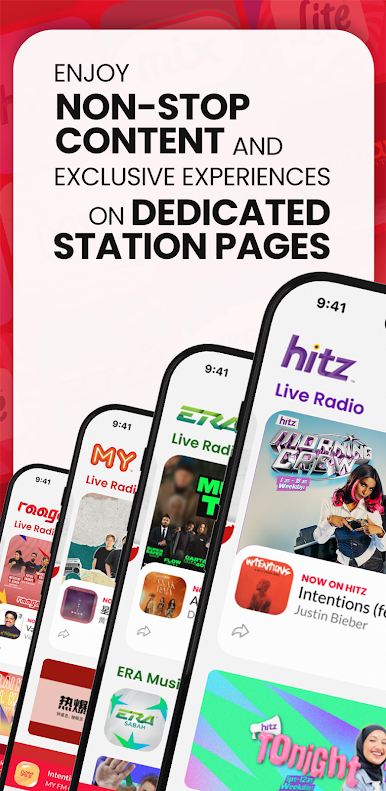
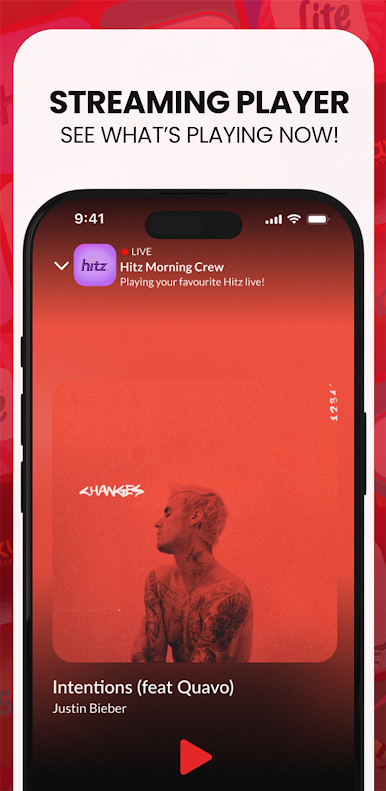
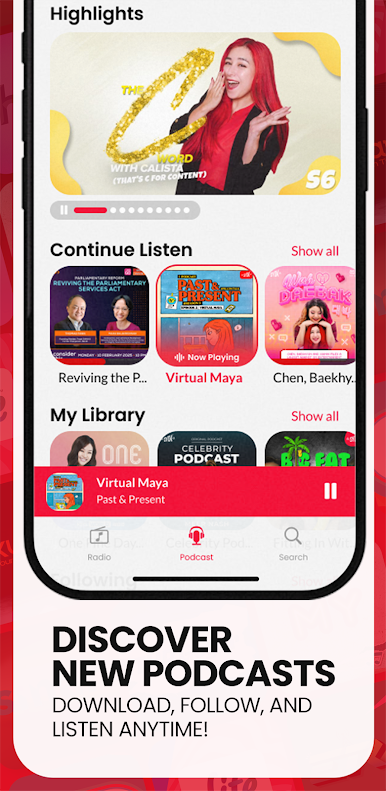
The latest app revamp brings you closer to your favourite radio stations with a sleek interface & immersive experience.
Enjoy a streamlined design where everything you love is just a tap away, featuring bold visuals and an intuitive design that enhances your listening experience.
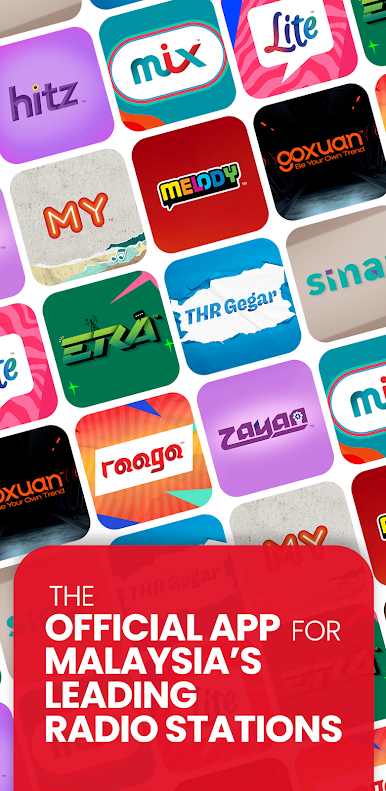
SYOK app is the official digital streaming platform for Malaysia's leading radio stations:
• ERA – Muzik Hit Terkini
• SINAR – Muzik Retro Terbaik
• ZAYAN – Destinasi Nasyid Anda
• THR GEGAR – No. 1 Permata Pantai Timur
• HITZ – All the HITZ, All the Time
• MIX – Today's Best Music
• LITE – All-Time Favourites
• MY FM – MY FM, 好玩!
• GOXUAN – Be Your Own Trend
• MELODY – 强打好歌, 强大资讯
• RAAGA – Aaha... Sirantha Isai


Play SYOK - Radio, Music & Podcast on PC. It’s easy to get started.
-
Download and install BlueStacks on your PC
-
Complete Google sign-in to access the Play Store, or do it later
-
Look for SYOK - Radio, Music & Podcast in the search bar at the top right corner
-
Click to install SYOK - Radio, Music & Podcast from the search results
-
Complete Google sign-in (if you skipped step 2) to install SYOK - Radio, Music & Podcast
-
Click the SYOK - Radio, Music & Podcast icon on the home screen to start playing

