


Guild Wars® Reforged
Play on PC with BlueStacks – the Android Gaming Platform, trusted by 500M+ gamers.

Page Modified on: Jun 24, 2026
Main Guild Wars® Reforged on PC
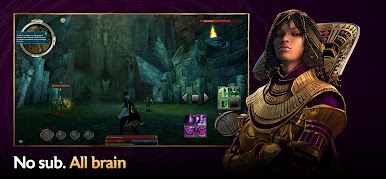
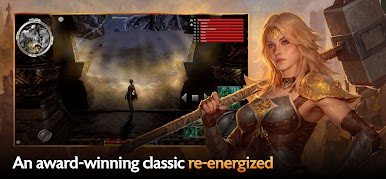
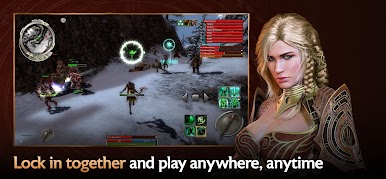
Choose your adventure: Incredible stories await across 3 massive parallel campaigns. Explore hundreds of quests, challenging missions, holiday event surprises, and more!
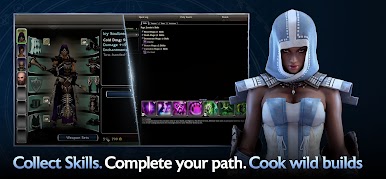
Choose your build: Craft unique builds from ten professions and personalize your gameplay by combining armor sets, weapons, and thousands of skills. As you adventure, explore new lands, and conquer new foes, your arsenal of abilities will grow.
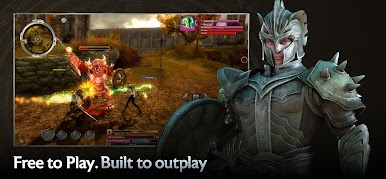
Choose your allies: Party up with other players, create a team of reliable NPC henchmen, or recruit customizable heroes to join you in fun, tactical battles.
Choose your challenge: Test your team's mettle against other players in PVP—or complete a PvE campaign to challenge yourself with hard-mode versions of maps and missions.
©2005-2026 ArenaNet, LLC. All rights reserved. All trademarks are the property of their respective owners.
Play Guild Wars® Reforged on PC. It’s easy to get started.
-
Download and install BlueStacks on your PC
-
Complete Google sign-in to access the Play Store, or do it later
-
Look for Guild Wars® Reforged in the search bar at the top right corner
-
Click to install Guild Wars® Reforged from the search results
-
Complete Google sign-in (if you skipped step 2) to install Guild Wars® Reforged
-
Click the Guild Wars® Reforged icon on the home screen to start playing

