


JotLink
Play on PC with BlueStacks – the Android Gaming Platform, trusted by 500M+ gamers.

Page Modified on: Nov 28, 2025
Play JotLink on PC
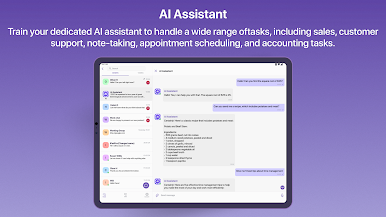
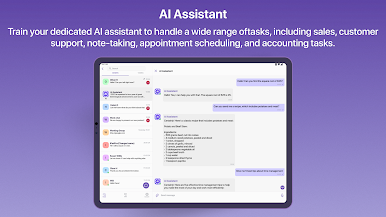
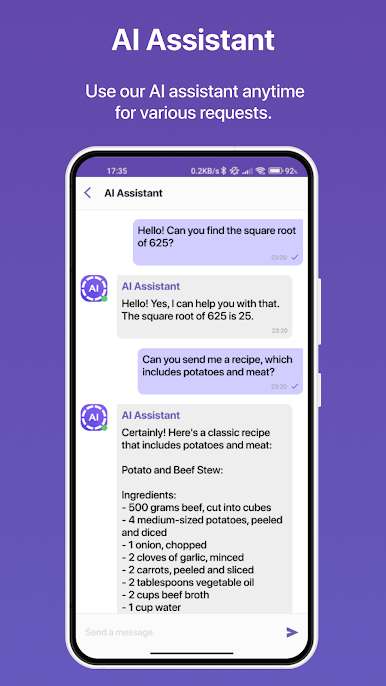
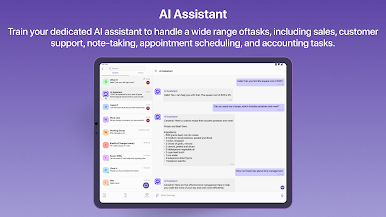
・ AI Chat: Get instant help with any questions with AI assistance.
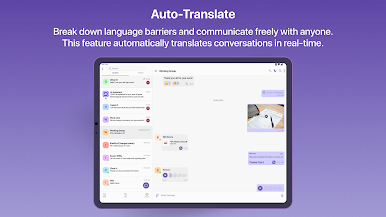
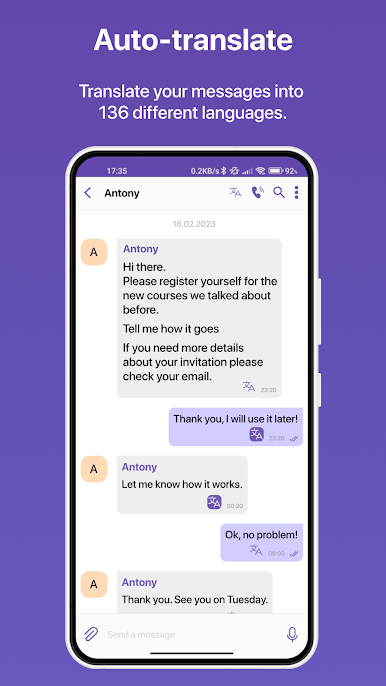
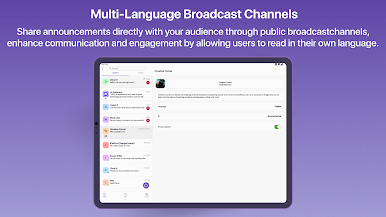
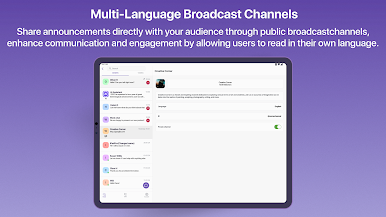
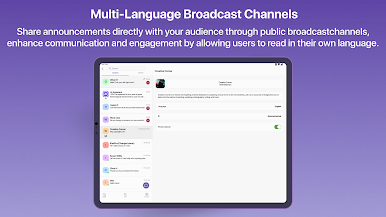
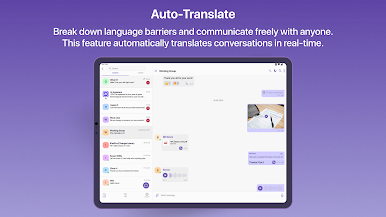
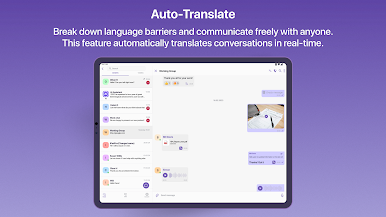
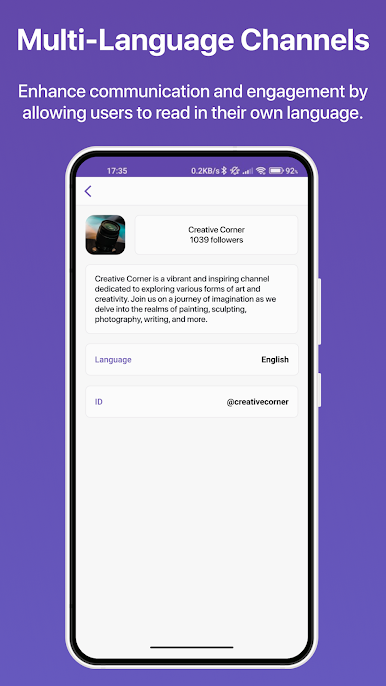
・ Chat auto-translation: automatically translates messages sent in one language into the user’s preferred language in real time during a chat conversation.
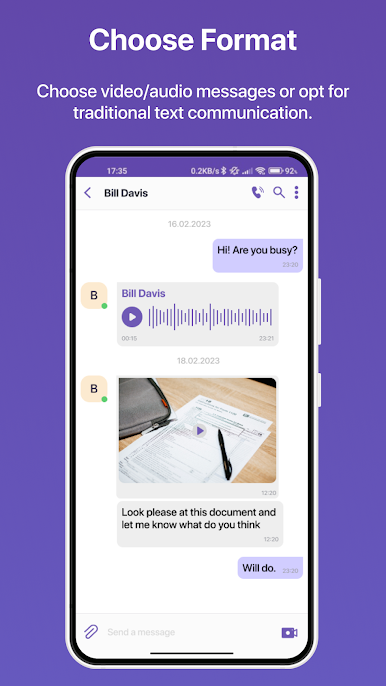
・ Text, voice, and video messages: Send messages in your preferred format for seamless communication.
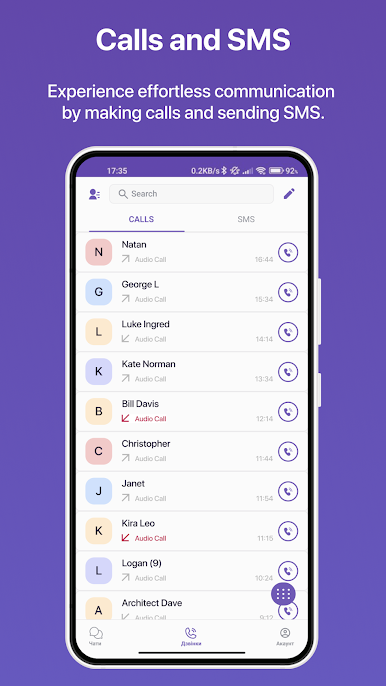
・ Voice and video calls: Make voice and video calls with crystal-clear audio and video quality.
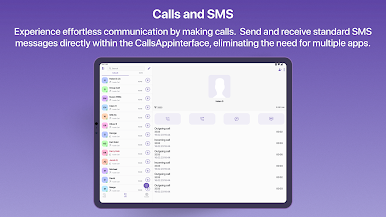
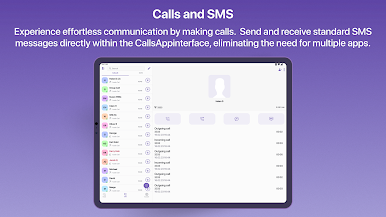
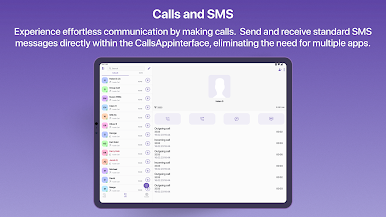
・ Send calls or SMS to regular phone numbers: Reach out to anyone, anywhere, at very competitive rates.
・ Receive calls or SMS from any phone network: Stay connected with your contacts no matter what network they're on.
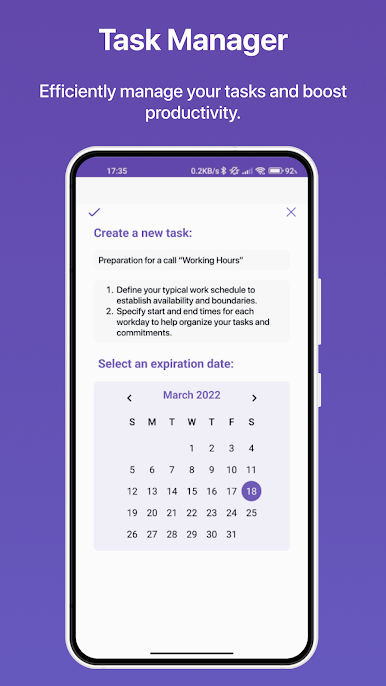
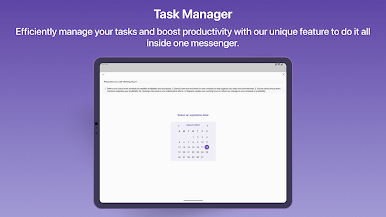
・ Simple task manager: Keep track of your to-do list and never miss a deadline.
・ Anonymous chat: Engage in private conversations with participants who remain incognito.
・ Hidden chats: The ability to hide chats for added privacy and organization.
・ Roaming free eSIM data: Stay connected while abroad without worrying about roaming charges.
・ All features of the business phone system: Get access to a full suite of business phone system features.
・ High-secure encryption: All communications are protected by high-secure protocols to ensure privacy and security.
And that's just the tip of the iceberg. With JotLink, you'll have everything you need to stay connected, productive, and on top of your game. Try it today!
At JotLink, we value the feedback of our users and are dedicated to providing the best experience possible. We kindly ask that you leave an objective review based on your experience using our app. If you have any questions or need assistance, please use the "Support" button within the app for prompt assistance.
Play JotLink on PC. It’s easy to get started.
-
Download and install BlueStacks on your PC
-
Complete Google sign-in to access the Play Store, or do it later
-
Look for JotLink in the search bar at the top right corner
-
Click to install JotLink from the search results
-
Complete Google sign-in (if you skipped step 2) to install JotLink
-
Click the JotLink icon on the home screen to start playing

