


Lea & Pop - Baby songs cartoon
Play on PC with BlueStacks – the Android Gaming Platform, trusted by 500M+ gamers.

Page Modified on: Aug 28, 2025
Run Baby Songs with Lea and Pop on PC or Mac
Upgrade your experience. Try Baby Songs with Lea and Pop, the fantastic Education app from COLORCITY – Nursery Rhymes and Children’s Songs, from the comfort of your laptop, PC, or Mac, only on BlueStacks.
About the App
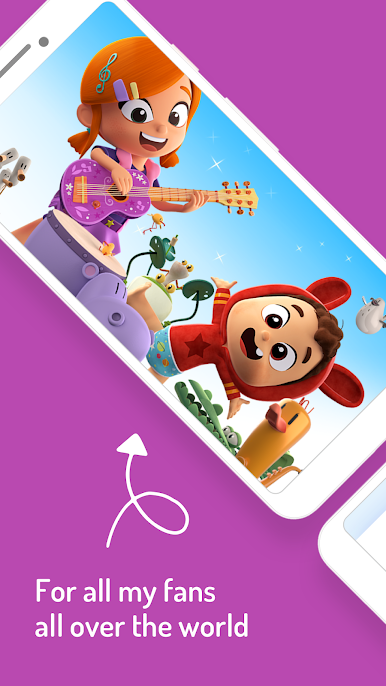
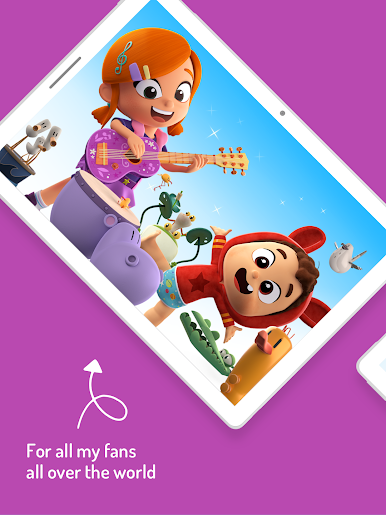
Baby Songs with Lea and Pop is a cheerful mix of music, movement, and early learning for little ones. Kids follow Lea, her baby brother Pop, and their musical friends as songs turn everyday moments into lessons about numbers, colors, emotions, and good habits. It’s bright, safe, and playful—made by COLORCITY – Nursery Rhymes and Children’s Songs for the Education genre.
App Features
- Musical learning made simple — Catchy nursery rhymes and kids’ songs introduce ABCs, counting, colors, rhythms, new words, and social-emotional skills in a way that sticks.
- Sing, dance, repeat — Every video invites clapping, wiggling, and following the beat, helping kids practice coordination while they have fun.
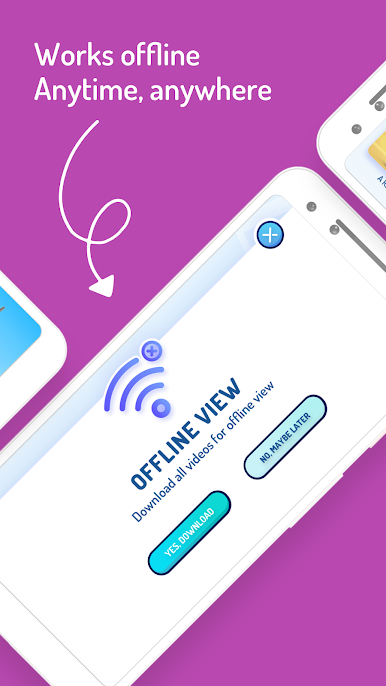
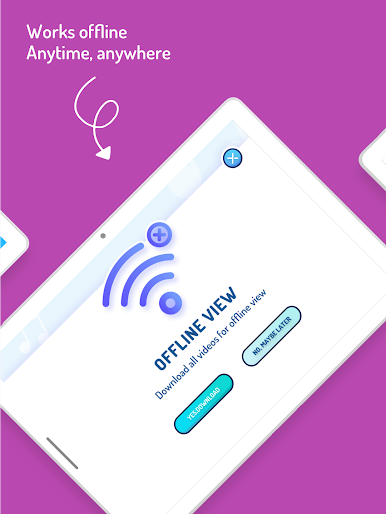
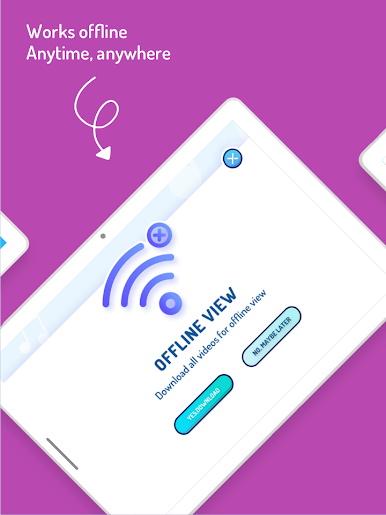
- Offline anytime — Connect to Wi‑Fi and the app automatically saves episodes for offline viewing. Road trips, flights, waiting rooms… you’re covered.
- No ads — A clean, ad-free space so kids can watch and learn without interruptions or surprise clicks.
- Free trial — Explore the full library with a 3‑ or 7‑day free trial before subscribing; billing starts up to 24 hours before the trial ends.
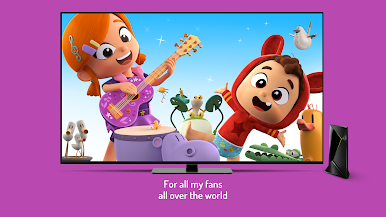
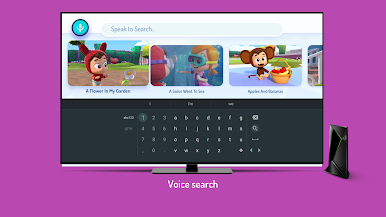
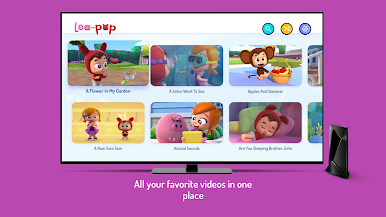
- Watch on TV — Use GoogleCast to watch on the big screen. Cozy family sing‑along night? Easy.
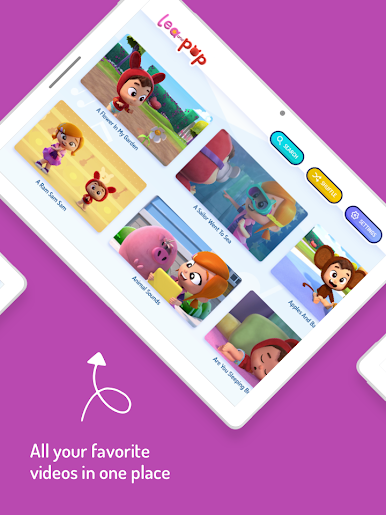
- Kid-friendly design — Big buttons, simple navigation, and a layout toddlers can actually use on their own.
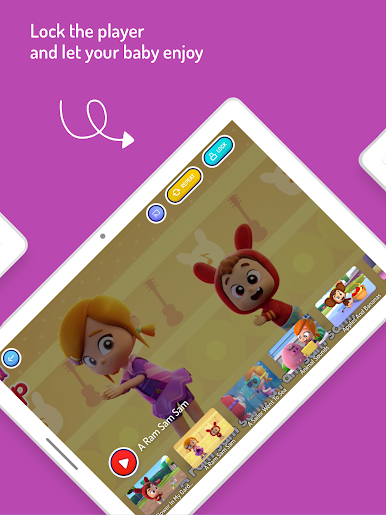
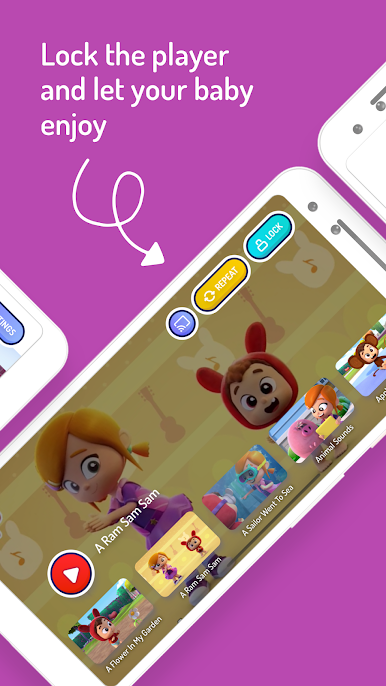
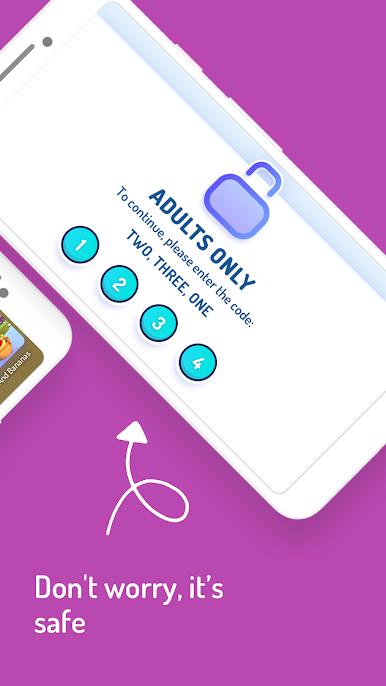
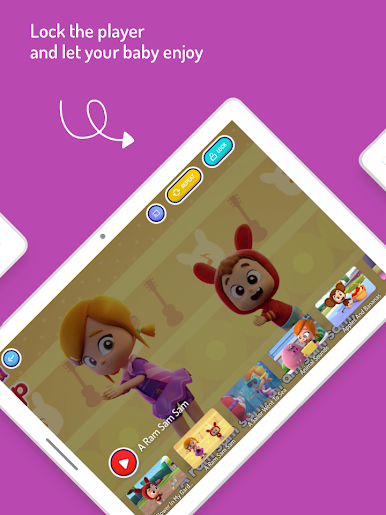
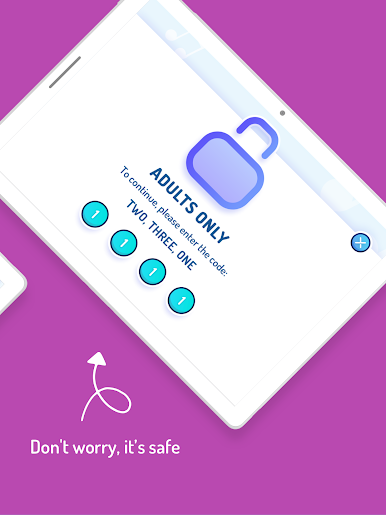
- Parent controls — Set limits, manage what’s available, and use the parent lock so curious taps won’t stop the show mid-song.
- Made with care — Content is curated by early childhood educators and crafted for preschoolers and kindergarteners.
- Big screen option on PC — Prefer a computer setup? You can also run Baby Songs with Lea and Pop with BlueStacks for a comfy couch experience.
BlueStacks gives you the much-needed freedom to experience your favorite apps on a bigger screen. Get it now.



Play Lea & Pop - Baby songs cartoon on PC. It’s easy to get started.
-
Download and install BlueStacks on your PC
-
Complete Google sign-in to access the Play Store, or do it later
-
Look for Lea & Pop - Baby songs cartoon in the search bar at the top right corner
-
Click to install Lea & Pop - Baby songs cartoon from the search results
-
Complete Google sign-in (if you skipped step 2) to install Lea & Pop - Baby songs cartoon
-
Click the Lea & Pop - Baby songs cartoon icon on the home screen to start playing

