


Super Marine Defense
Play on PC with BlueStacks – the Android Gaming Platform, trusted by 500M+ gamers.

Page Modified on: Feb 5, 2026
Main Super Marine Defense on PC
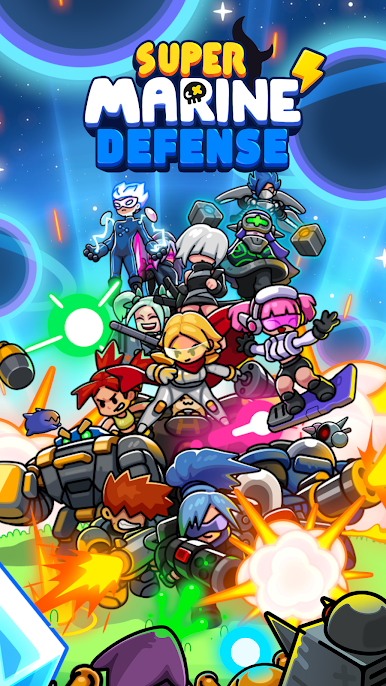
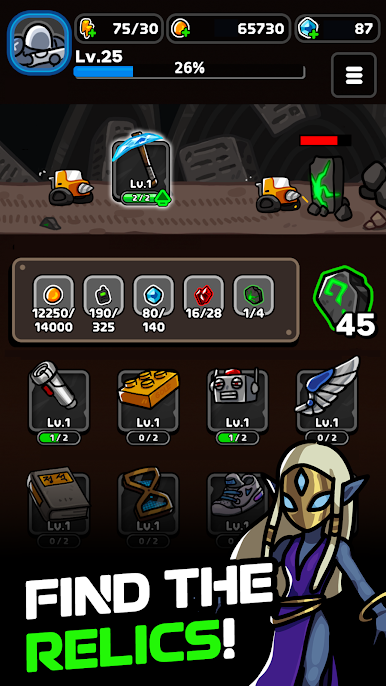
Amidst an endless horde of monsters, you are the commander of the Marine Legion. Your mission: save the universe!
Newbies, welcome! Never surrender! The adventure begins with YOU!
◼︎ Over 30 Unique Super Marines
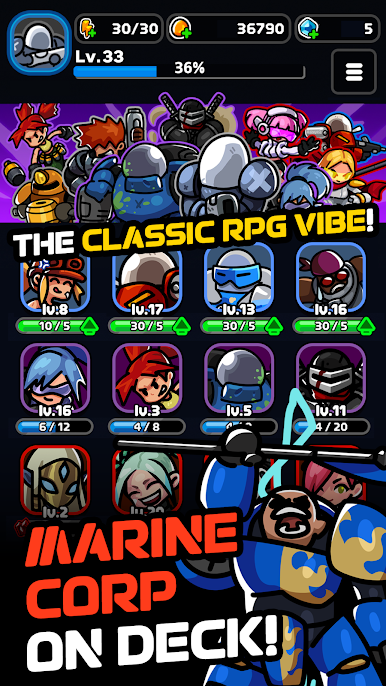
From Drill Marines to Gambler Marines, diverse army of over 30 Super Marines at your command!
Experience the classic RPG feel: Collect, Enhance, and Dispatch!
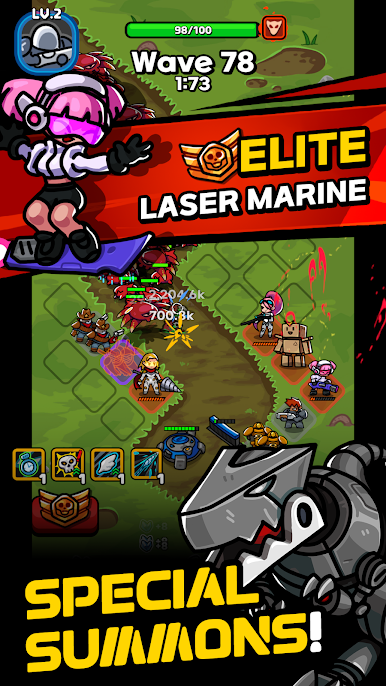
Feel the rush of summoning powerful Elite Units!
◼︎ Perfect Blend of Strategy and RNGesus
Strategic placements + chaos of unpredicable luck!
Your skills, timing, and control will determine victory or defeat!
The entire battle begins at your fingertips!
◼︎ Intense Wave Defense
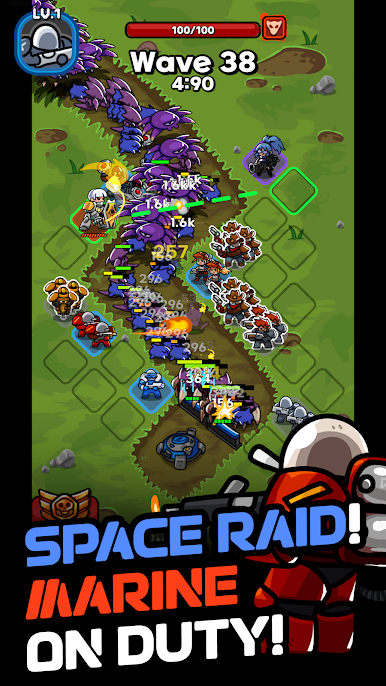
Face down an endless invasion of cosmic monsters.
Survive tense battles against enemies that grow stronger with every wave.
Unleash dazzling skills and experience electrifying combat action!
◼︎ The Classic RPG Vibes
Laser beams, explosive fireballs, and AoE stuns. Enjoy insane combat elements!
All the fun and nostalgia of the classics, remade for today!
[Customer Support]
service.smd@gameduo.net
[Privacy Policy]
https://gameduo.net/en/privacy-policy
[Terms of Service]
https://gameduo.net/en/terms-of-service
- All in-app purchase prices include VAT.

Play Super Marine Defense on PC. It’s easy to get started.
-
Download and install BlueStacks on your PC
-
Complete Google sign-in to access the Play Store, or do it later
-
Look for Super Marine Defense in the search bar at the top right corner
-
Click to install Super Marine Defense from the search results
-
Complete Google sign-in (if you skipped step 2) to install Super Marine Defense
-
Click the Super Marine Defense icon on the home screen to start playing

