

God Field
Play on PC with BlueStacks – the Android Gaming Platform, trusted by 500M+ gamers.

Page Modified on: Apr 24, 2026
Play God Field on PC or Mac
Join millions to experience God Field, an exciting Card game from Guuji. With BlueStacks App Player, you are always a step ahead of your opponent, ready to outplay them with faster gameplay and better control with the mouse and keyboard on your PC or Mac.
About the Game
Ever wondered what it’s like to brawl for power among the gods? God Field tosses you right into the thick of things, where ancient deities and their prophets are locked in a chaotic struggle. The Earth God has drifted into a deep slumber, messing up the balance and throwing everyone into a scramble for control. Whether you’re a longtime Card fan or just curious about epic showdowns, this game throws you into a world where quick thinking and a bit of luck go hand in hand.
Game Features
-
Mythical Card Battles
Step into tense matches where your cards represent powerful moves, wild tricks, and surprising comebacks. Outplay rivals by reacting on the fly—each round has its own twist. -
Play as Prophets
Choose a prophet and join the scramble for the next Earth God’s mantle. You’ll get a taste of what it’s like to fight not just for victory, but for a spot among gods. -
Ever-Changing Tactics
No two games feel the same. Your hand, your strategy, and a pinch of luck decide whether you rise or fall—sometimes you’ll pull off the perfect turnaround with just one card. -
Multiplayer Mayhem
Face off with friends or jump into matches with players from all over. It’s fast, a bit unpredictable, and always different—perfect for days when you want both brainpower and laughs. -
Smooth Card Gameplay on BlueStacks
Prefer a bigger screen and smoother controls? BlueStacks lets you get right into the action, making every match zippier and every card clearer.
Ready to top the leaderboard? We bet you do. Let precise controls and sharp visuals optimized on BlueStacks lead you to victory.
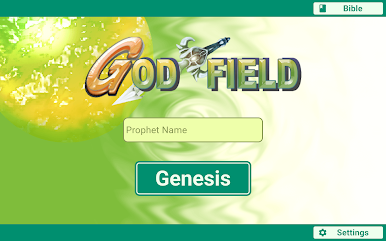
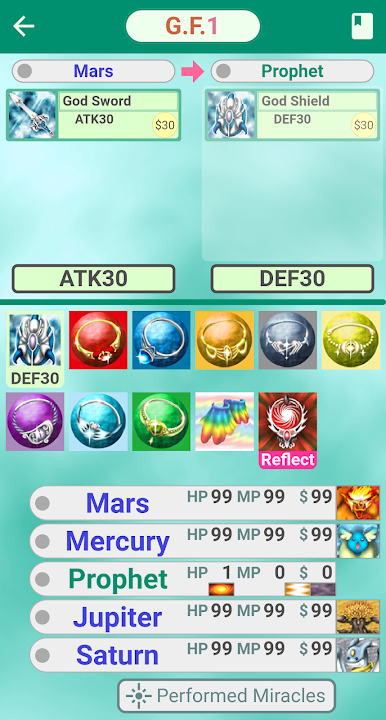
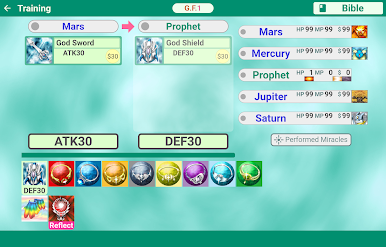
Play God Field on PC. It’s easy to get started.
-
Download and install BlueStacks on your PC
-
Complete Google sign-in to access the Play Store, or do it later
-
Look for God Field in the search bar at the top right corner
-
Click to install God Field from the search results
-
Complete Google sign-in (if you skipped step 2) to install God Field
-
Click the God Field icon on the home screen to start playing

