

Yarn Out 3D
Play on PC with BlueStacks – the Android Gaming Platform, trusted by 500M+ gamers.

Page Modified on: Sep 2, 2026
Play Yarn Out 3D on PC or Mac
Play Yarn Out 3D by Unico Studio on PC or Mac with BlueStacks. Use a bigger screen, mouse and keyboard controls, and smoother performance while you play.
About the Game
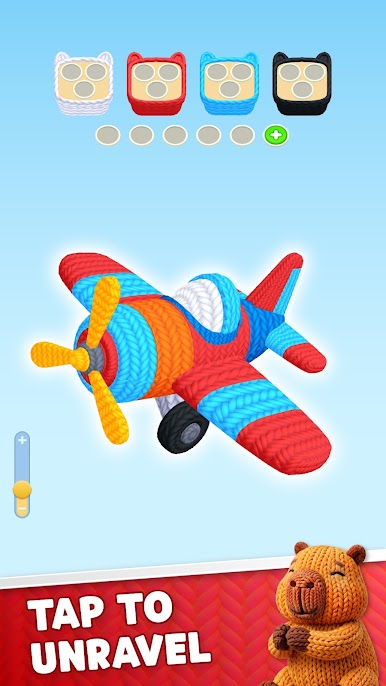
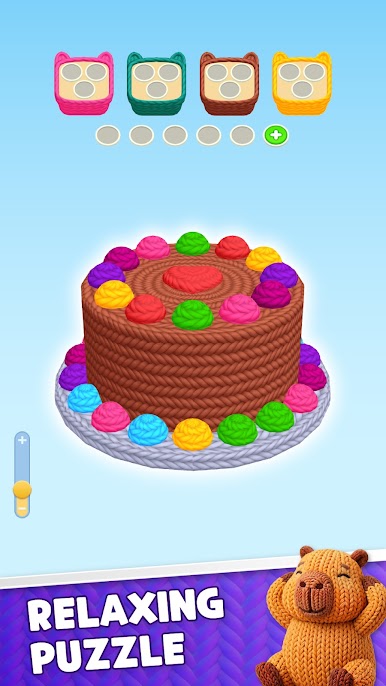
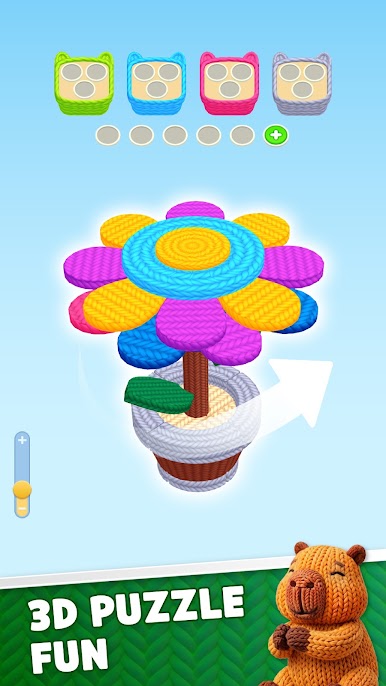
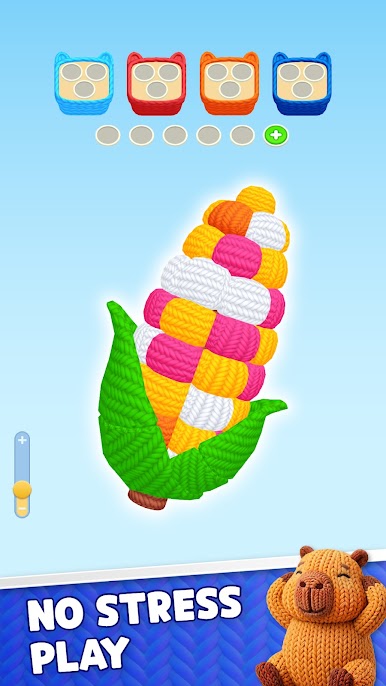
Yarn Out 3D turns tangled threads into a soothing little obsession. You’re untangling colorful yarn in a fully 3D space, where every pull affects what you can move next. It’s a Puzzle game that balances chill vibes with smart, satisfying “aha!” moments as you clear the board one careful move at a time.
Game Features
- Tactile Untangling: Pull, tap, and release yarn pieces to free blocked strands and open new paths, all in a clean 3D view that makes what’s on top or underneath easy to read.
- Order Matters: Some moves look tempting but trap you later; plan a few steps ahead, spot red herrings, and choose the right strand to move first.
- Evolving Layouts: Start with simple knots, then face layered loops, crossing threads, and bobbin-like hubs that change how the whole board behaves.
- Clear Visual Logic: Soft colors and smooth depth cues help you see overlaps at a glance, so decisions feel thoughtful instead of fussy.
- Quick to Learn, Deep to Master: The rules click fast, but late-game boards demand observation, timing, and a cool head when things get twisty.
- Smooth Flow, Zero Clutter: Each solved move snaps into place with clean animations, turning tough knots into a satisfying chain reaction.
- Great for Short Sessions: Knock out a level on a break or settle in for a longer run—each puzzle stands on its own with no grindy filler.
- Play Your Way: Easy tap-and-release controls feel natural, and it’s comfortably playable on a bigger screen with BlueStacks if that’s your thing.
Get ready for a buttery smooth, high-performance gaming action only on BlueStacks.
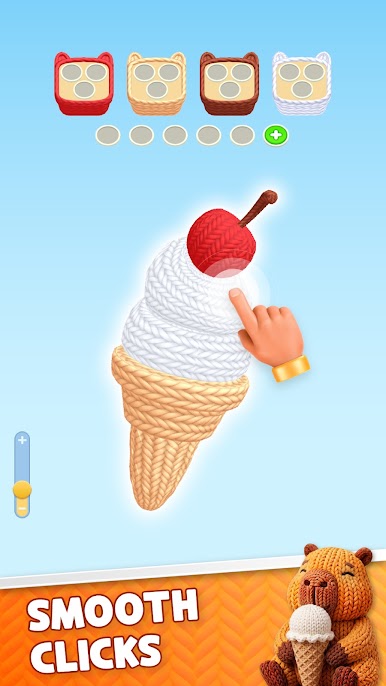
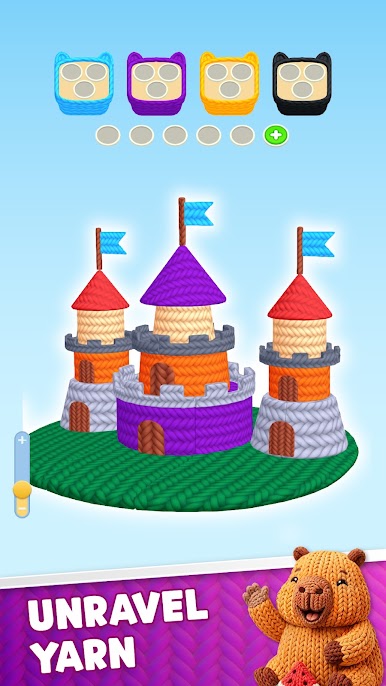
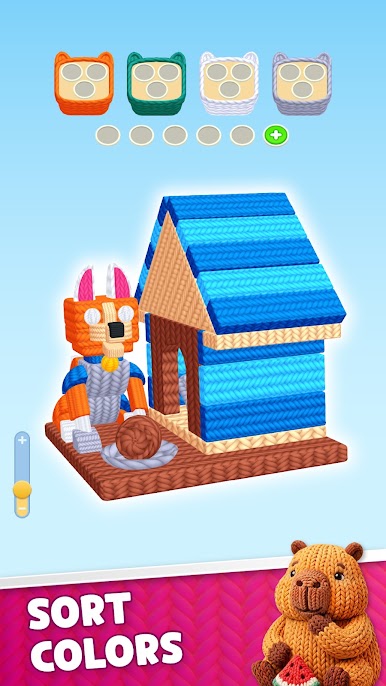
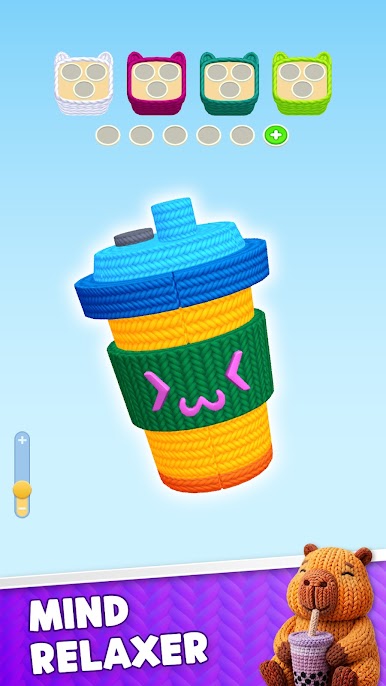
Play Yarn Out 3D on PC. It’s easy to get started.
-
Download and install BlueStacks on your PC
-
Complete Google sign-in to access the Play Store, or do it later
-
Look for Yarn Out 3D in the search bar at the top right corner
-
Click to install Yarn Out 3D from the search results
-
Complete Google sign-in (if you skipped step 2) to install Yarn Out 3D
-
Click the Yarn Out 3D icon on the home screen to start playing

