

Malaysia Mahjong
Play on PC with BlueStacks – the Android Gaming Platform, trusted by 500M+ gamers.

Page Modified on: Nov 24, 2024
Play 3 player Mahjong - Malaysia Mahjong on PC or Mac
Step into the World of 3 player Mahjong – Malaysia Mahjong, a thrilling Card game from the house of JoyGames.net. Play this Android game on BlueStacks App Player and experience immersive gaming on PC or Mac.
About the Game
Looking for a fun take on Mahjong that’s buzzing with quick moves and Malaysian flair? 3 player Mahjong – Malaysia Mahjong from JoyGames.net shakes things up with a lively pace and rules that are easy to pick up, even if you’re new to this version. Grab two friends, shuffle the tiles, and get ready for matches that move fast but pack plenty of strategy.
Game Features
-
Lively 3-Player Action
This isn’t your typical Mahjong. With only three players, each turn keeps you on your toes, and the game moves along without any slow moments. -
Unique Tile Set
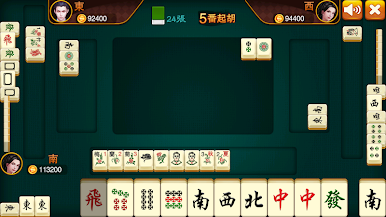
Ever seen Mahjong tiles with centipedes or cats? This version features special tiles like seasons, animals, and legendary “Flying” cards, making every hand feel fresh. -
Flexible Wildcards
The Flying card (think of it like a Joker) plus the Hu card can stand in for just about anything, giving you the power to make some wild plays and bold moves. -
Strategic Fan and Man Hu Scoring
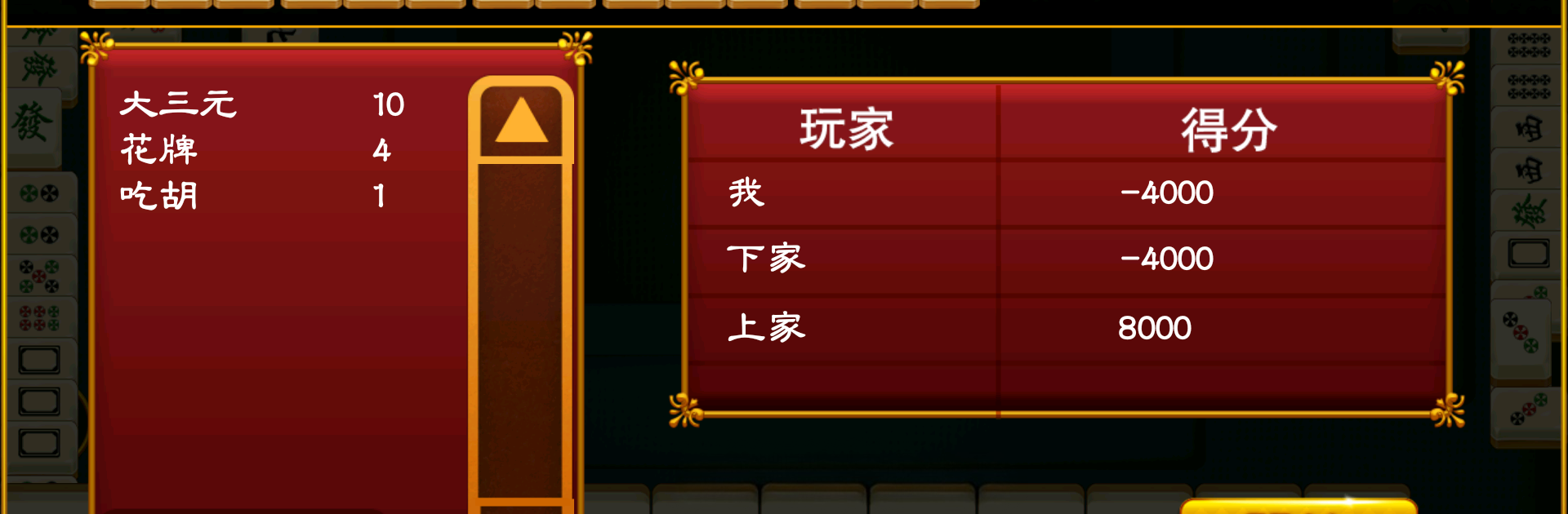
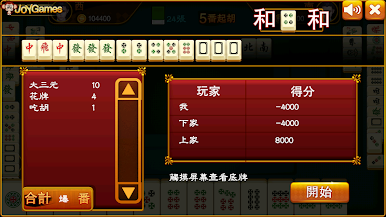
Winning isn’t as simple as making a match. You’ll need to collect at least 5 Fan to call Hu, or 10 to score a big win, known as Man Hu. It rewards clever hands and keeps the competition fierce. -
Smooth Card Gameplay on PC with BlueStacks
Enjoy sharp graphics and relaxed gaming at your desk. Running the card genre title on BlueStacks helps everything look great and run even smoother—no tiny screens needed.
Start your journey now. Download the game on BlueStacks, invite your friends, and march on a new adventure.



Play Malaysia Mahjong on PC. It’s easy to get started.
-
Download and install BlueStacks on your PC
-
Complete Google sign-in to access the Play Store, or do it later
-
Look for Malaysia Mahjong in the search bar at the top right corner
-
Click to install Malaysia Mahjong from the search results
-
Complete Google sign-in (if you skipped step 2) to install Malaysia Mahjong
-
Click the Malaysia Mahjong icon on the home screen to start playing

