

Koofr: The Cloud Storage
Play on PC with BlueStacks – the Android Gaming Platform, trusted by 500M+ gamers.

Page Modified on: Dec 9, 2025
Run Koofr: The Cloud Storage on PC or Mac
Upgrade your experience. Try Koofr: The Cloud Storage, the fantastic Productivity app from Koofr, from the comfort of your laptop, PC, or Mac, only on BlueStacks.
About the App
Ever had files scattered across different devices, cloud accounts, or even lost track of where those vacation pics are hiding? Koofr: The Cloud Storage is built to save you from that mess. With Koofr, you can stash, find, and manage all your photos, videos, and documents in one secure spot—without jumping through a bunch of hoops. Expect a straightforward and reliable experience, whether you’re backing up memories, searching for an important doc, or just tidying up your digital life.
App Features
-
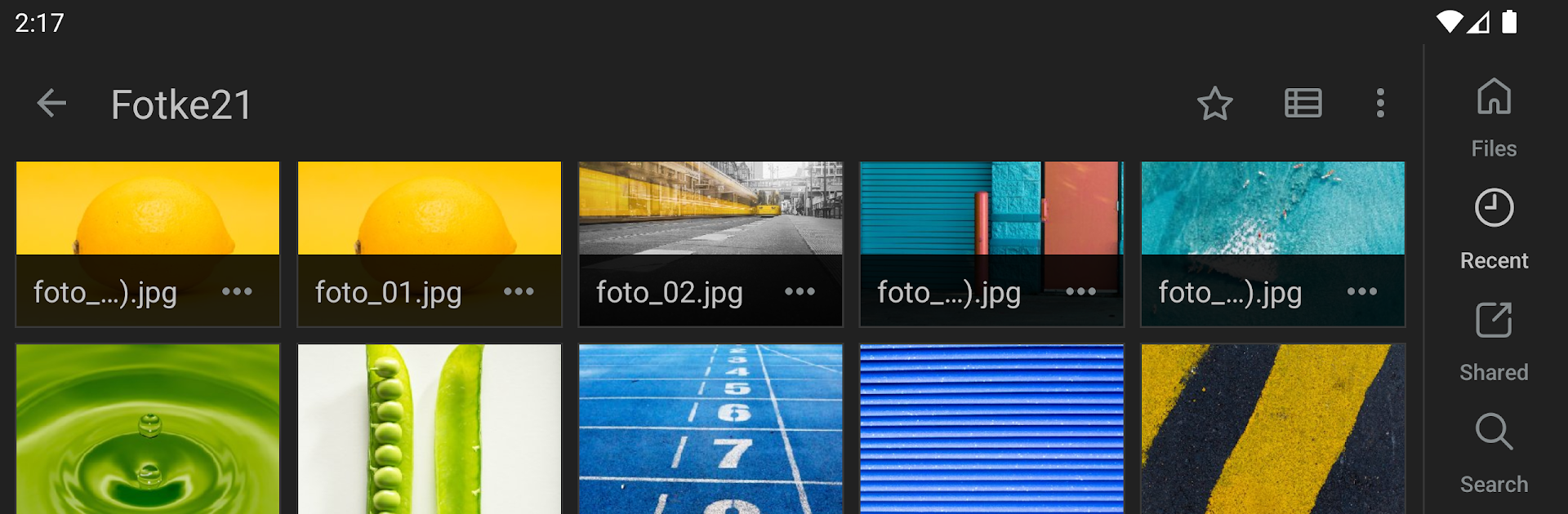
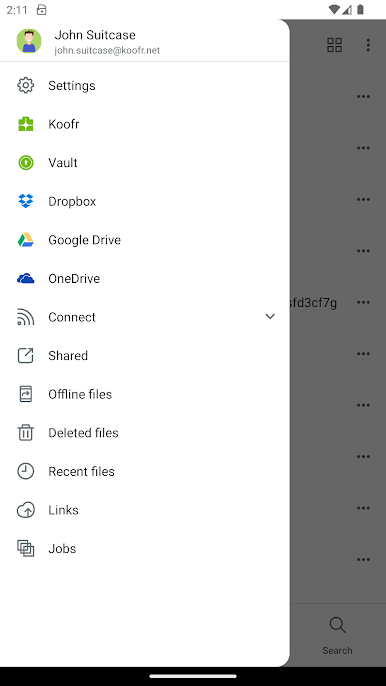
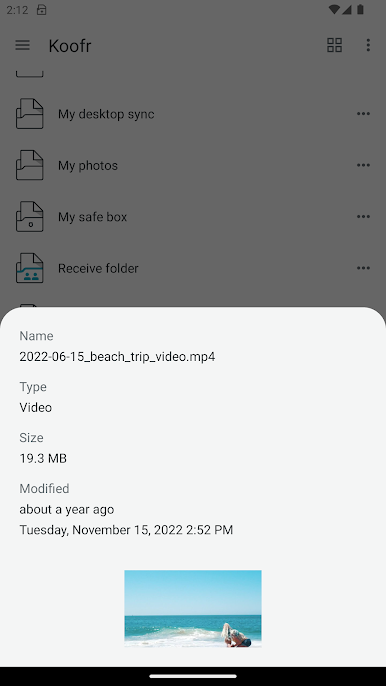
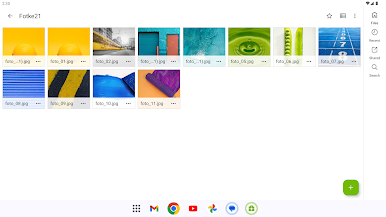
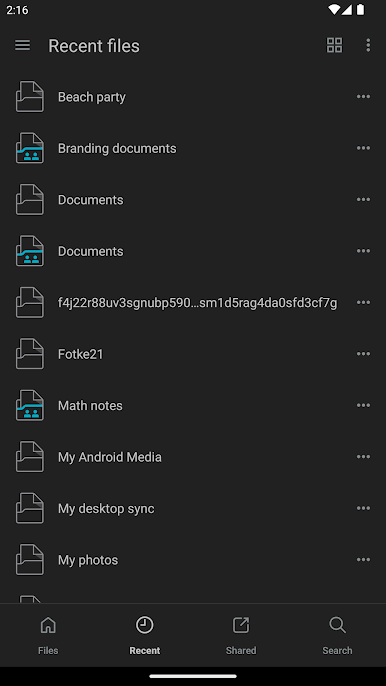
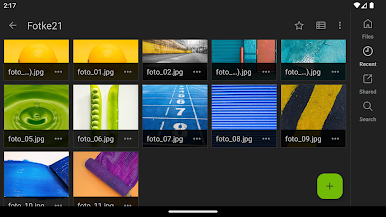
All-in-One File Access
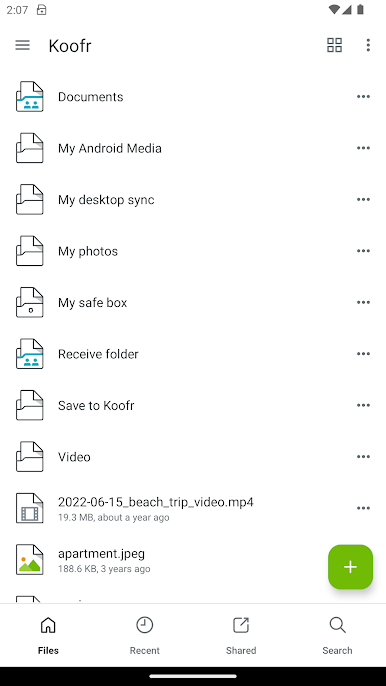
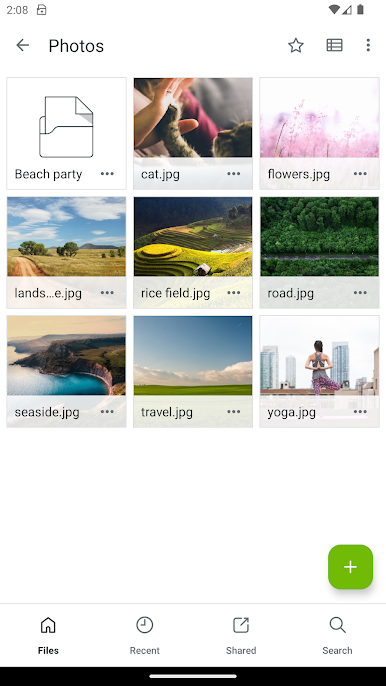
Dive into all your stuff—photos, videos, docs—no matter if it’s saved on your laptop, your phone, or with another cloud provider. Koofr brings everything together. -
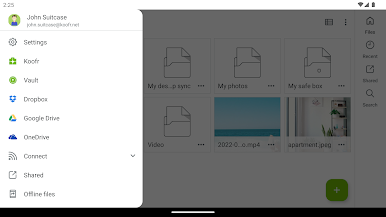
Connect Other Cloud Accounts
Got Google Drive or Dropbox? Link them here and avoid juggling between apps. One login, all your files. -
Automatic Mobile Backup
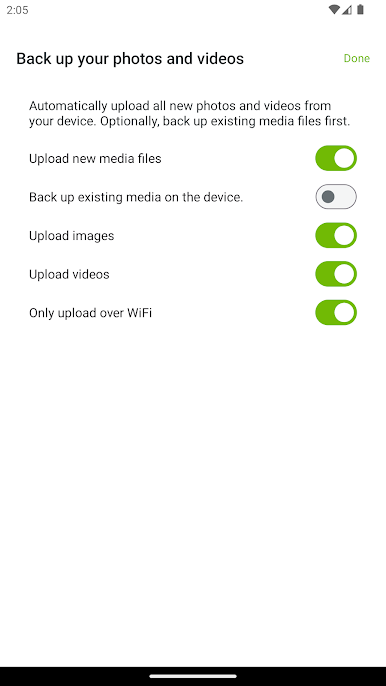
Snap a picture or shoot a video? Koofr can auto-back it up instantly, so there’s no panic if something happens to your phone. -
Generous Free Storage
Start out with 10GB of free cloud storage—plenty of space for the important stuff right out of the gate. -
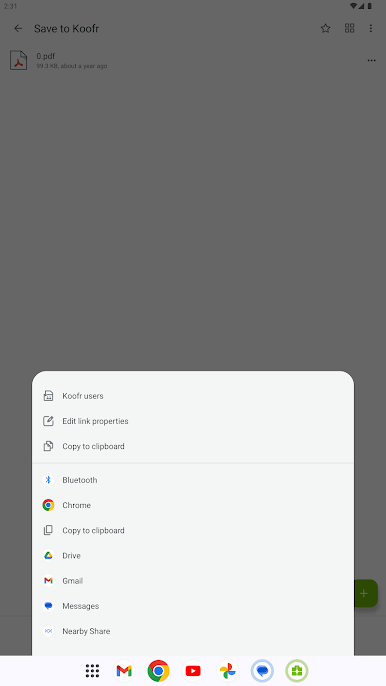
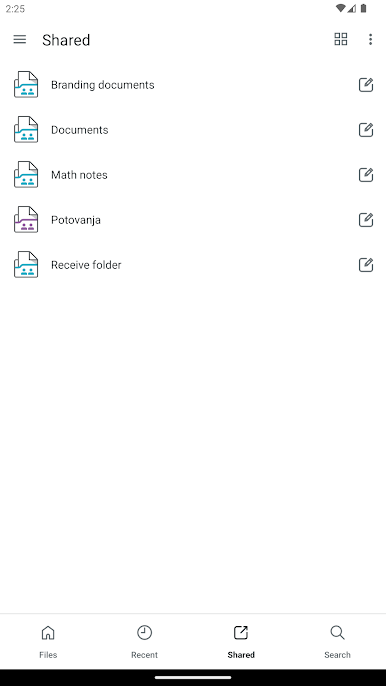
Easy Sharing and Organization
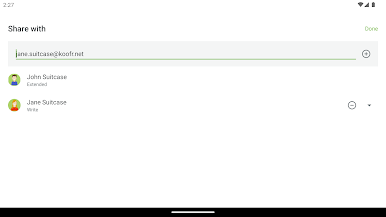
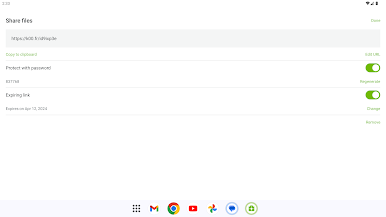
Share files with a couple of taps or get organized by keeping everything neat and searchable. Lost that old PDF resume? The search makes finding it a breeze. -
Seamless Computer Sync
Want those work files at home too? Set up simple syncs from your computer or server and access things wherever you are. -
Simple, Secure Privacy
Your files stay your files. Koofr puts privacy front and center, so you don’t have to worry about prying eyes. -
Browse From Anywhere
Use the mobile app, check your files on the web, or set up a network drive with tools like WebDAV or rclone. It just works wherever you need it.
And if you prefer managing your cloud storage with a mouse and keyboard, Koofr: The Cloud Storage plays nicely on a bigger screen with BlueStacks.
Switch to BlueStacks and make the most of your apps on your PC or Mac.
Play Koofr: The Cloud Storage on PC. It’s easy to get started.
-
Download and install BlueStacks on your PC
-
Complete Google sign-in to access the Play Store, or do it later
-
Look for Koofr: The Cloud Storage in the search bar at the top right corner
-
Click to install Koofr: The Cloud Storage from the search results
-
Complete Google sign-in (if you skipped step 2) to install Koofr: The Cloud Storage
-
Click the Koofr: The Cloud Storage icon on the home screen to start playing

