


LDPlayer: Gaming Tools
Play on PC with BlueStacks – the Android Gaming Platform, trusted by 500M+ gamers.

Page Modified on: Nov 11, 2026
Play LDPlayer: Gaming Tools on PC
Key features
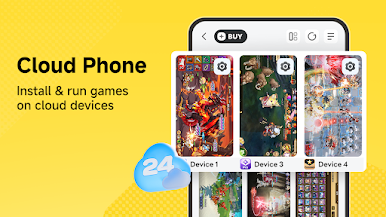
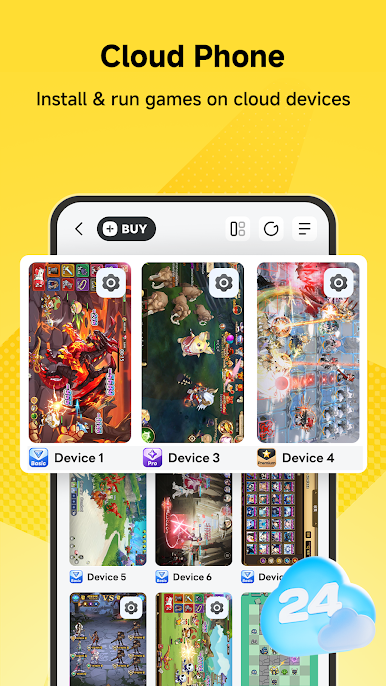
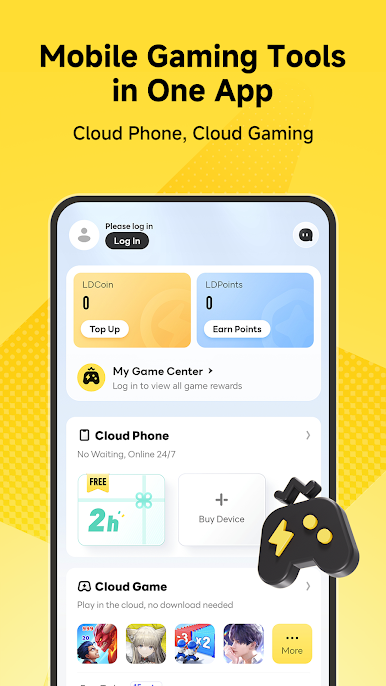
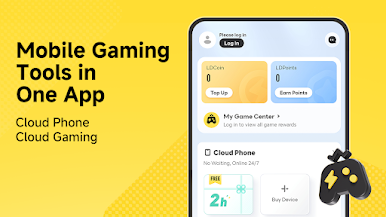
Cloud phone
Run supported mobile games on remote cloud devices.
• Install and run games on available cloud devices• Keep cloud devices running even when your phone is locked or not in use• Help reduce battery consumption, heat, and storage usage on your local device• Earn cloud phone usage time through eligible tasks and rewards
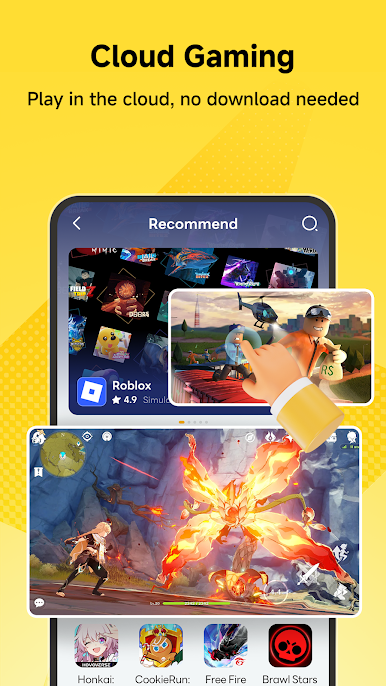
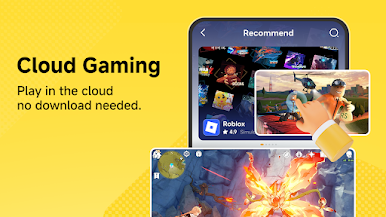
Cloud gaming
Play supported cloud games without installing them on your local device.
• Access available cloud games directly from your Android device• Save storage space on your local device• Earn cloud gaming time through eligible rewards or events
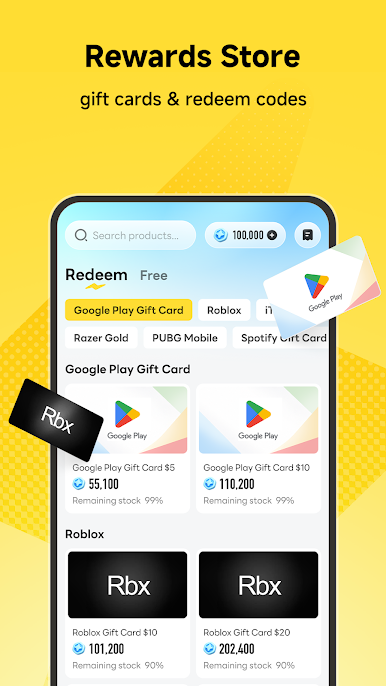
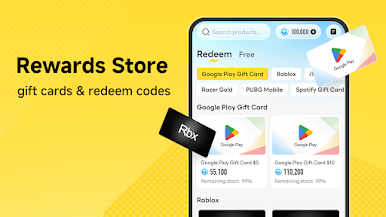
Rewards store
Earn points and redeem available rewards.
• Complete eligible tasks to earn points• Choose whether to participate in rewarded ads or partner activities• Redeem points for gift cards, game redeem codes, cloud phone usage time, or other available rewards• Available rewards may vary by region, inventory, and event rules
Play LDPlayer: Gaming Tools on PC. It’s easy to get started.
-
Download and install BlueStacks on your PC
-
Complete Google sign-in to access the Play Store, or do it later
-
Look for LDPlayer: Gaming Tools in the search bar at the top right corner
-
Click to install LDPlayer: Gaming Tools from the search results
-
Complete Google sign-in (if you skipped step 2) to install LDPlayer: Gaming Tools
-
Click the LDPlayer: Gaming Tools icon on the home screen to start playing

