


OsmAnd — Maps & GPS Offline
Play on PC with BlueStacks – the Android Gaming Platform, trusted by 500M+ gamers.

Page Modified on: Dec 2, 2025
Play OsmAnd — Maps & GPS Offline on PC
OsmAnd is an open source app. We do not collect user data and you decide what data the app will have access to.
Main features:
Map view
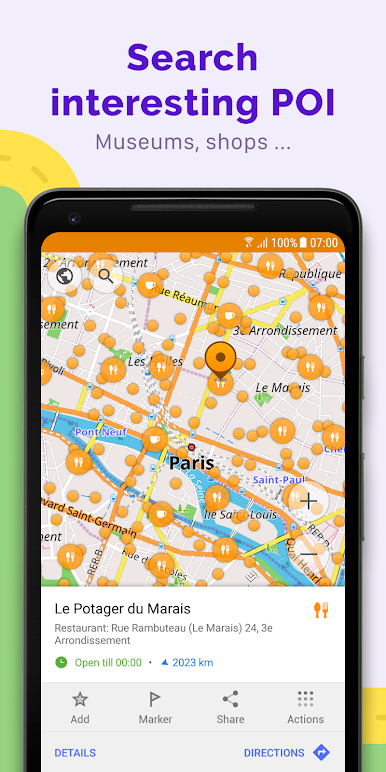
• Choice of places to be displayed on the map: attractions, food, health and more;
• Search for places by address, name, coordinates, or category;
• Map styles for the convenience of different activities: touring view, nautical map, winter and ski, topographic, desert, off-road, and others;
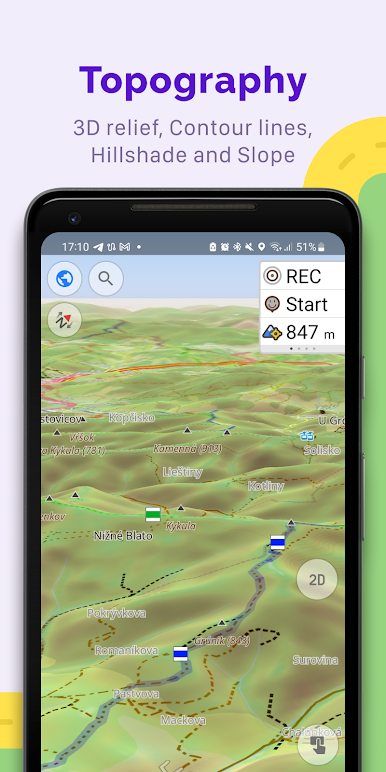
• Shading relief and plug-in contour lines;
• Ability to overlay different sources of maps on top of each other;
GPS Navigation
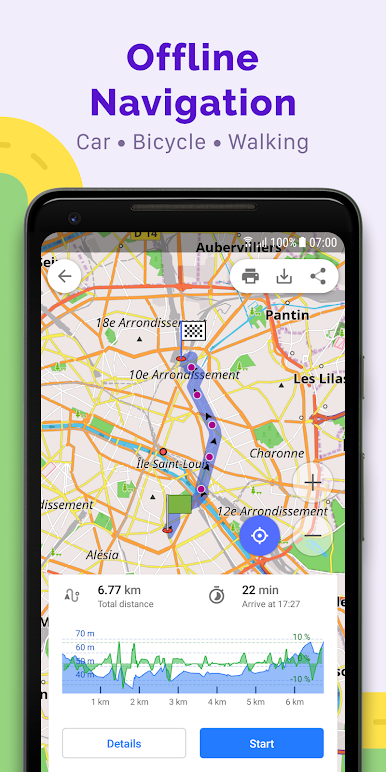
• Plotting a route to a place without an Internet connection;
• Customizable navigation profiles for different vehicles: cars, motorcycles, bicycles, 4x4, pedestrians, boats, public transport, and more;
• Change the constructed route, taking into account the exclusion of certain roads or road surfaces;
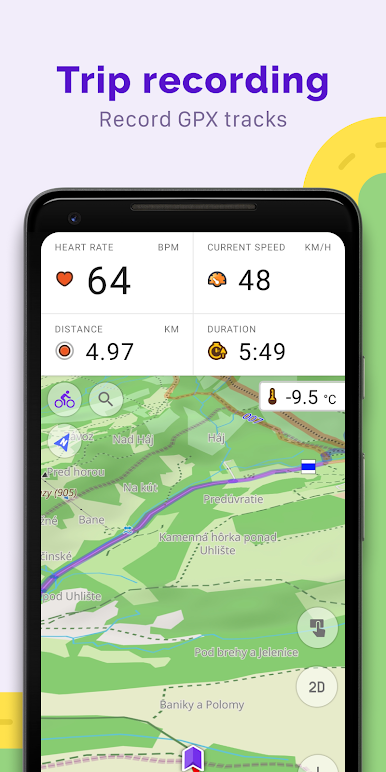
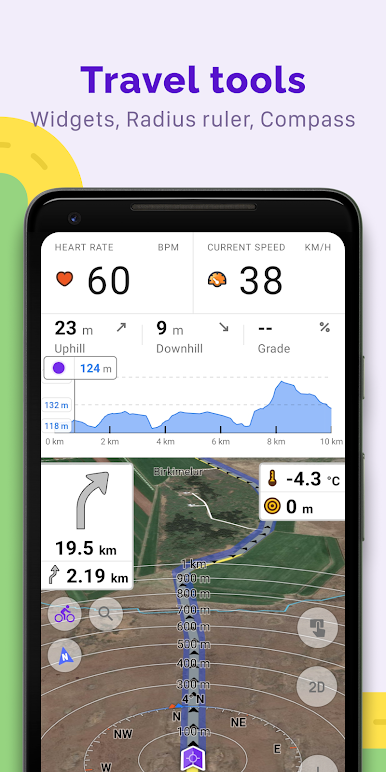
• Customizable information widgets about the route: distance, speed, remaining travel time, distance to turn, and more;
Route Planning and Recording
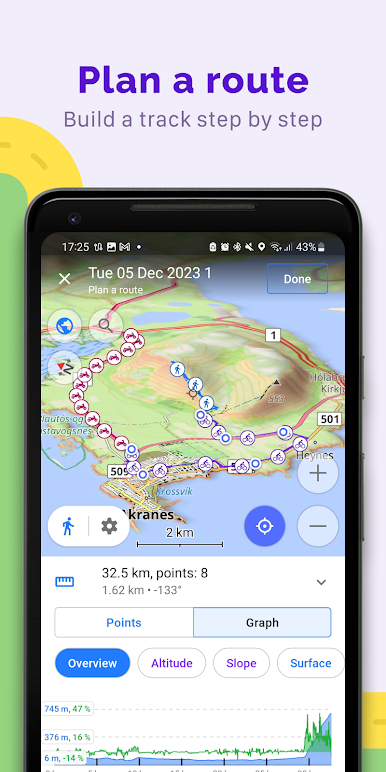
• Plotting a route point by point using one or multiple navigation profiles;
• Route recording using GPX tracks;
• Manage GPX tracks: displaying your own or imported GPX tracks on the map, navigating through them;
• Visual data about the route - descents/ascents, distances;
• Ability to share GPX track in OpenStreetMap;
Creation of points with different functionality
• Favourites;
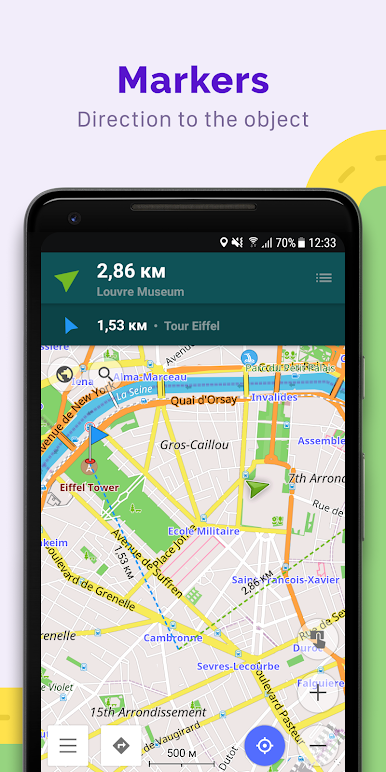
• Markers;
• Audio/video notes;
OpenStreetMap
• Making edits to OSM;
• Updating maps with a frequency of up to one hour;
Additional features
• Compass and radius ruler;
• Mapillary interface;
• Night theme;
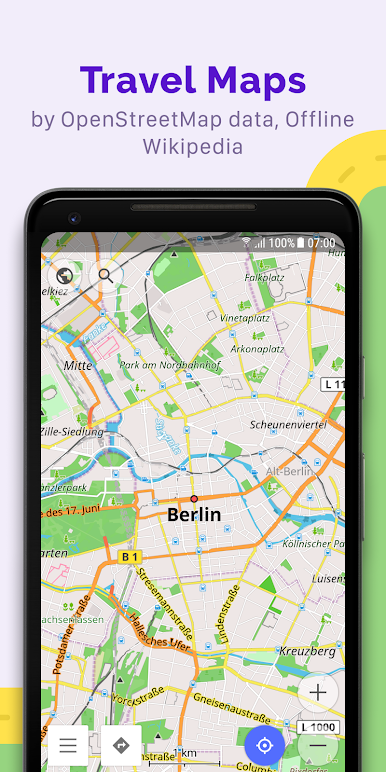
• Wikipedia;
• Large community of users around the world, documentation, and support;
Paid features:
Maps+ (in-app or subscription)
• Android Auto support;
• Unlimited map downloads;
• Topo data (Contour lines and Terrain);
• Nautical depths;
• Offline Wikipedia;
• Offline Wikivoyage - Travel guides.
OsmAnd Pro (subscription)
• OsmAnd Cloud (backup and restore);
• Cross-platform;
• Hourly map updates;
• Weather plugin;
• Elevation widget;
• Customise route line;
• External sensors support (ANT+, Bluetooth);
• Online Elevation profile.

Play OsmAnd — Maps & GPS Offline on PC. It’s easy to get started.
-
Download and install BlueStacks on your PC
-
Complete Google sign-in to access the Play Store, or do it later
-
Look for OsmAnd — Maps & GPS Offline in the search bar at the top right corner
-
Click to install OsmAnd — Maps & GPS Offline from the search results
-
Complete Google sign-in (if you skipped step 2) to install OsmAnd — Maps & GPS Offline
-
Click the OsmAnd — Maps & GPS Offline icon on the home screen to start playing

