


Stick Saga: Endless War
Play on PC with BlueStacks – the Android Gaming Platform, trusted by 500M+ gamers.

Page Modified on: Aug 26, 2026
Main Stick Saga: Endless War on PC
Mine gold, train troops, unlock upgrades, and experience an action-packed journey across hundreds of challenging missions.
With 500+ handcrafted levels, intense combat, and deep tactical choices, every battle pushes your skills to the next level.
KEY FEATURES
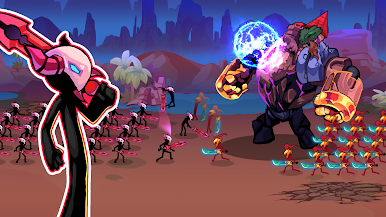
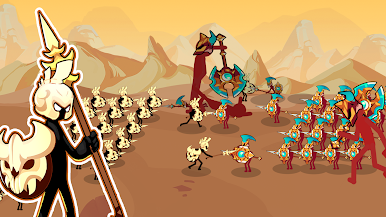
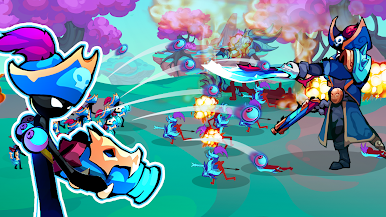
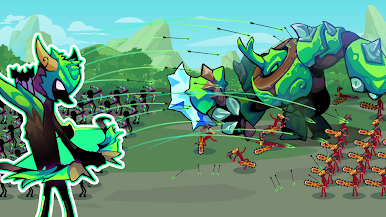
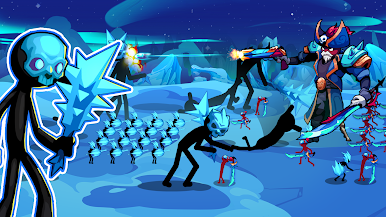
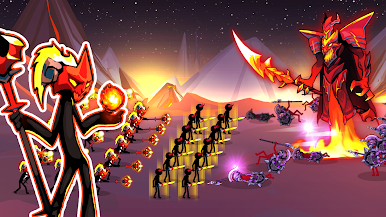
- Unique stickman heroes: Miner, Swordsman, Spearman, Archer, Mage, Giant & more
- Train & upgrade units to unlock powerful abilities
- Smooth 2D battles with dynamic physics and striking visuals
- Over 500 levels filled with action and tactical challenges
- 200+ upgrade items to strengthen your army
- Simple one-hand controls, perfect for mobile
- A mix of strategy, defense, and action gameplay
- Immersive sound & battlefield atmosphere
HOW TO PLAY
- Collect gold using your miners
- Recruit & control troops to defeat enemies
- Use smart strategies to break enemy formations
- Capture territories and expand your stickman realm
- Level up and build the strongest army in the saga
Lead Your Stickman Army to Victory
If you enjoy stickman games, battle simulators, or strategic combat, Stick Saga: Endless War offers an addictive experience with endless depth.
Train your soldiers. Upgrade your forces.
Rise to become the supreme stick commander!

Play Stick Saga: Endless War on PC. It’s easy to get started.
-
Download and install BlueStacks on your PC
-
Complete Google sign-in to access the Play Store, or do it later
-
Look for Stick Saga: Endless War in the search bar at the top right corner
-
Click to install Stick Saga: Endless War from the search results
-
Complete Google sign-in (if you skipped step 2) to install Stick Saga: Endless War
-
Click the Stick Saga: Endless War icon on the home screen to start playing

