


Bapakku.fm
Play on PC with BlueStacks – the Android Gaming Platform, trusted by 500M+ gamers.

Page Modified on: Oct 27, 2023
Main Bapakku.fm on PC
In this version you can:
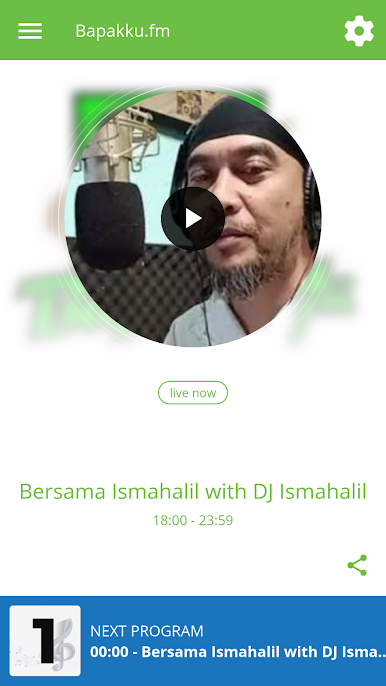
Listen to the online radio station
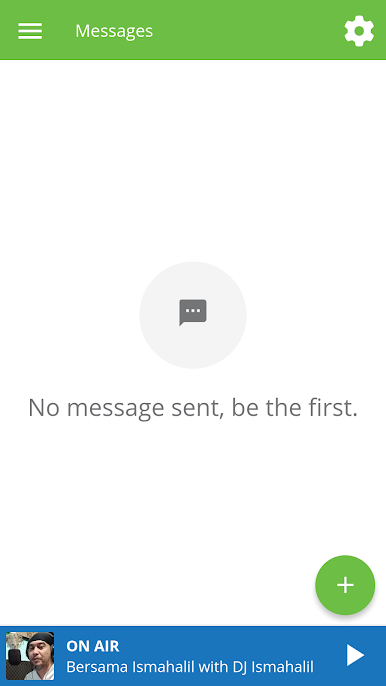
Send text and audio messages
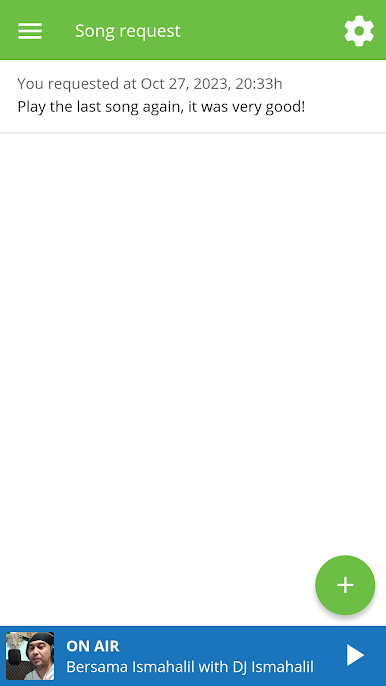
Request your favorite songs
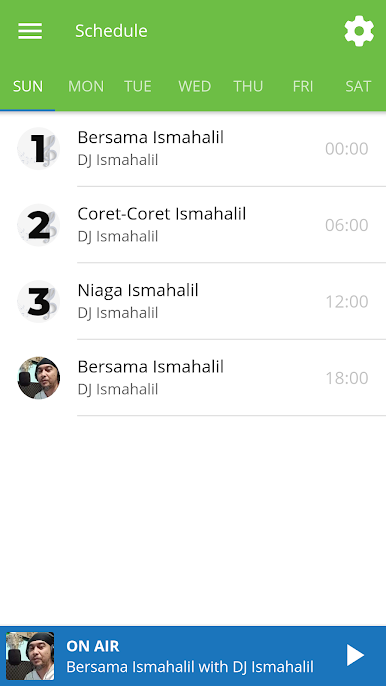
View the schedule grid
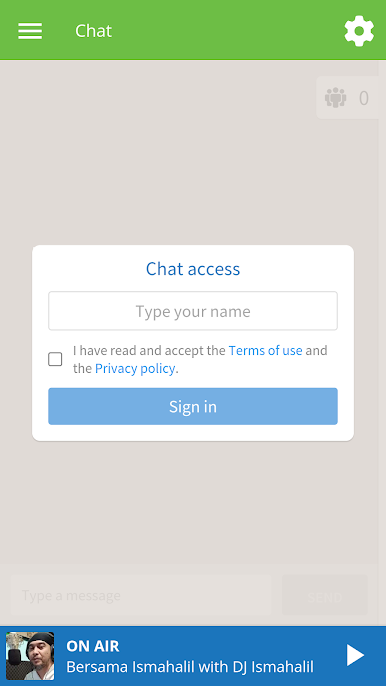
Enter the chat room of the online radio
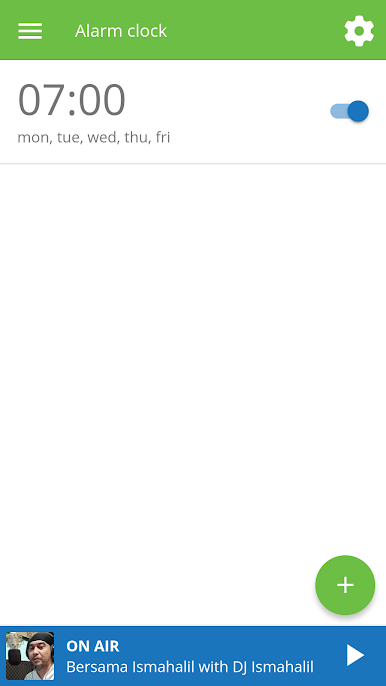
Set the alarm clock to wake up every day by listening to our online
Play Bapakku.fm on PC. It’s easy to get started.
-
Download and install BlueStacks on your PC
-
Complete Google sign-in to access the Play Store, or do it later
-
Look for Bapakku.fm in the search bar at the top right corner
-
Click to install Bapakku.fm from the search results
-
Complete Google sign-in (if you skipped step 2) to install Bapakku.fm
-
Click the Bapakku.fm icon on the home screen to start playing

