


Unblock 3D Puzzle
Play on PC with BlueStacks – the Android Gaming Platform, trusted by 500M+ gamers.

Page Modified on: Dec 24, 2024
Play Unblock 3D Puzzle on PC
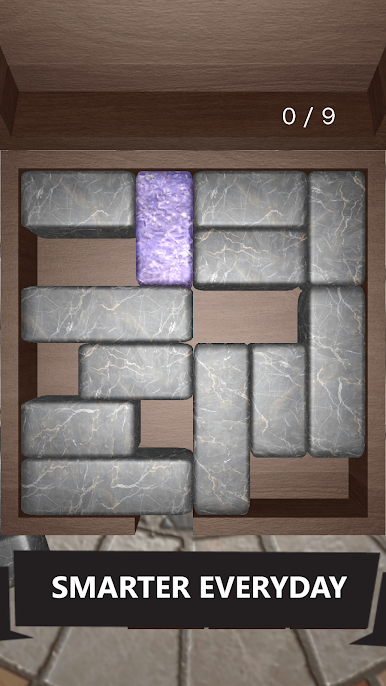
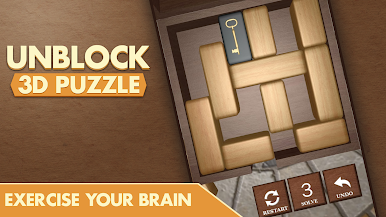
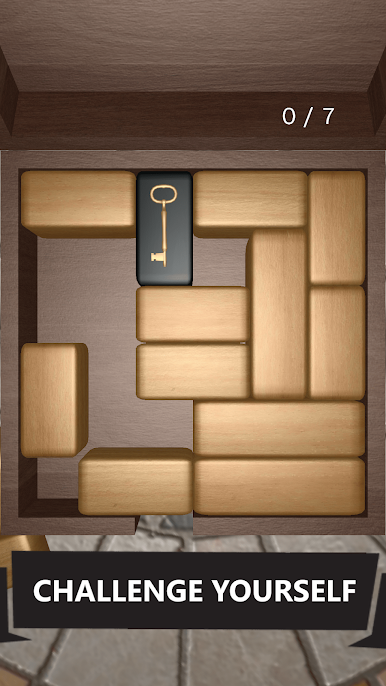
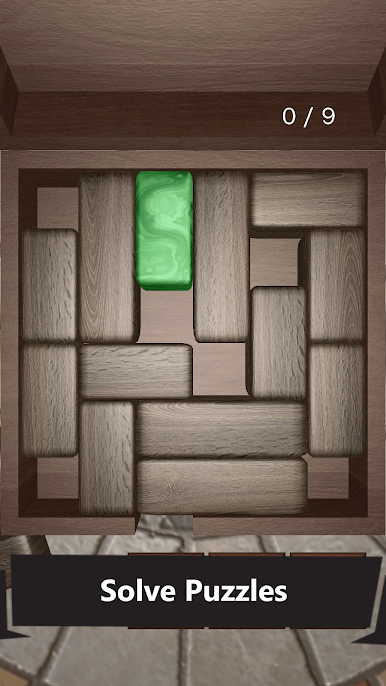
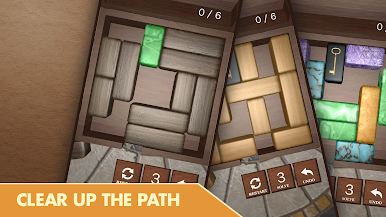
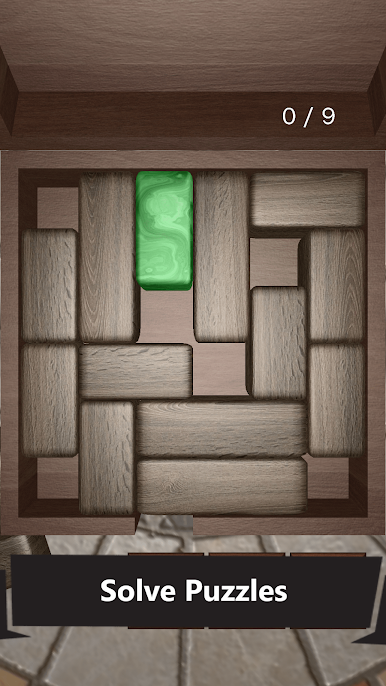
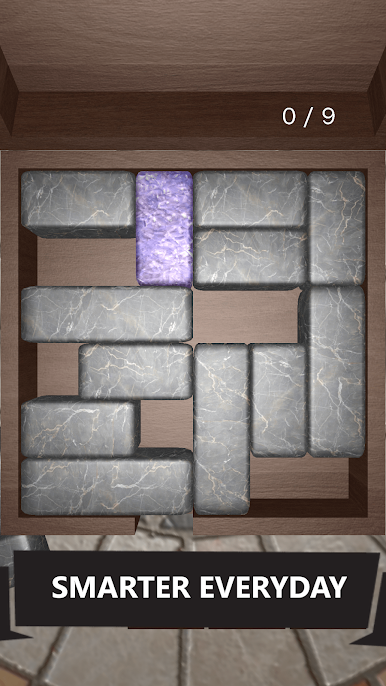
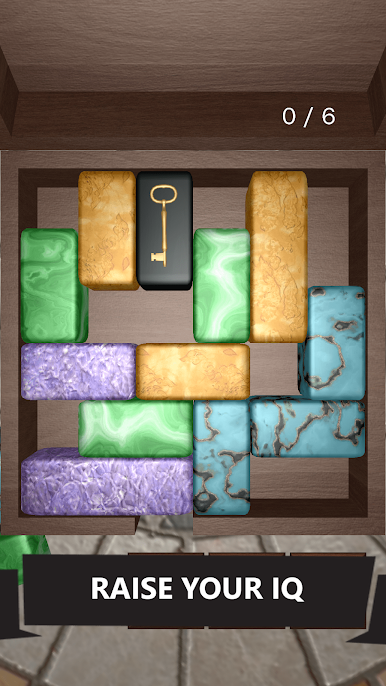
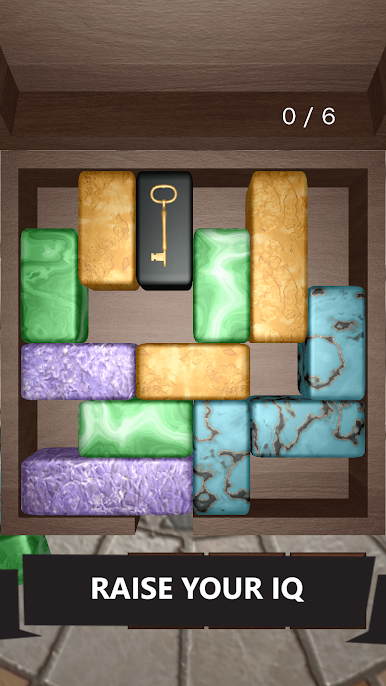
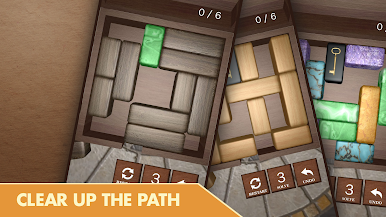
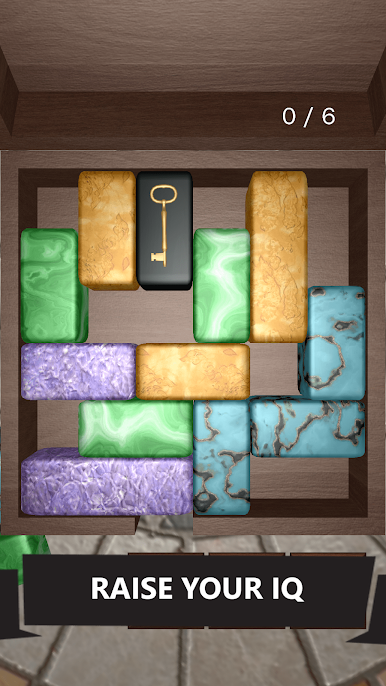
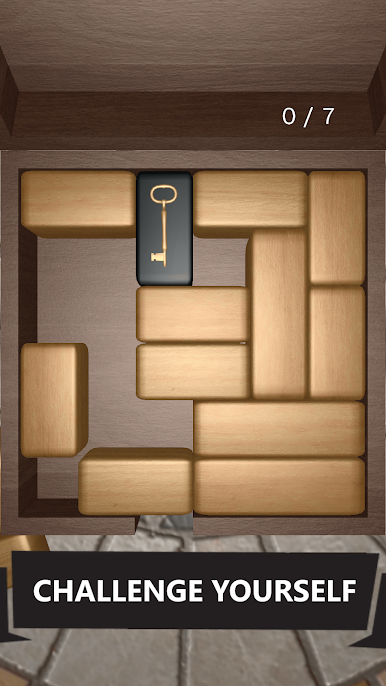
◆ Logical puzzles. Solve logical puzzles. Unblock the master block by sliding other smaller blocks.
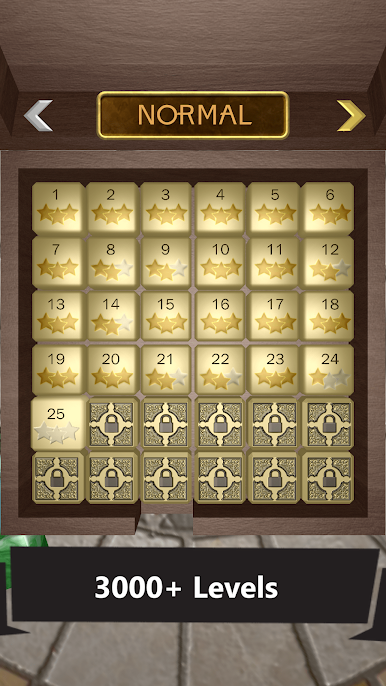
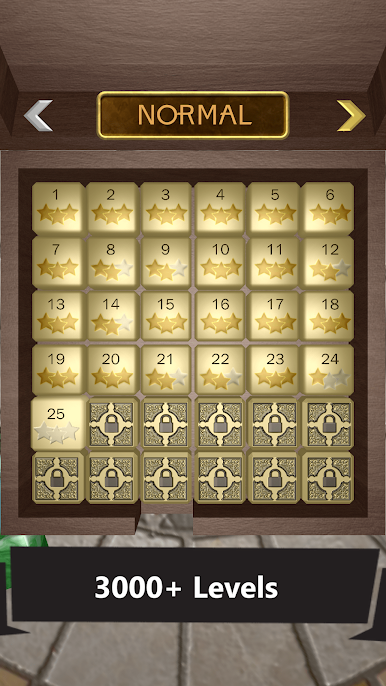
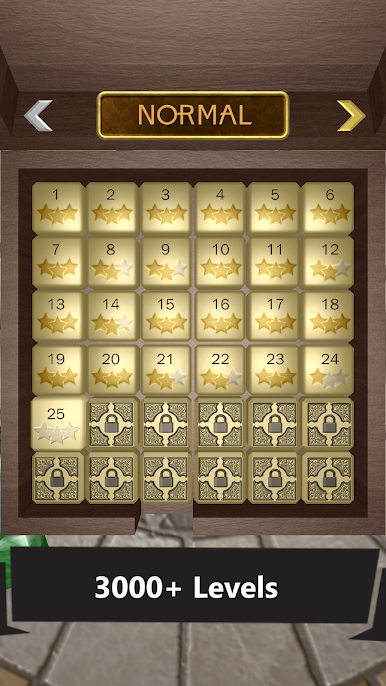
◆ 3000+ challenging levels. There are more than 3000 levels for you to solve. Enjoy hundreds of hours of fun in this non-stop puzzle block game.
◆ Easy Normal Hard Choose difficulty level. Each difficulty has more than 700 unique puzzles to solve.
◆ Smooth Controls Enjoy smooth gameplay with fluid intuitive controls and a simplistic interface. Sit back and relax.
◆ Train your brain Improve your brain functions and cognitive capabilities by solving puzzles in this classic sliding block game.
◆ Hints and Undos. If you get stuck on a certain level, you can use hints to instantly solve complicated puzzles. Earn free hints as you progress in the game.
◆ Achievements & Leaderboards. Show off your problem-solving skills and become the highest achiever by unlocking achievement and moving up the leaderboard.
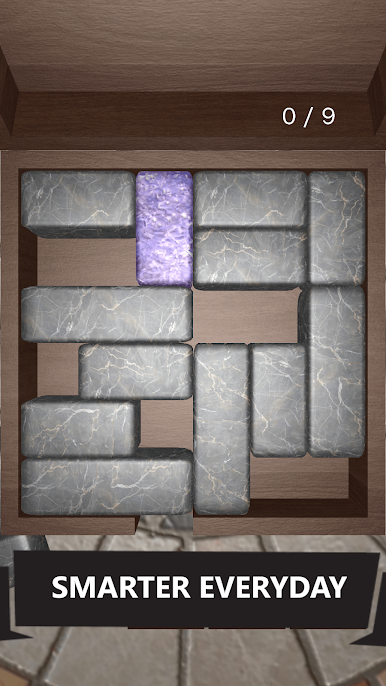
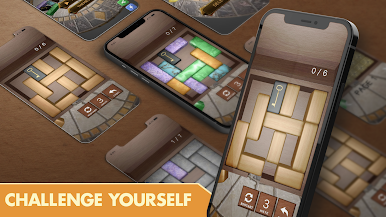
◆ Realistic 3D graphics. Play the game on a wooden table with wooden and marble blocks
Train your brain to solve complex logical puzzles and become a zen master. Earn more stars by solving the puzzles in lesser moves. Improve your brain functions and cognitive abilities




Play Unblock 3D Puzzle on PC. It’s easy to get started.
-
Download and install BlueStacks on your PC
-
Complete Google sign-in to access the Play Store, or do it later
-
Look for Unblock 3D Puzzle in the search bar at the top right corner
-
Click to install Unblock 3D Puzzle from the search results
-
Complete Google sign-in (if you skipped step 2) to install Unblock 3D Puzzle
-
Click the Unblock 3D Puzzle icon on the home screen to start playing

