

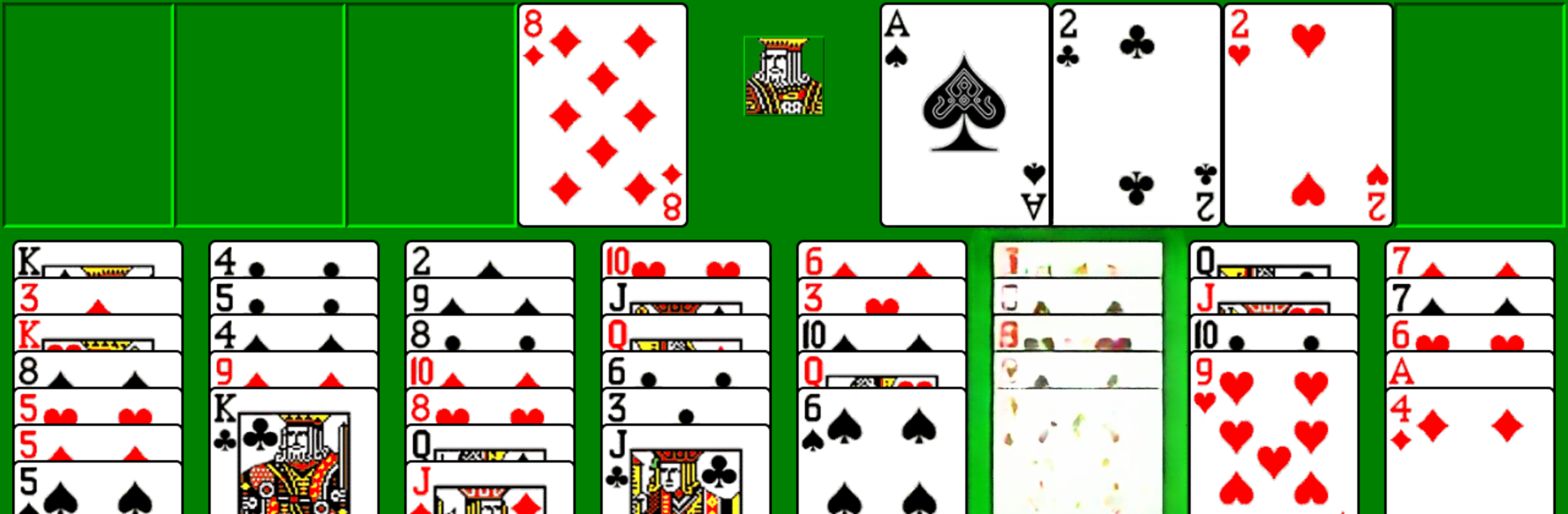
Classic FreeCell
Play on PC with BlueStacks – the Android Gaming Platform, trusted by 500M+ gamers.

Page Modified on: Jun 22, 2025
Play Classic FreeCell on PC or Mac
Join millions to experience Classic FreeCell, an exciting Card game from RunServer. With BlueStacks App Player, you are always a step ahead of your opponent, ready to outplay them with faster gameplay and better control with the mouse and keyboard on your PC or Mac.
About the Game
Classic FreeCell by RunServer brings back all those familiar vibes from the old days of desktop card games. Whether you’re a FreeCell pro or just out to kill some time between meetings, it’s got that simple, no-fuss setup you’d expect. Expect easy-to-read cards, smooth controls, and all the features you remember—now with a few extra touches.
Game Features
-
Smooth Card Controls
Cards slide around just like you want them to, and you can double-tap to move a card to a free cell—no dragging needed. -
Super Moves
Big stacks can shift across empty spaces with a single move, saving time and a little hand cramp. -
Unlimited Undo
Made a mistake? No biggie. You can undo as many times as you want, so it’s easy to try different strategies or backtrack if your plan goes sideways. -
Play with or without the Clock
Take things slow with untimed games, or challenge yourself in timed mode. The choice is entirely yours. -
Classic and Custom Card Designs
Stick with the old-school look, or pick from retro, modern, or a more fancy style—there’s something for every mood. -
Numbered Games Option
Want to replay a memorable round or share a tricky setup with a friend? You can play by specific game numbers. -
Automated Dealing
No more dealing cards by hand—just tap and watch it set up, ready to go in seconds. -
Jumping Victory Cards
Win a round, and the cards celebrate with a little dance across the screen—always a satisfying finish.
And hey, if you’re looking for a way to play Classic FreeCell on a bigger screen, BlueStacks makes that easy on your PC or Mac.
Ready to top the leaderboard? We bet you do. Let precise controls and sharp visuals optimized on BlueStacks lead you to victory.
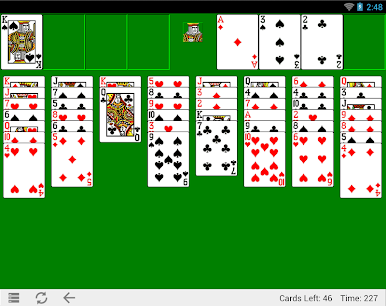
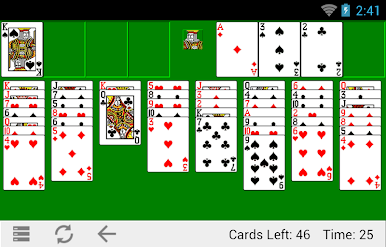
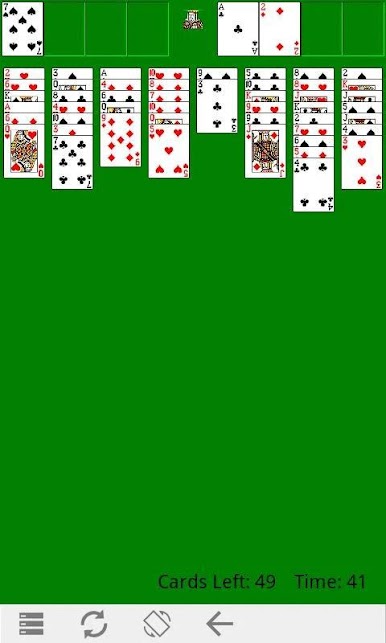
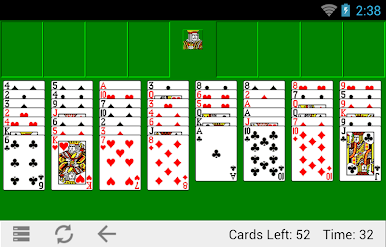
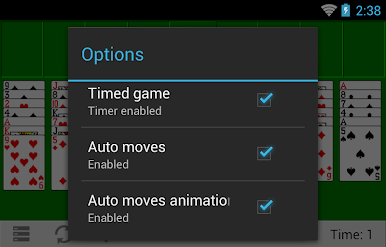
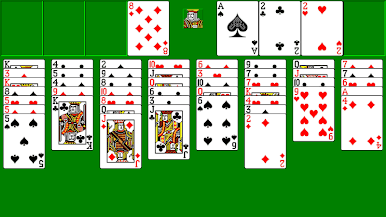
Play Classic FreeCell on PC. It’s easy to get started.
-
Download and install BlueStacks on your PC
-
Complete Google sign-in to access the Play Store, or do it later
-
Look for Classic FreeCell in the search bar at the top right corner
-
Click to install Classic FreeCell from the search results
-
Complete Google sign-in (if you skipped step 2) to install Classic FreeCell
-
Click the Classic FreeCell icon on the home screen to start playing

