

Merge Sneakers! - Grow Sneaker
Play on PC with BlueStacks – the Android Gaming Platform, trusted by 500M+ gamers.

Page Modified on: Sep 9, 2025
Play Merge Sneakers! - Grow Sneaker Collection on PC or Mac
Bring your A-game to Merge Sneakers! – Grow Sneaker Collection, the Puzzle game sensation from StudioADEPT.net. Give your gameplay the much-needed boost with precise game controls, high FPS graphics, and top-tier features on your PC or Mac with BlueStacks.
About the Game
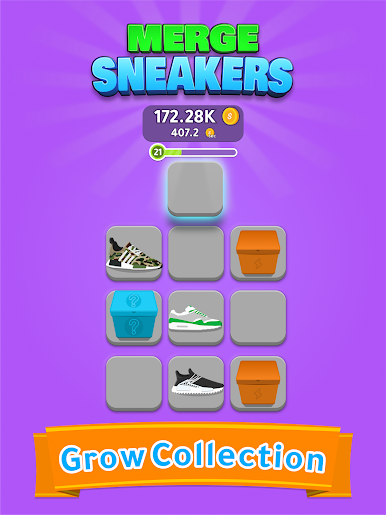
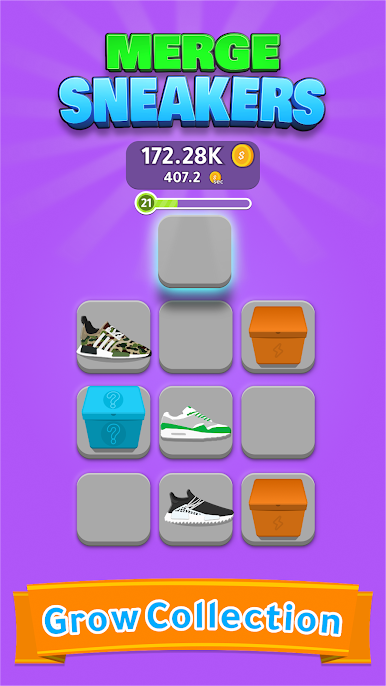
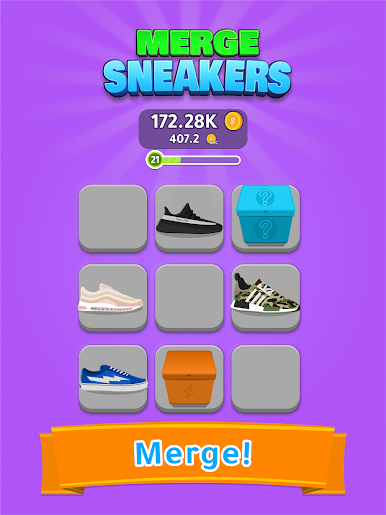
Sneakerhead meets chill puzzler in Merge Sneakers! – Grow Sneaker Collection, a Puzzle game from StudioADEPT.net. You’ll slide matching kicks together to create rarer pairs, fill out a growing display, and keep the board under control as new boxes arrive. It’s easy to learn, quick to play, and oddly satisfying when a simple merge turns into a fresh, high-tier shoe.
Game Features
- Satisfying merge play: Drag two of the same sneakers together to craft a better pair, clear space, and set up your next combo.
- Build your dream closet: Discover more than a hundred unique shoes and skins, including bold colorways that pop.
- Gems for fresh looks: Spend gems to unlock new styles and spice up your collection with custom skins and color accents.
- Level up and expand: Every merge earns experience; level milestones open more room so your lineup can really breathe.
- Challenges that reward: Knock out achievements to grab free gems and keep the upgrades coming without slowing down.
- Growing collection feel: Start small, then watch your grid evolve into a wall of flex-worthy sneakers as the tiers climb.
- Play your way: Great as a quick time-killer or a longer session where you plan merges and manage space like a pro.
- Big-screen friendly: Prefer a larger view and precise cursor control? It also plays nicely on PC using BlueStacks.
Slay your opponents with your epic moves. Play it your way on BlueStacks and dominate the battlefield.



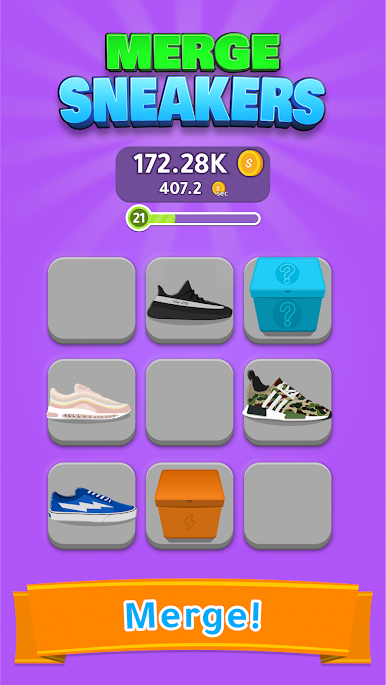

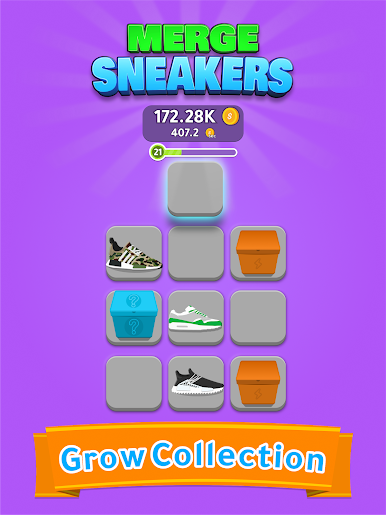
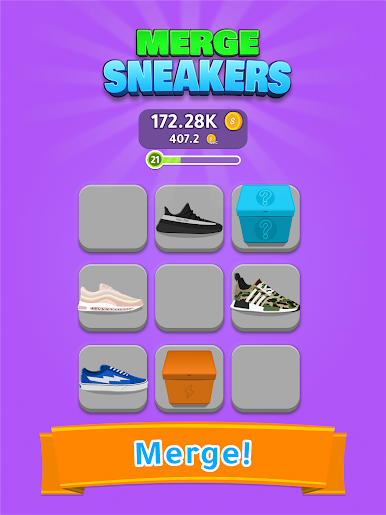
Play Merge Sneakers! - Grow Sneaker on PC. It’s easy to get started.
-
Download and install BlueStacks on your PC
-
Complete Google sign-in to access the Play Store, or do it later
-
Look for Merge Sneakers! - Grow Sneaker in the search bar at the top right corner
-
Click to install Merge Sneakers! - Grow Sneaker from the search results
-
Complete Google sign-in (if you skipped step 2) to install Merge Sneakers! - Grow Sneaker
-
Click the Merge Sneakers! - Grow Sneaker icon on the home screen to start playing

