


Fast Call
Play on PC with BlueStacks – the Android Gaming Platform, trusted by 500M+ gamers.

Page Modified on: Oct 9, 2025
Run Fast Call on PC or Mac
Upgrade your experience. Try Fast Call, the fantastic Communication app from Fastnet Team, from the comfort of your laptop, PC, or Mac, only on BlueStacks.
About the App
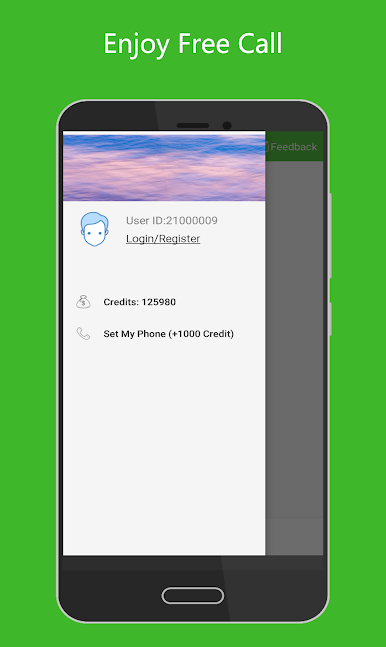
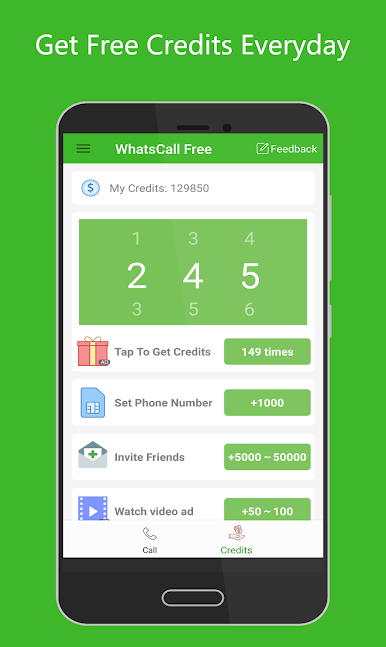
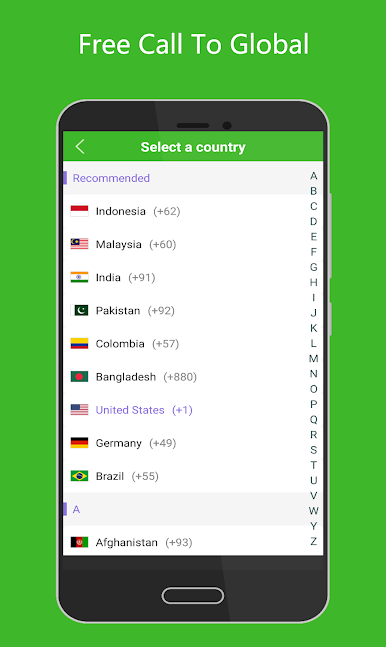
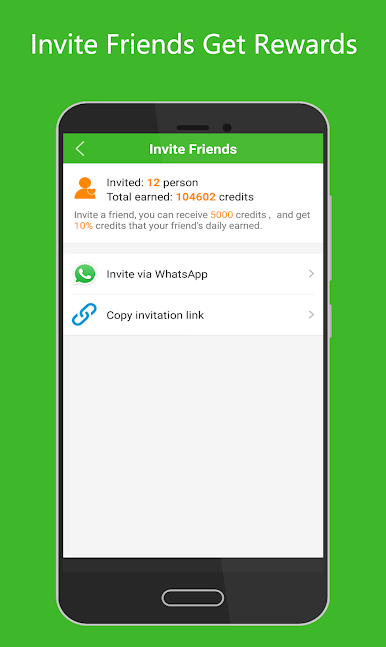
Fast Call by Fastnet Team is your go-to Communication app for making calls over wifi or cellular data. It’s perfect for connecting with friends across the globe, whether they’re on mobile or landline, regardless of their network status. Expect a seamless experience with 800 credits right off the bat to start reaching out. Plus, inviting friends can earn you even more credits.
App Features
-
No Phone Bills
Make international calls to anyone anywhere—even if they’re offline—without worrying about phone bills. Fast Call takes care of it, letting you connect without hidden fees. -
Clear & Stable Calling
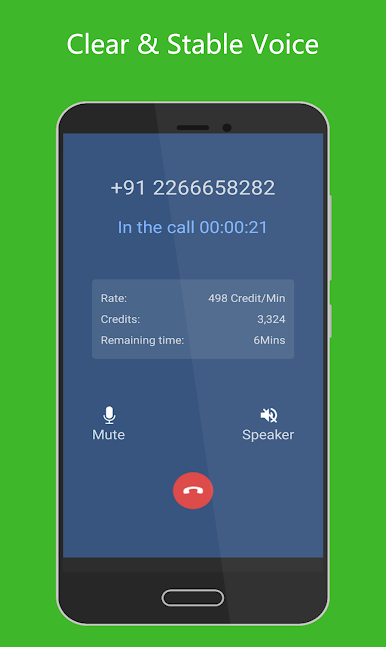
Experience crystal-clear voice quality, comparable to landline calls. The app supports VOIP with G.729 and G.711 codecs, ensuring high-quality audio for your calls. -
Unlimited Call Credits
Earning credits is a breeze. Just a tap can get you more, and fun tasks offer additional ways to boost your credit stash.
Compatible with a range of Android devices like Huawei, Samsung, Nexus, and more, Fast Call runs smoothly on BlueStacks, among other platforms.
Big screen. Bigger performance. Use BlueStacks on your PC or Mac to run your favorite apps.
Play Fast Call on PC. It’s easy to get started.
-
Download and install BlueStacks on your PC
-
Complete Google sign-in to access the Play Store, or do it later
-
Look for Fast Call in the search bar at the top right corner
-
Click to install Fast Call from the search results
-
Complete Google sign-in (if you skipped step 2) to install Fast Call
-
Click the Fast Call icon on the home screen to start playing

