

WordBit Alemán
Play on PC with BlueStacks – the Android Gaming Platform, trusted by 500M+ gamers.

Page Modified on: Nov 19, 2025
Run WordBit Alemán on PC or Mac
Multitask effortlessly on your PC or Mac as you try out WordBit Alemán, a Education app by WordBit on BlueStacks.
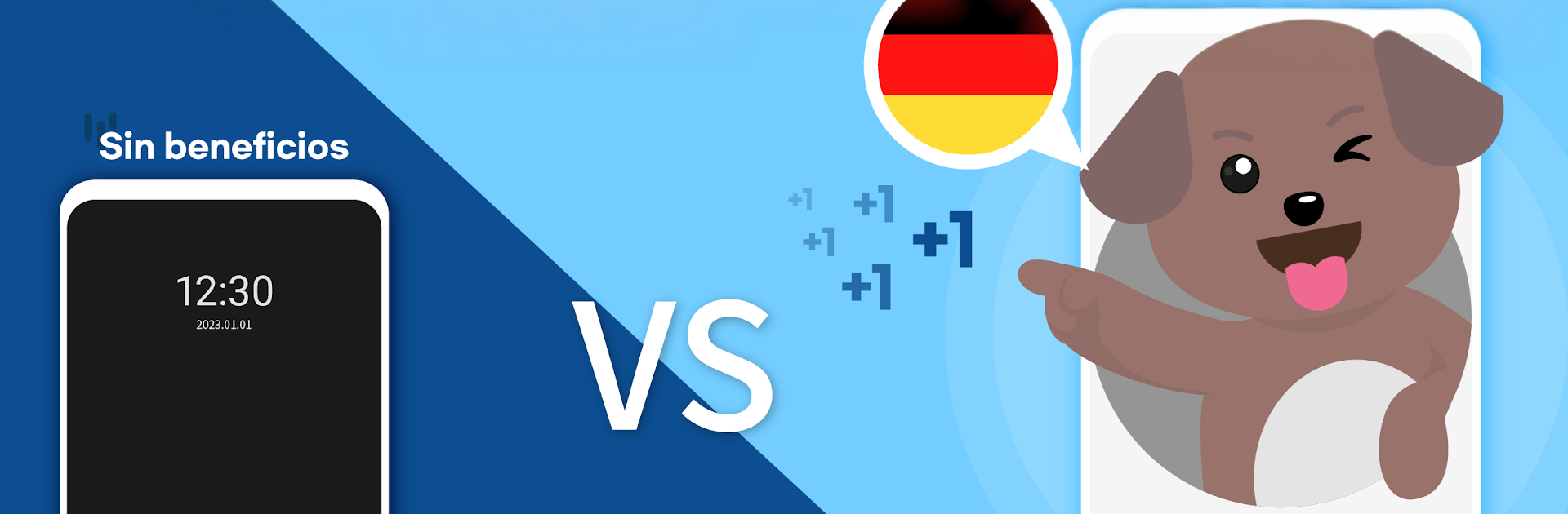
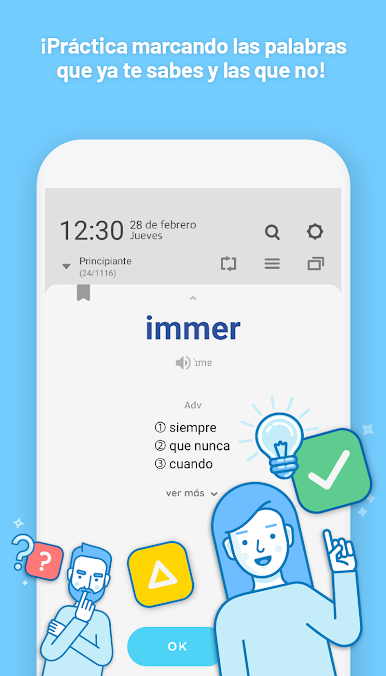
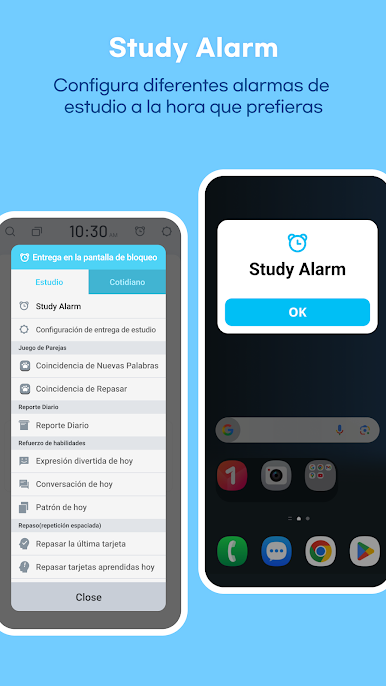
WordBit Alemán feels like a clever little German coach that slips into the spare seconds people waste anyway. On a phone it shows a word or short sentence on the lock screen whenever they wake the device, so learning happens in tiny bites without opening a full app. On PC with BlueStacks it works more like a quick study window they can pop open between tabs, which makes the examples and pronunciation a bit easier to follow on a big screen and speakers.
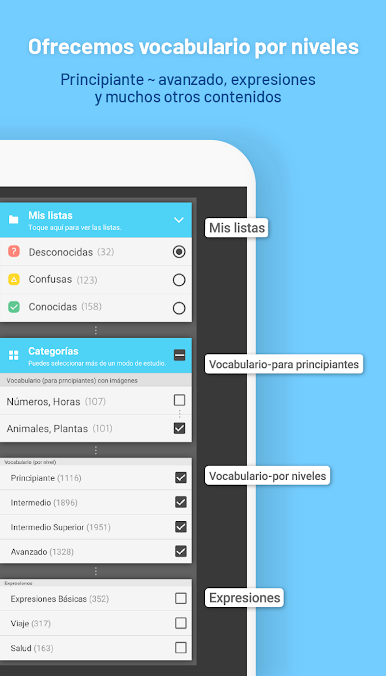
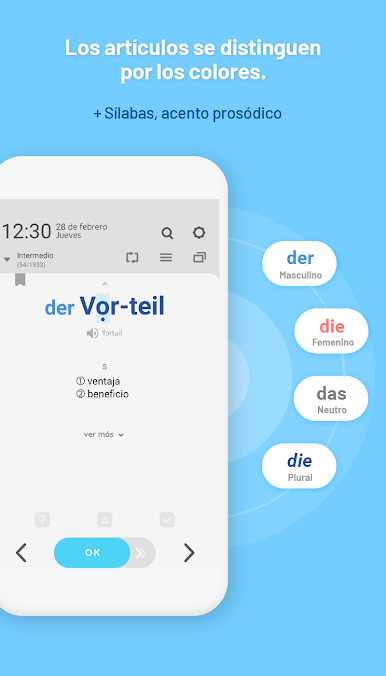
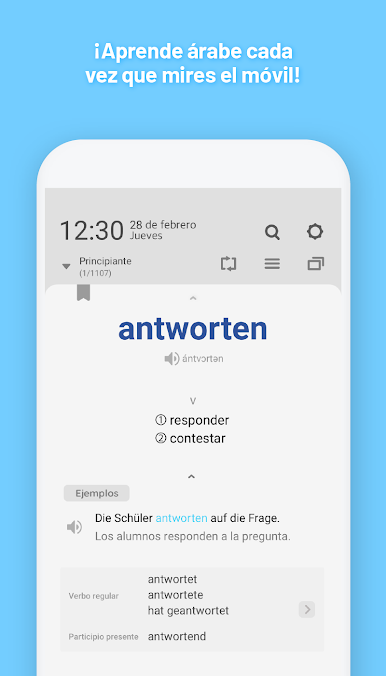
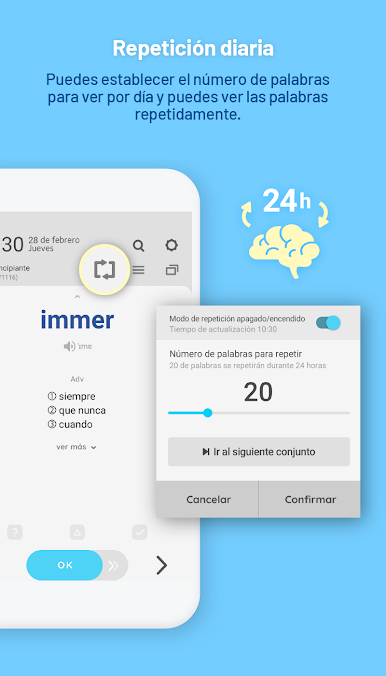
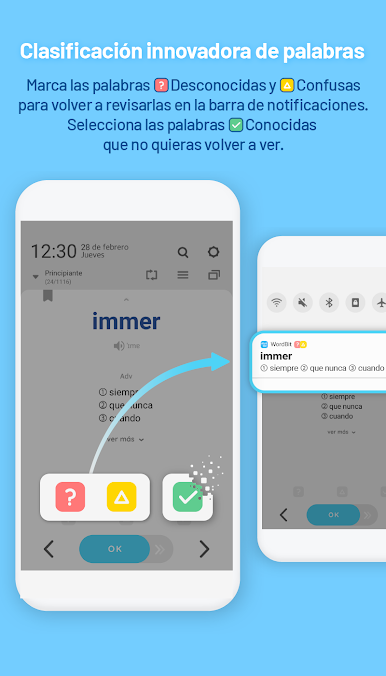
What stands out is how practical the cards are. Nouns come with color hints for gender and the plural, verbs include short and full conjugation tables, and adjectives show comparative and superlative forms. There are example sentences that sound natural, accent marks and audio so pronunciation does not feel like a guess, plus small grammar tips sprinkled in. The content is sorted by level from beginner to very advanced, and there are focused sets for numbers, time, animals, food, relationships, and everyday expressions for travel or health. There are idioms and proverbs too, which is fun. Learners can quiz themselves, repeat tricky words during the day, search anything, and remove words they already know. Themes are customizable with a bunch of color options, dark themes included, and there are pictures for true beginners. It can get repetitive, sure, but that is the point here, quick repeats stick. The whole thing feels simple, fast, and surprisingly useful when someone only has a minute.
BlueStacks brings your apps to life on a bigger screen—seamless and straightforward.

Play WordBit Alemán on PC. It’s easy to get started.
-
Download and install BlueStacks on your PC
-
Complete Google sign-in to access the Play Store, or do it later
-
Look for WordBit Alemán in the search bar at the top right corner
-
Click to install WordBit Alemán from the search results
-
Complete Google sign-in (if you skipped step 2) to install WordBit Alemán
-
Click the WordBit Alemán icon on the home screen to start playing

