


WordBit 英語 (自動學習) -繁體
Play on PC with BlueStacks – the Android Gaming Platform, trusted by 500M+ gamers.

Page Modified on: Mar 31, 2026
Play WordBit 英語 (自動學習) -繁體 on PC or Mac
Explore a whole new adventure with WordBit 英語 (自動學習) -繁體, a Educational game created by WordBit. Experience great gameplay with BlueStacks, the most popular gaming platform to play Android games on your PC or Mac.
About the Game
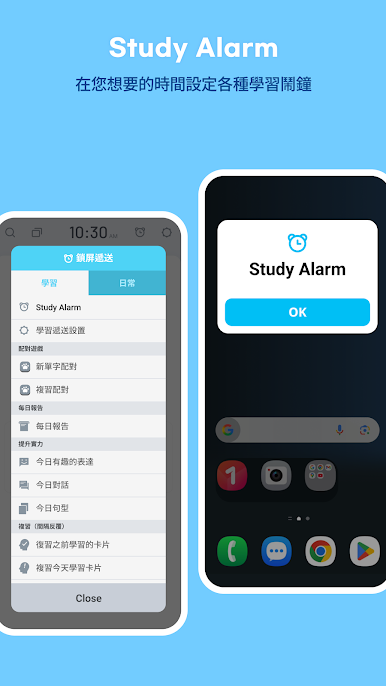
WordBit 英語 (自動學習) -繁體 is an Educational app that sneaks English practice into the moments you already spend on your phone. Every time you wake the screen, you get a quick word or phrase with clear context—no planning, no guilt, just steady progress. Prefer a bigger view while you work? You can also run it on BlueStacks on your PC.
Game Features
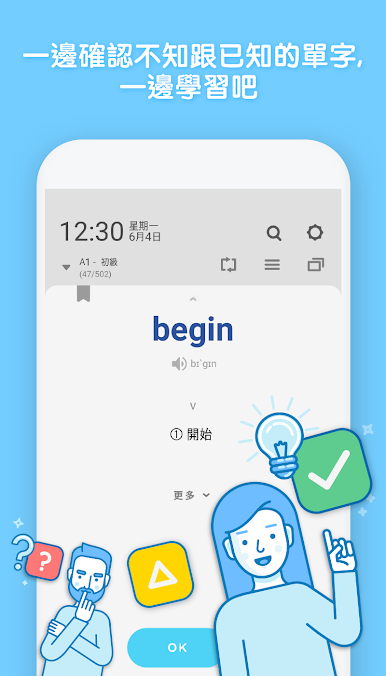
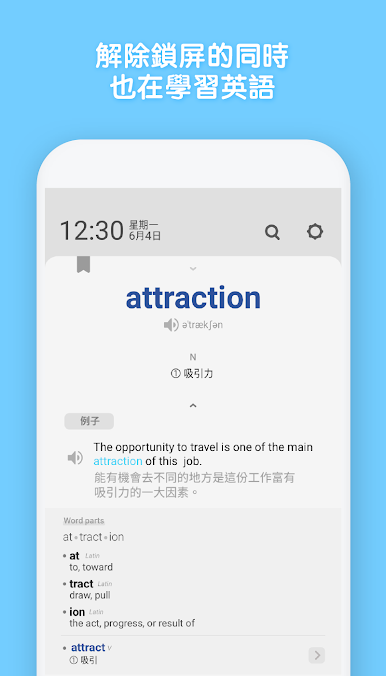
- Lock‑screen learning: Turn idle screen checks into mini lessons. A glance gives you a word, meaning, and context, then you’re right back to what you were doing.
- Built for quick bursts: Learn in seconds—checking messages, watching videos, or just the time still counts as study time.
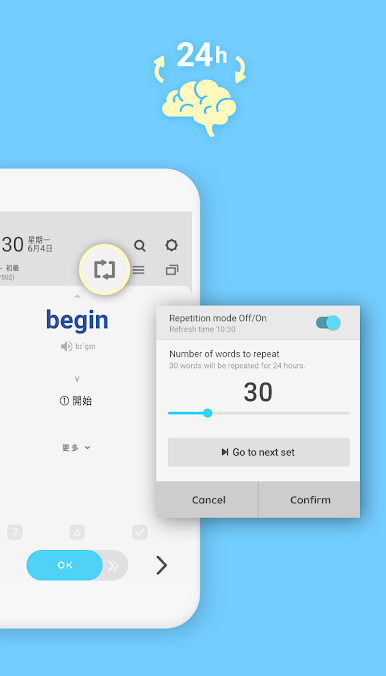
- Smart review system: Spaced repetition follows a gentle schedule (think 1, 7, 15, 30 days) so words stick without cramming.
- Real‑world examples: Short, useful sentences show how each word is used and highlight related vocabulary for better recall.
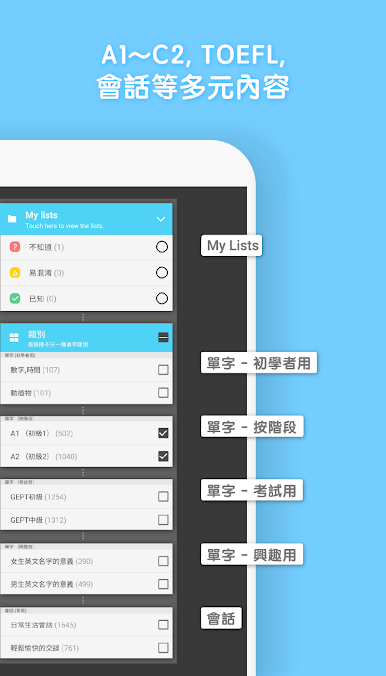
- Huge library by level: From A1 to C2, browse 30,000+ words, phrases, and sentences—including extra‑advanced vocabulary many apps skip.
- Test prep, covered: Study sets for TOEFL, IELTS, TOEIC, GEPT, GRE, plus academic terms and “finger test” words for school exams.
- Topic packs you’ll actually use: Business chats, travel phrases, everyday conversations, slang, proverbs, quotes, and more.
- Personalized practice: Mark words as unknown, confused, or known, and revisit them with focused drills and an easy search.
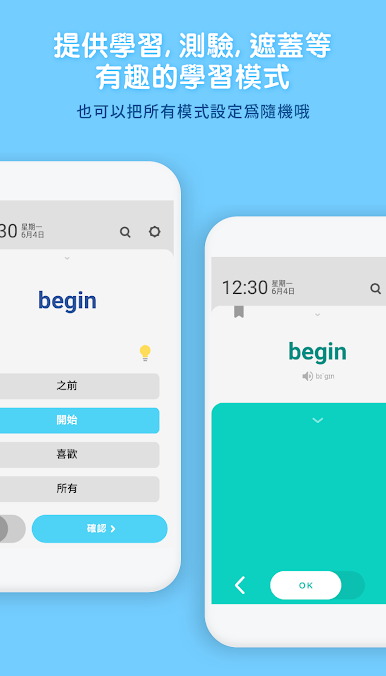
- Mini‑games and quizzes: Matching, multiple choice, spelling quizzes, and a screen mode keep practice light and interactive.
- Clear pronunciation: Audio with built‑in TTS and KK phonetic notation familiar to Taiwanese learners helps you hear and say it right.
- Easy on the eyes: Clean lock‑screen layout, dozens of color themes, and dark mode make learning comfortable.
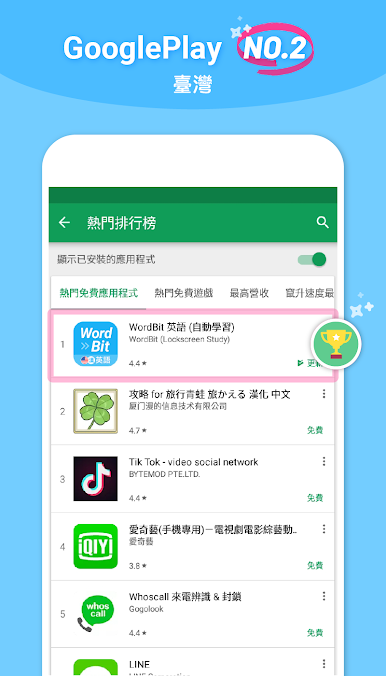
- Plenty of free content: Explore a large set of materials at no cost while you build daily study streaks.
Make your gaming sessions memorable with precise controls that give you an edge in close combats and visuals that pop up, bringing every character to life.


Play WordBit 英語 (自動學習) -繁體 on PC. It’s easy to get started.
-
Download and install BlueStacks on your PC
-
Complete Google sign-in to access the Play Store, or do it later
-
Look for WordBit 英語 (自動學習) -繁體 in the search bar at the top right corner
-
Click to install WordBit 英語 (自動學習) -繁體 from the search results
-
Complete Google sign-in (if you skipped step 2) to install WordBit 英語 (自動學習) -繁體
-
Click the WordBit 英語 (自動學習) -繁體 icon on the home screen to start playing

