


Neverending: AI Challenge
Play on PC with BlueStacks – the Android Gaming Platform, trusted by 500M+ gamers.

Page Modified on: Oct 21, 2026
Main Neverending: AI Challenge on PC
Key Features:
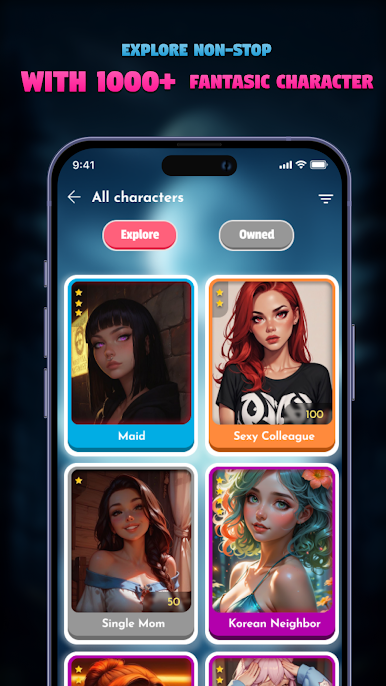
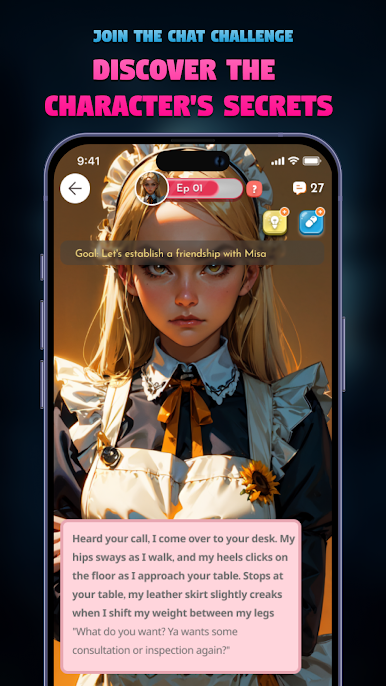
• Interactive AI Conversations: Engage in lifelike dialogues with AI girls, each with distinct personalities and storylines.
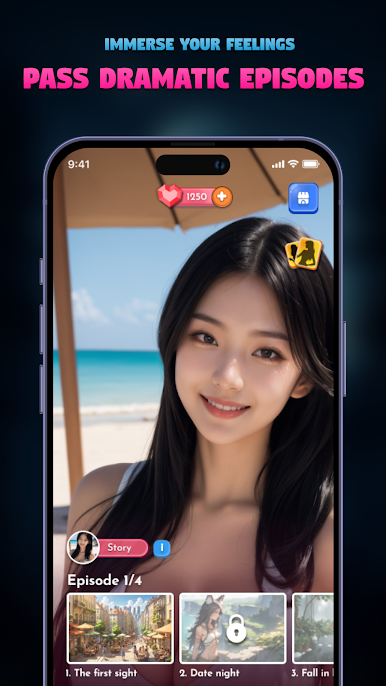
• Episode-based Goals: Complete specific goals in each episode to progress your relationship and unlock new story chapters.
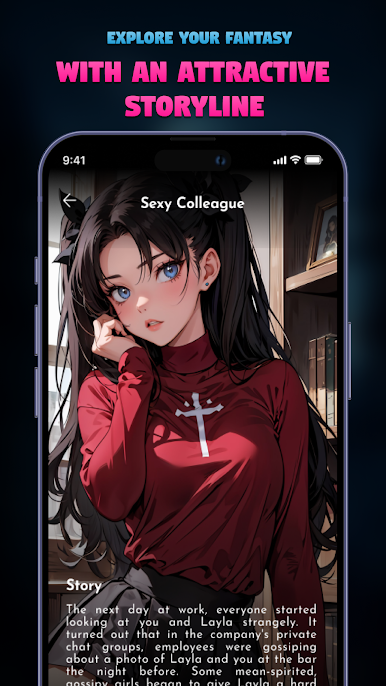
• Dynamic Plot Development: Your choices influence the storyline, creating a personalized romantic journey.
• Beautiful Graphics: Experience stunning visuals and captivating character designs.
• Endless Exploration: Enjoy continuous updates with new episodes and characters to keep the adventure fresh.
Why Choose Never Ending: AI Love Challenge?
• Realistic AI Interaction: Our advanced AI technology ensures natural and engaging conversations.
• Compelling Storylines: Get lost in intriguing plots and emotional journeys.
• Goal-oriented Gameplay: Stay motivated with clear objectives and rewarding progression.
• Regular Updates: Never run out of new content and challenges.
Embark on a never-ending journey of love and connection. Download Never Ending: AI Love Challenge today and discover your virtual soulmate!

Play Neverending: AI Challenge on PC. It’s easy to get started.
-
Download and install BlueStacks on your PC
-
Complete Google sign-in to access the Play Store, or do it later
-
Look for Neverending: AI Challenge in the search bar at the top right corner
-
Click to install Neverending: AI Challenge from the search results
-
Complete Google sign-in (if you skipped step 2) to install Neverending: AI Challenge
-
Click the Neverending: AI Challenge icon on the home screen to start playing

