


Minipuzzles - Daily Challenges
Play on PC with BlueStacks – the Android Gaming Platform, trusted by 500M+ gamers.

Page Modified on: Nov 4, 2026
Play Minipuzzles - Daily Challenges on PC or Mac
Step into the World of Minipuzzles – Daily Challenges, a thrilling Trivia game from the house of Puzztime!. Play this Android game on BlueStacks App Player and experience immersive gaming on PC or Mac.
About the Game
Minipuzzles – Daily Challenges is a Trivia collection built for quick, satisfying brain workouts. You get a fresh set of logic, word, and number teasers every day, plus a friendly global competition that keeps things exciting. Sessions are short, rules are clear, and it’s easy to slip into that “just one more puzzle” groove.
Game Features
- Daily brain workout: New puzzles arrive every day across logic, word, and number styles to keep your routine fresh and flexible.
- Global race, shared puzzles: Everyone tackles the same daily challenge per mode; finish fast to earn bronze, silver, or gold times and climb weekly leaderboards.
- Timed missions and progression: Knock out time-based goals to unlock tougher levels and sharpen your skills for the daily showdown.
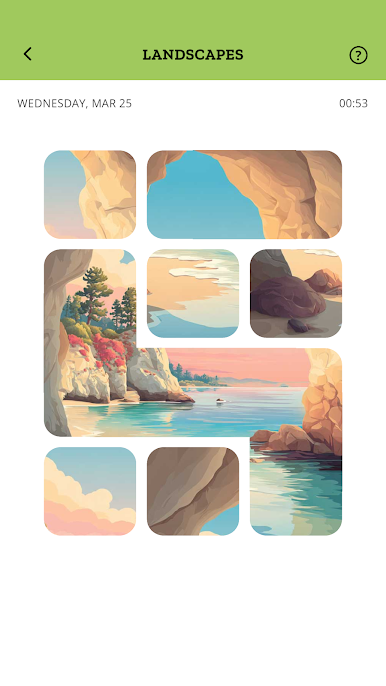
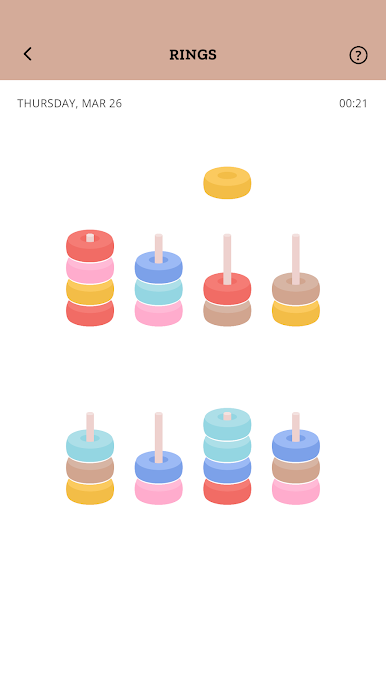
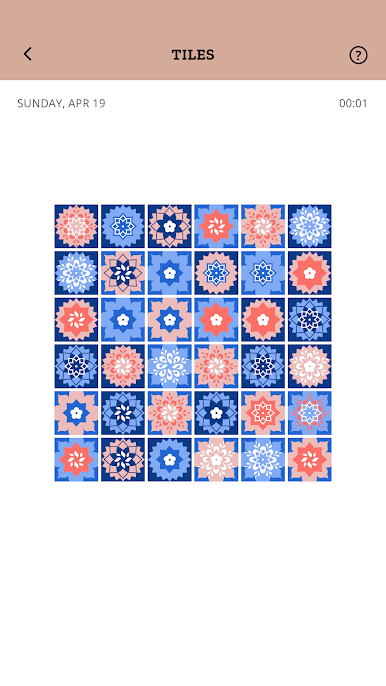
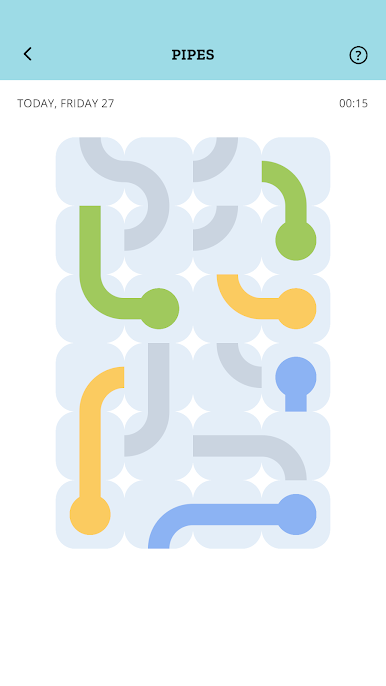
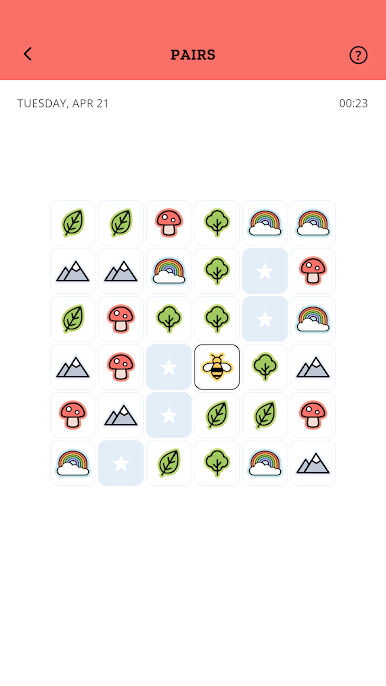
- 30+ mini-games, zero boredom: Bounce between Sudoku, Minesweeper, Word Scramble, One Line, Pipes, Color Maze, and more—simple to learn, sneaky to master.
- Quick rounds, low stress: Bite-size sessions fit any break; switch on a quiet setting when you want a calmer, pre-sleep wind-down.
- Play solo or with friends: Share leaderboards with family and friends to compare runs and settle who’s today’s quickest solver.
- Clean, accessible design: A clear interface and thoughtful options make it comfortable for adults and seniors without extra fuss.
- Learn while you play: Practice English, Spanish, French, Italian, German, or Portuguese as you puzzle through each mode.
- Monthly hidden city quests: Complete special tasks to reveal a new city map and earn a little extra bragging rights.
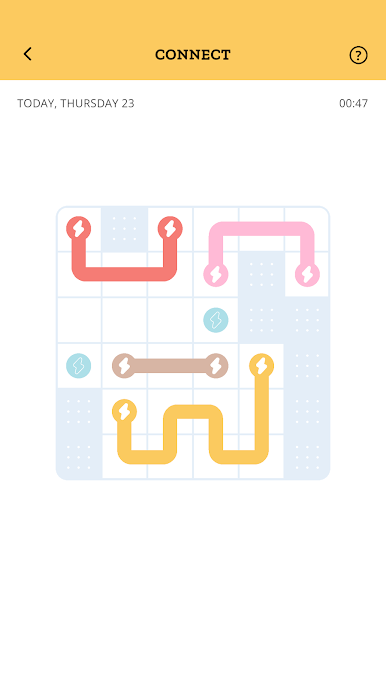
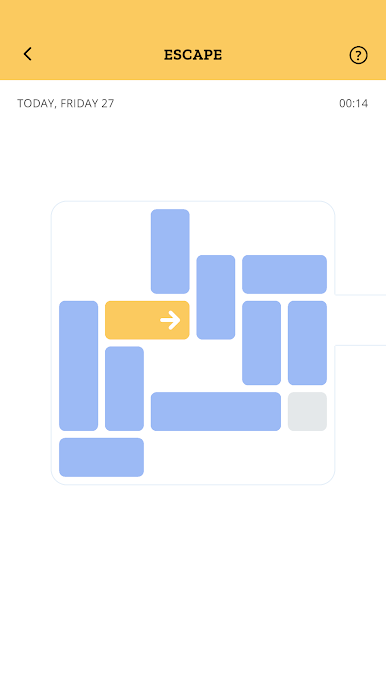
- Smart logic variety: Build pipe paths, connect circuits, flood-fill boards, place crowns, rotate blocks—each puzzle teaches a pattern you can master.
- Better on a bigger screen: Prefer more space for tapping and typing? It runs smoothly on BlueStacks for a comfy setup.
- Always evolving: Regular content updates and polish keep the collection feeling new week after week.
BlueStacks gives you more room to focus on the game and less time adjusting around mobile limitations.

Play Minipuzzles - Daily Challenges on PC. It’s easy to get started.
-
Download and install BlueStacks on your PC
-
Complete Google sign-in to access the Play Store, or do it later
-
Look for Minipuzzles - Daily Challenges in the search bar at the top right corner
-
Click to install Minipuzzles - Daily Challenges from the search results
-
Complete Google sign-in (if you skipped step 2) to install Minipuzzles - Daily Challenges
-
Click the Minipuzzles - Daily Challenges icon on the home screen to start playing

