

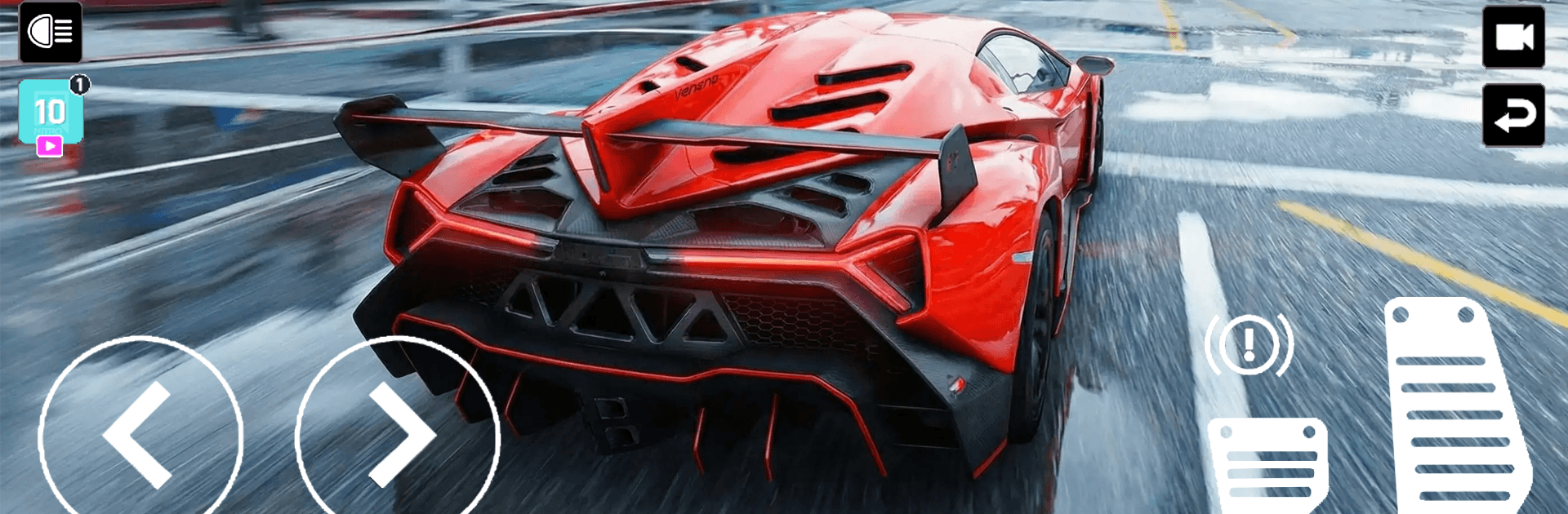
Nitro Car Driving Master
Play on PC with BlueStacks – the Android Gaming Platform, trusted by 500M+ gamers.

Page Modified on: Jul 11, 2026
Play Nitro Car Driving Master on PC or Mac
Nitro Car Driving Master brings the Racing genre to life, and throws up exciting challenges for gamers. Developed by NitroTech Studio, this Android game is best experienced on BlueStacks, the World’s #1 app player for PC and Mac users.
About the Game
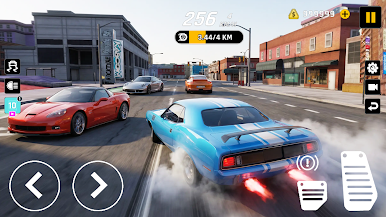
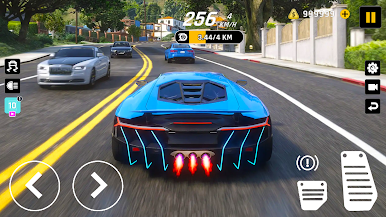
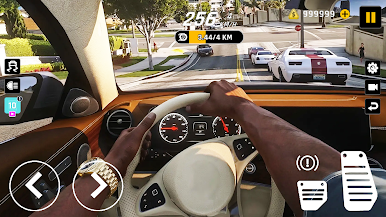
Nitro Car Driving Master is a high-speed Racing game built around razor-sharp driving and that “one more run” feeling. You’re threading through busy city streets, carving through technical corners, and relying on instinct when a truck changes lanes at the worst possible moment. Want a bigger screen and keyboard steering? It also plays smoothly on BlueStacks.
Game Features
- Real-Deal Handling: A responsive driving model gives each car weight and grip, so throttle, braking, and steering actually matter.
- Traffic Gauntlet: Squeeze through tight gaps, read the road ahead, and dodge sudden obstacles without lifting off the gas.
- Precision Cornering: Nail late apexes, control weight transfer, and keep momentum through hairpins to shave precious seconds.
- Controlled Drifting: Kick the rear out on purpose, link slides, and stabilize the car on exit without scrubbing too much speed.
- High-Pressure Challenges: Short, intense scenarios test your reflexes and consistency under stress—blink and you’ll miss your line.
- Smooth, Snappy Controls: Inputs feel immediate and clean, making tiny corrections mid-corner second nature.
- Crisp Visuals and Effects: Clear presentation highlights speed and motion so you can read the road, the traffic, and your slide angle at a glance.
- Dynamic Runs: No two attempts feel identical; traffic, pacing, and your approach keep every sprint fresh and demanding.
- Skill Over Luck: Progress comes from practice—better braking points, smarter lines, and calm reactions at top speed pay off big.
BlueStacks gives you more room to focus on the game and less time adjusting around mobile limitations.
Play Nitro Car Driving Master on PC. It’s easy to get started.
-
Download and install BlueStacks on your PC
-
Complete Google sign-in to access the Play Store, or do it later
-
Look for Nitro Car Driving Master in the search bar at the top right corner
-
Click to install Nitro Car Driving Master from the search results
-
Complete Google sign-in (if you skipped step 2) to install Nitro Car Driving Master
-
Click the Nitro Car Driving Master icon on the home screen to start playing

