


App de seguimiento Nutrimind
Play on PC with BlueStacks – the Android Gaming Platform, trusted by 500M+ gamers.

Page Modified on: Oct 7, 2025
Play App de seguimiento Nutrimind on PC
Connects to the dietician and patient.
Nutritionist can analyze the attachment to the patient's diet and physical activity of each of their patients.
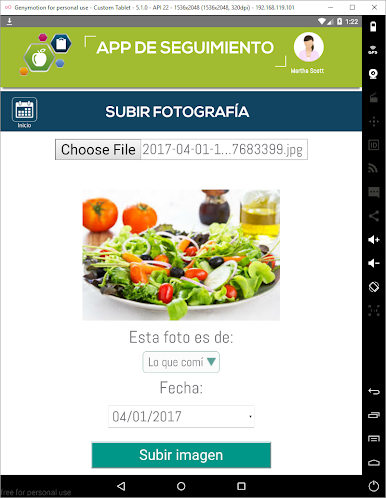
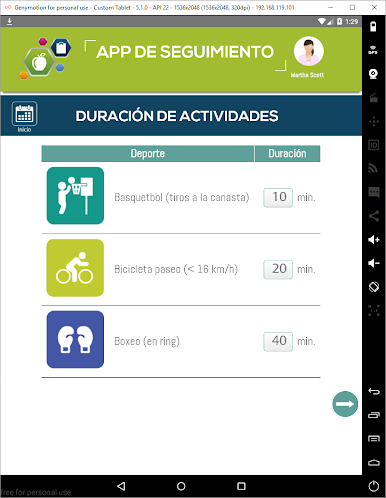
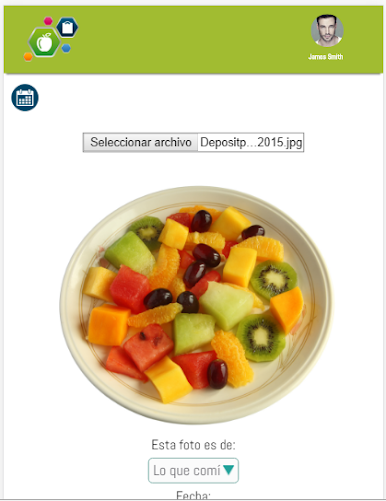
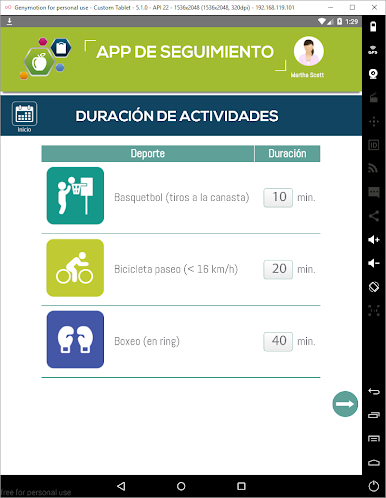
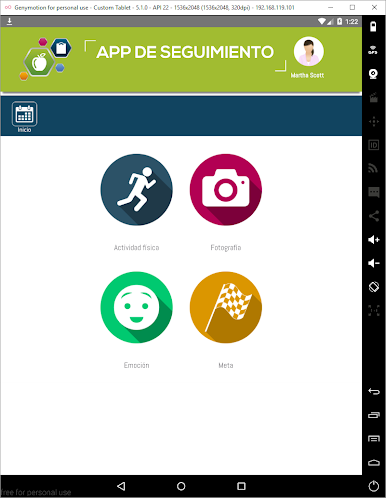
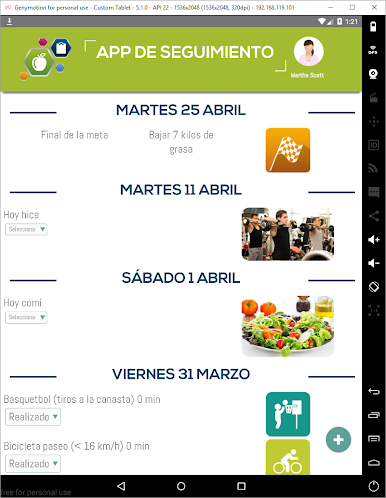
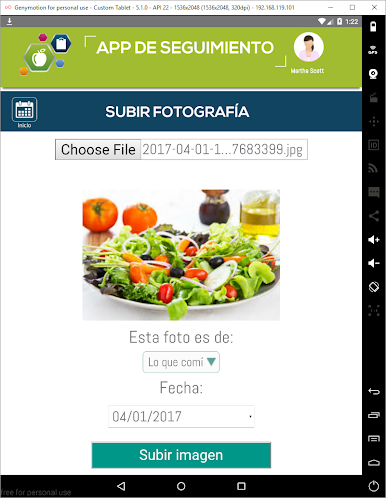
Patients enter the physical activity and can add pictures of the food they eat.
In addition patients can see their evolution, diet and set goals.




Play App de seguimiento Nutrimind on PC. It’s easy to get started.
-
Download and install BlueStacks on your PC
-
Complete Google sign-in to access the Play Store, or do it later
-
Look for App de seguimiento Nutrimind in the search bar at the top right corner
-
Click to install App de seguimiento Nutrimind from the search results
-
Complete Google sign-in (if you skipped step 2) to install App de seguimiento Nutrimind
-
Click the App de seguimiento Nutrimind icon on the home screen to start playing

