


Gaspy - Fuel Prices
Play on PC with BlueStacks – the Android Gaming Platform, trusted by 500M+ gamers.

Page Modified on: Nov 30, 2025
Run Gaspy - NZ & Australia Fuel Prices on PC or Mac
What’s better than using Gaspy – NZ & Australia Fuel Prices by Hwem? Well, try it on a big screen, on your PC or Mac, with BlueStacks to see the difference.
About the App
Gaspy – NZ & Australia Fuel Prices is your go-to sidekick for hunting down cheap gas across New Zealand and Australia. Think of it as your friendly neighborhood guide that helps you stretch your fuel budget a little further—wherever you go. From everyday drives to long road trips, you can spot the most up-to-date prices nearby and know exactly where to fill up without breaking the bank.
App Features
-
Live, Crowd-Sourced Fuel Prices
Check out real-time gas prices, all shared by fellow drivers. It’s like having a huge team out there, always on the lookout for bargains. -
Community Tools & Leaderboards
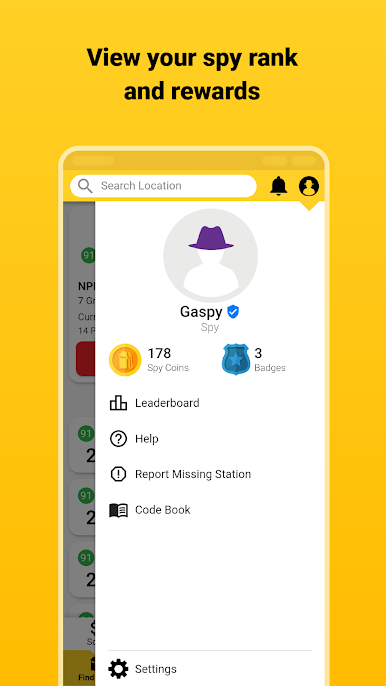
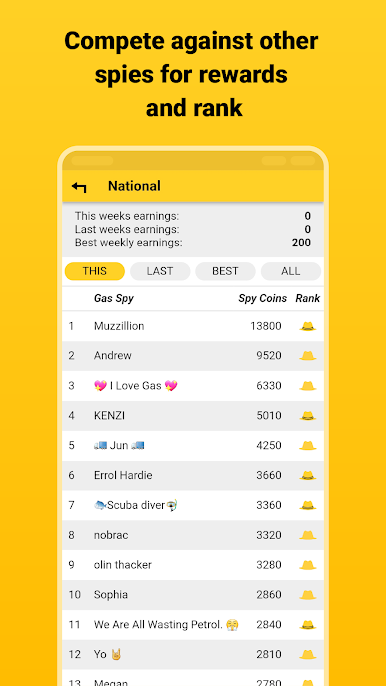
Join in with the “Carmunity”—yep, that’s on purpose! Compete for Spy Coins, collect badges, and check your ranking with Gaspy’s colorful spy hat system (honestly, spotting who’s got the yellow hat is half the fun). -
Easy Search & Filters
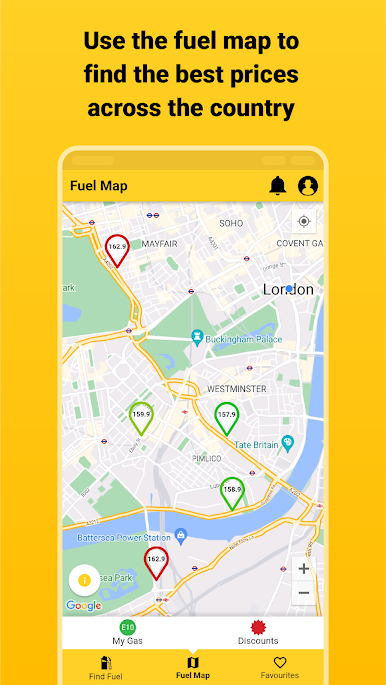
Tap through super straightforward search options to quickly find the cheapest or nearest fuel. Sort, filter, or just scroll around the map; it’s easy. -
Weekly and All-Time Challenges
Think you’ve got what it takes? Compete with friends or top spotters and see your name climb the weekly or all-time leaderboards. -
Made for Saving Together
Whether you’re just looking to save a few bucks or you’re out to out-rank your friends, every price you add helps everyone. That’s what Gaspy’s all about.
And if you’re up for it, try using Gaspy on a bigger screen with BlueStacks. It makes checking prices and joining the hunt for savings that much more enjoyable.
Switch to BlueStacks and make the most of your apps on your PC or Mac.



Play Gaspy - Fuel Prices on PC. It’s easy to get started.
-
Download and install BlueStacks on your PC
-
Complete Google sign-in to access the Play Store, or do it later
-
Look for Gaspy - Fuel Prices in the search bar at the top right corner
-
Click to install Gaspy - Fuel Prices from the search results
-
Complete Google sign-in (if you skipped step 2) to install Gaspy - Fuel Prices
-
Click the Gaspy - Fuel Prices icon on the home screen to start playing

