


99 Nights Forest Shooter
Play on PC with BlueStacks – the Android Gaming Platform, trusted by 500M+ gamers.

Page Modified on: Aug 4, 2025
Overview
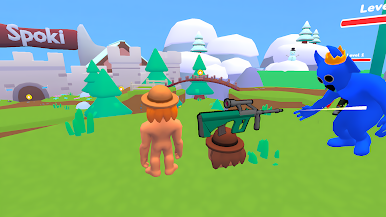
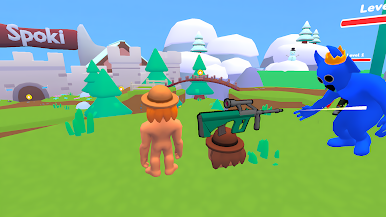
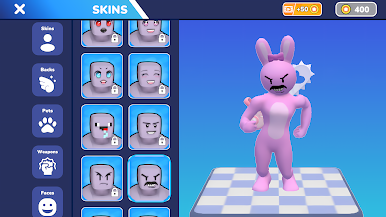
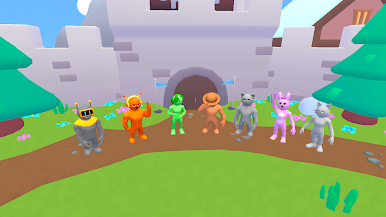
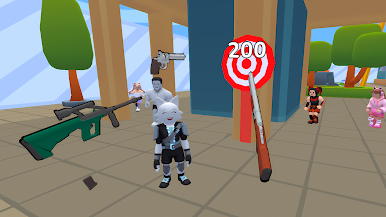
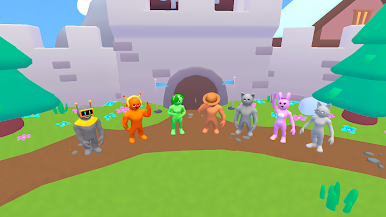
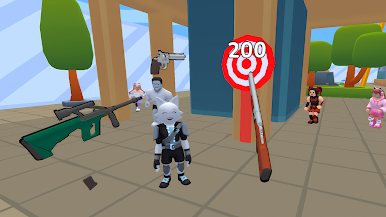
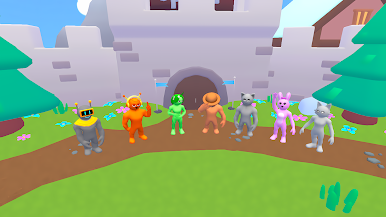
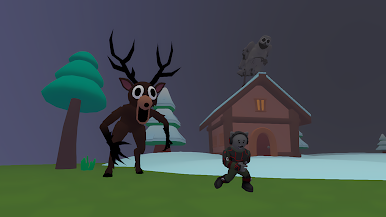
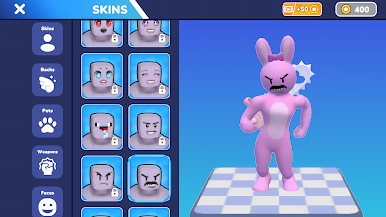
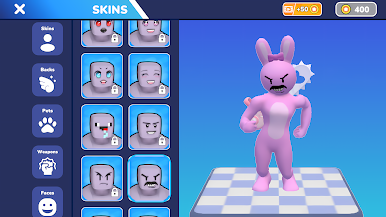
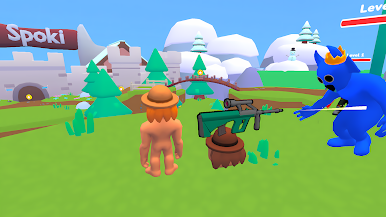
In this 3d roguelike shooter, every round is a fight for your life. You’ll be constantly on the move — dodging enemy fire, shooting in all directions, and making quick decisions to stay alive ⚡. Enemies drop coins when defeated, and collecting them is key to your long-term progress 💰. Use your coins to unlock powerful weapons, cool character skins, and helpful pets. Pets aren’t just cosmetic — they give you real advantages in battle, such as faster health recovery, boosted damage, or extra coin drops 🐾.
Every session in Spoki Shooter is unique. Thanks to its roguelike mechanics, no two runs are the same. You’ll encounter different enemies, random upgrades, and new tactical challenges each time. Want to go full damage with high-powered weapons? Or prefer to focus on speed and mobility? The choice is yours, and your build matters. This makes it perfect for fans of RPG games who love experimenting with different playstyles and strategies.
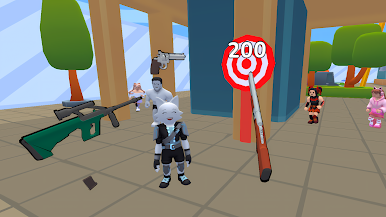
The core of the game is built around what makes shooter games fun: fast reflexes, satisfying weapons, and pure arcade-style action. But it also adds depth with its RPG-like upgrade systems and pet mechanics. If you're into survive games, where each second counts and one wrong move can end your run — this is the game for you 💥.
Spoki Shooter offers:
High-energy action game mechanics with 3D shooting
Classic shooter gameplay combined with survival game tension
Dozens of weapons to unlock and upgrade 🔧
Pets with special abilities to boost your performance
Tons of coins to collect and spend on skins, gear, and upgrades
Randomized enemy waves and map layouts for endless replayability
Perfect for fans of bullet hell, monster shooter, and idle shooter experiences
Whether you’re blasting through swarms of enemies or strategizing your next upgrade, Spoki Shooter constantly keeps you on your toes. Survive longer, earn more, and become the ultimate 3D hero in one of the shooter games 🚀.

Play 99 Nights Forest Shooter on PC. It’s easy to get started.
-
Download and install BlueStacks on your PC
-
Complete Google sign-in to access the Play Store, or do it later
-
Look for 99 Nights Forest Shooter in the search bar at the top right corner
-
Click to install 99 Nights Forest Shooter from the search results
-
Complete Google sign-in (if you skipped step 2) to install 99 Nights Forest Shooter
-
Click the 99 Nights Forest Shooter icon on the home screen to start playing

