

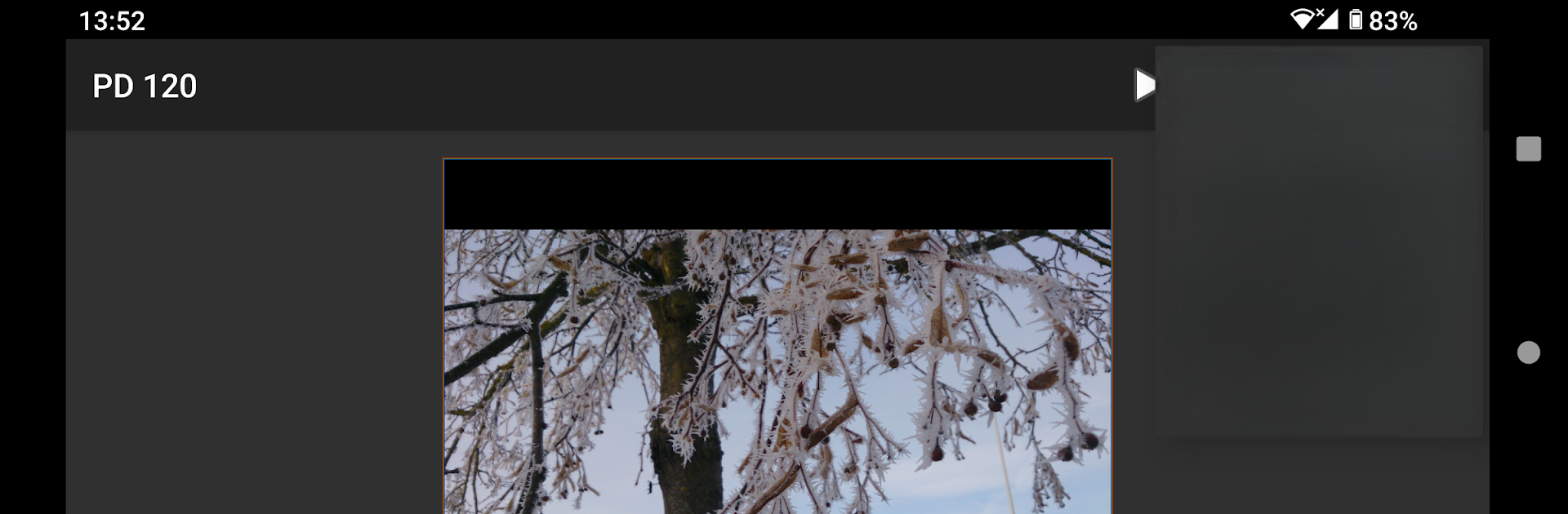
SSTV Encoder
Play on PC with BlueStacks – the Android Gaming Platform, trusted by 500M+ gamers.

Page Modified on: Jun 1, 2025
Run SSTV Encoder on PC or Mac
Why limit yourself to your small screen on the phone? Run SSTV Encoder, an app by Olga Miller, best experienced on your PC or Mac with BlueStacks, the world’s #1 Android emulator.
About the App
Ever wanted to send pictures over the airwaves in true radio style? SSTV Encoder, created by Olga Miller, lets you turn your device into a mini slow-scan television station. Designed for anyone who’s into radio communications, amateur radio, or just curious about SSTV, this app makes it simple to send images using a variety of classic SSTV modes. Snap a picture, load up your favorite cues, and you’re good to go—all from your Android device, or with even more room to explore on a bigger screen using BlueStacks.
App Features
-
Supports Popular SSTV Modes
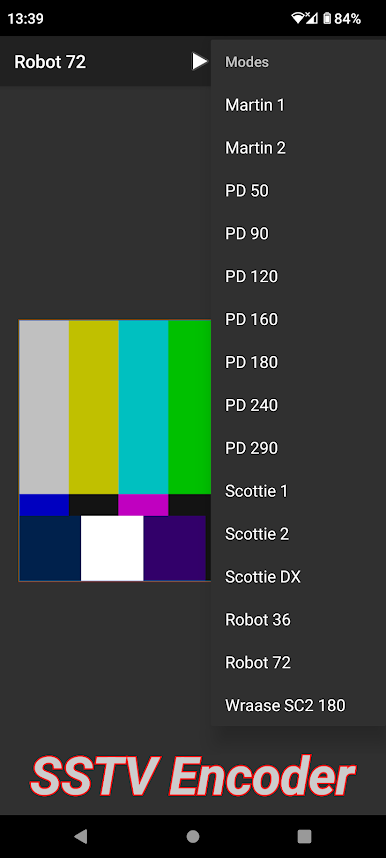
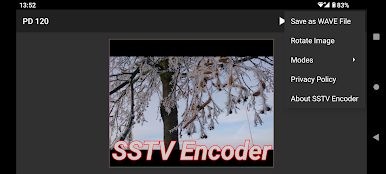
Choose from a solid lineup of SSTV transmission modes—Martin, PD, Scottie, Robot, and Wraase. Whether you prefer Martin 1, PD 120, Scottie DX, or something a little different, all the classic options are here. -
Easy Image Selection
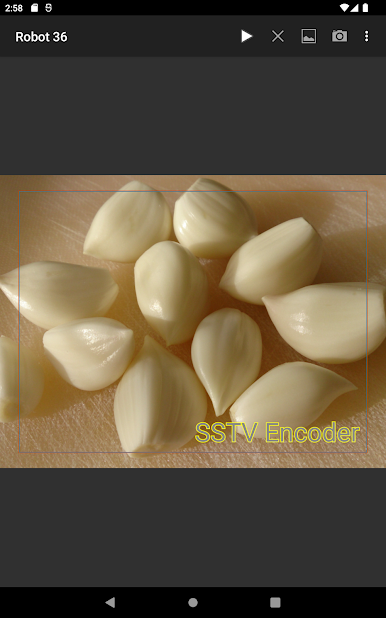
Load up images with just a couple of taps. Pick an existing photo, snap something new, or even use your gallery’s share function for quicker access. The app automatically keeps your images looking right, adding borders if needed to fit the format. -
Text Overlay Tools
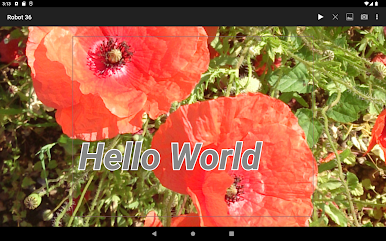
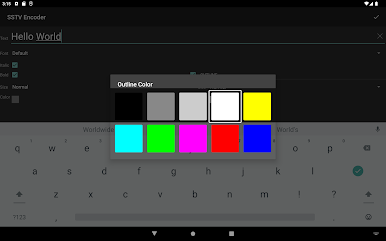
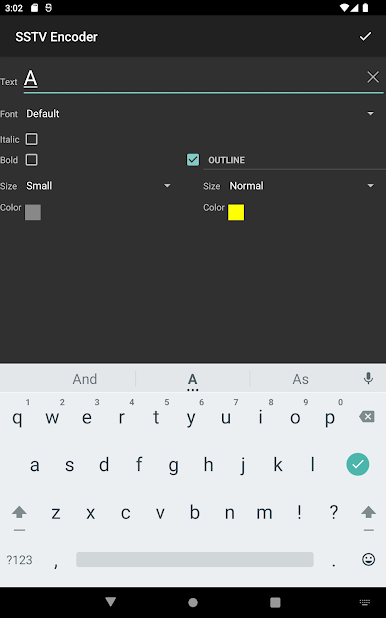
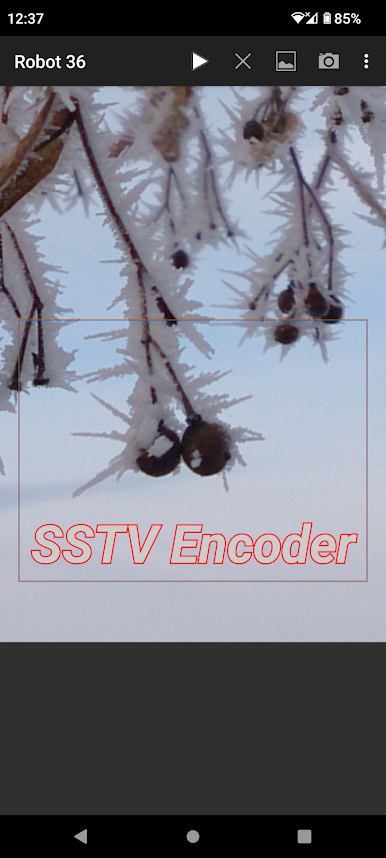
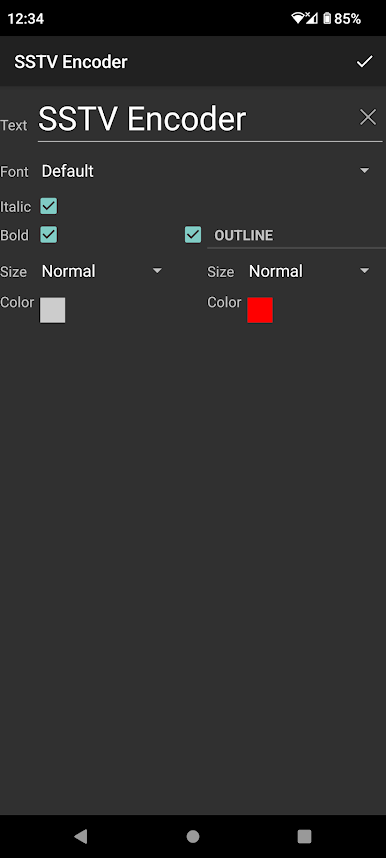
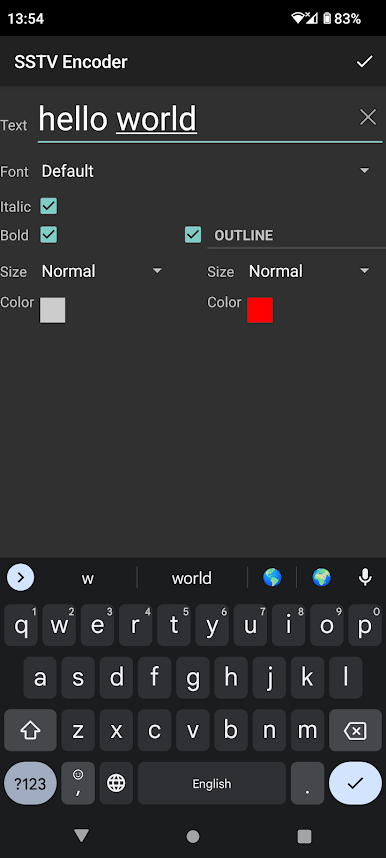
Want to add a callsign or a quick note to your image? Single tap to drop some text onto your picture, tap again to edit, or drag and drop to reposition—simple, intuitive, and handy if you’re sending images that need a little explanation. -
Image Editing on the Fly
Rotate your photos by 90 degrees, switch between transmission modes, and easily resize images as needed. The app keeps everything tidy so your image always fits the mode you pick. -
Queue Management
Ready to send that image? Just hit play. Change your mind? Stop clears your current send job and makes space for what’s next. -
Save as WAV File
Prefer to keep a transmission for later or share it another way? Create a WAV audio file of your SSTV transmission and find it stashed in your music folder. -
Remembers Your Overlays
Any text overlay you add sticks around for your next session (unless you delete it), so you can pick up right where you left off.
SSTV Encoder is a solid pick for anyone wanting practical, old-school image transmission packed in a clean, no-fuss interface. Perfect for serious hobbyists and the just-curious alike.
Eager to take your app experience to the next level? Start right away by downloading BlueStacks on your PC or Mac.
Play SSTV Encoder on PC. It’s easy to get started.
-
Download and install BlueStacks on your PC
-
Complete Google sign-in to access the Play Store, or do it later
-
Look for SSTV Encoder in the search bar at the top right corner
-
Click to install SSTV Encoder from the search results
-
Complete Google sign-in (if you skipped step 2) to install SSTV Encoder
-
Click the SSTV Encoder icon on the home screen to start playing

