


Bible CS
Play on PC with BlueStacks – the Android Gaming Platform, trusted by 500M+ gamers.

Page Modified on: Jan 3, 2026
Play Bible CS on PC
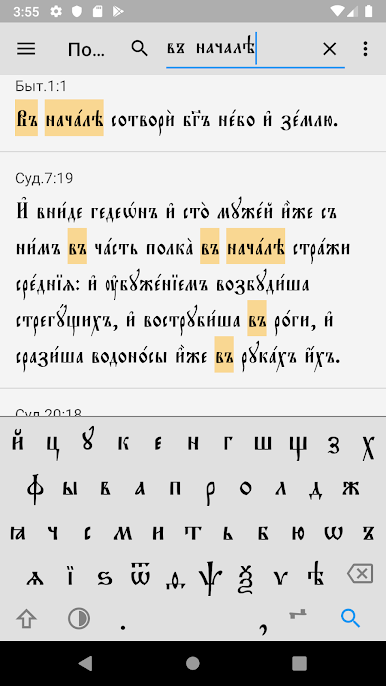
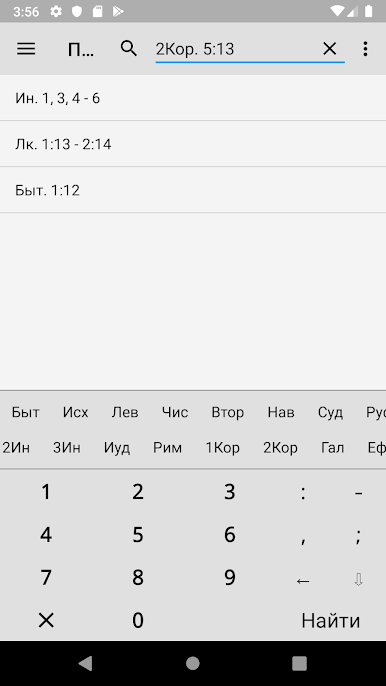
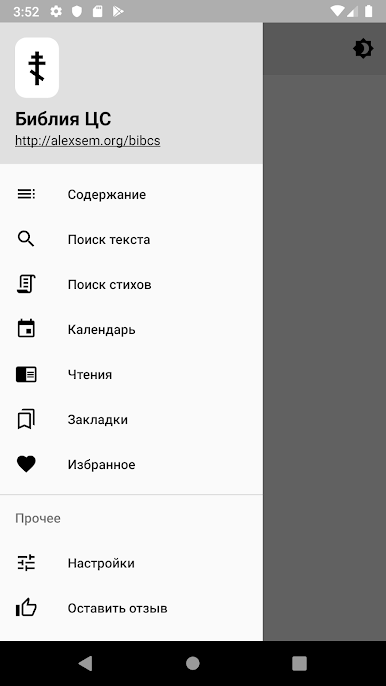
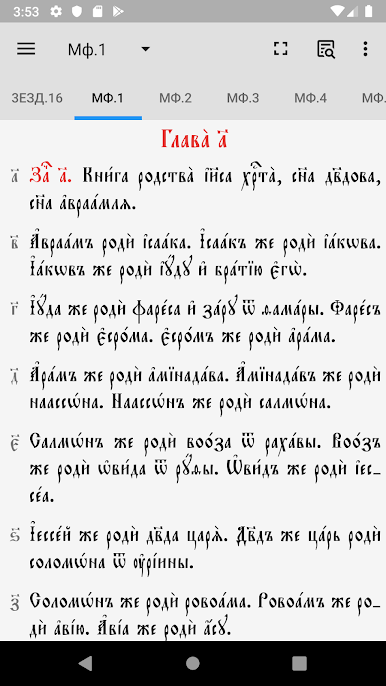
The program is equipped with convenient content and a search function that makes it easier to navigate through the texts of the Bible.
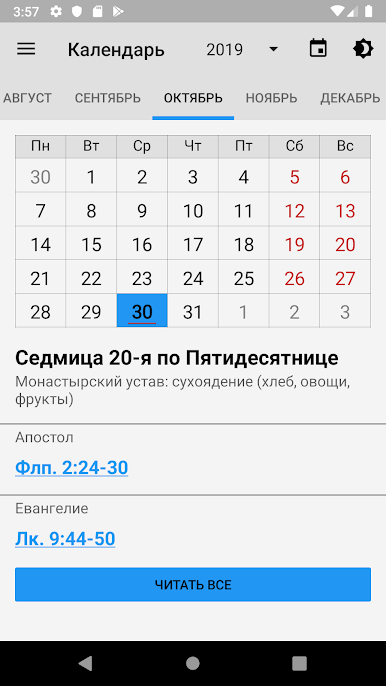
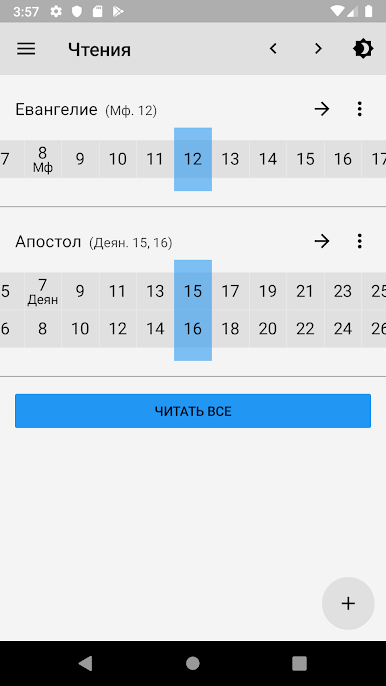
In addition, there are advanced navigation features, such as daily readings, text search, as well as a visual and easy-to-use calendar.
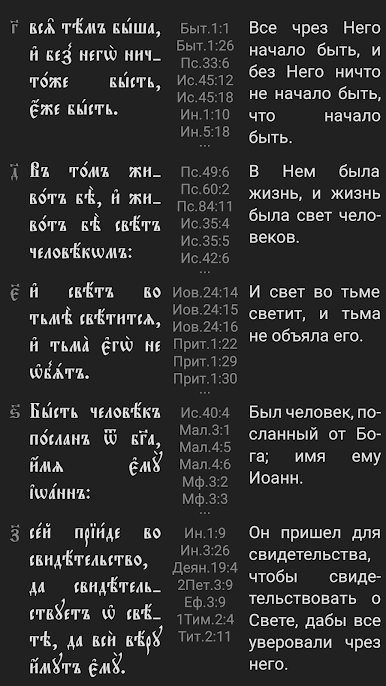
The application also includes a translation of the Bible into several languages for the possibility of parallel reading.
Compared to the previous version (ver.3), the application has undergone major changes. The interface has been significantly redesigned taking into account the latest requirements for the appearance and behavior of Android applications. Several new features have also been added to make the app easier to use.
The app is distributed for informational purposes only. The texts may contain typographical errors - please do not use them during worship or when writing scientific papers.
Discussions regarding the project are held on the Discord server: https://discord.gg/EmDZ9ybR4u

Play Bible CS on PC. It’s easy to get started.
-
Download and install BlueStacks on your PC
-
Complete Google sign-in to access the Play Store, or do it later
-
Look for Bible CS in the search bar at the top right corner
-
Click to install Bible CS from the search results
-
Complete Google sign-in (if you skipped step 2) to install Bible CS
-
Click the Bible CS icon on the home screen to start playing

