


Ascension Online Care – See a Doctor 24/7
Play on PC with BlueStacks – the Android Gaming Platform, trusted by 500M+ gamers.

Page Modified on: Dec 17, 2025
Overview
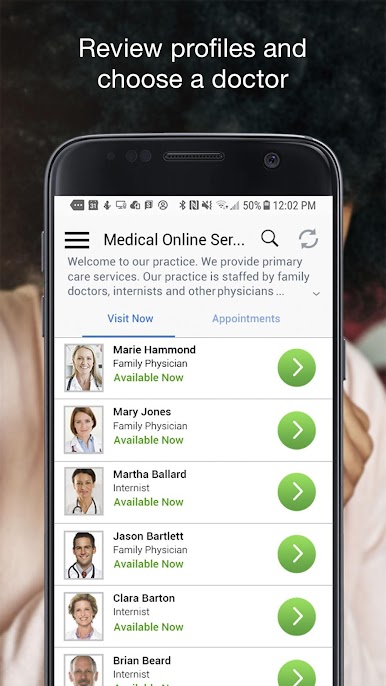
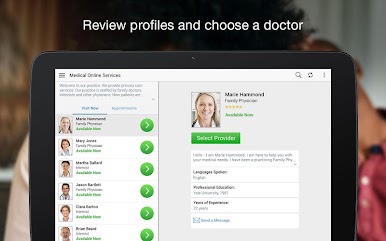
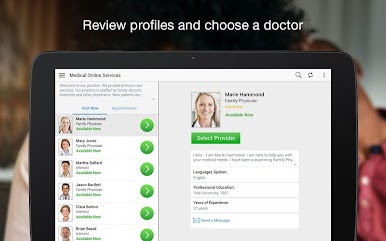
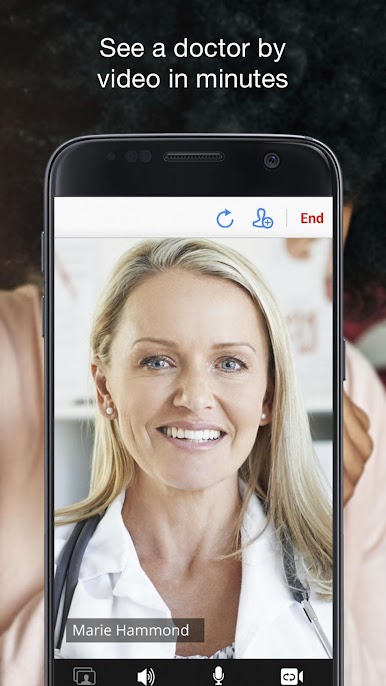
Ascension Online Care is 24/7 one-on-one, personalized care where you and a doctor have a video chat using your mobile device. We work quickly to understand you and your unique situation, so we can provide the care you need. And it’s secure and private.
Getting started is easy:
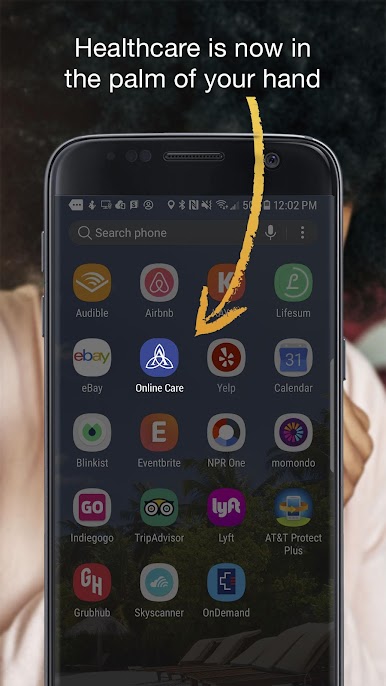
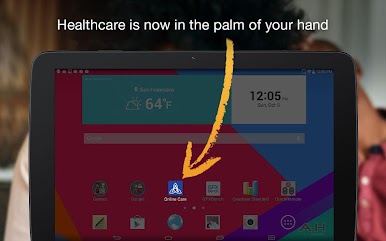
1 Download the Ascension Online Care app
2 Create your profile and tell us about your symptoms
3 Start your video visit and talk to a doctor
We’re here to treat you and your family for a wide variety of non-emergency symptoms and conditions, including:
• Sinus or upper respiratory infections
• Eye infections
• Rash
• Sore throat/strep/cough
• Cold/flu
• Fever
• Seasonal allergies
• Urinary tract infections
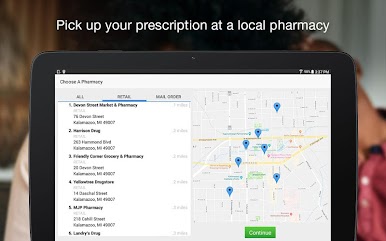
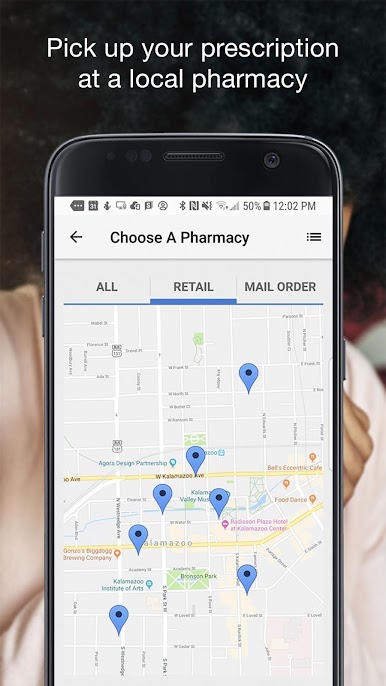
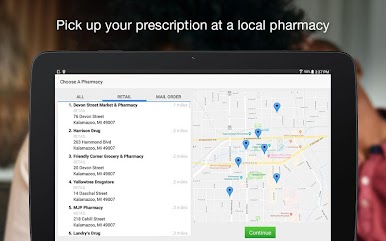
Have a favorite pharmacy? If you end up needing a prescription, we will send your prescription to your preferred pharmacy. Just add the pharmacy information when you are registering for your visit.





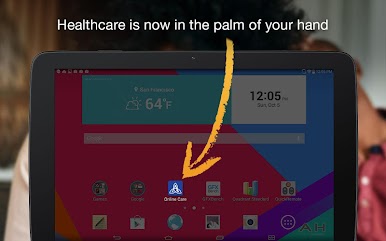
Play Ascension Online Care – See a Doctor 24/7 on PC. It’s easy to get started.
-
Download and install BlueStacks on your PC
-
Complete Google sign-in to access the Play Store, or do it later
-
Look for Ascension Online Care – See a Doctor 24/7 in the search bar at the top right corner
-
Click to install Ascension Online Care – See a Doctor 24/7 from the search results
-
Complete Google sign-in (if you skipped step 2) to install Ascension Online Care – See a Doctor 24/7
-
Click the Ascension Online Care – See a Doctor 24/7 icon on the home screen to start playing

