


Lifeline
Play on PC with BlueStacks – the Android Gaming Platform, trusted by 500M+ gamers.

Page Modified on: Mar 25, 2026
Play Lifeline on PC
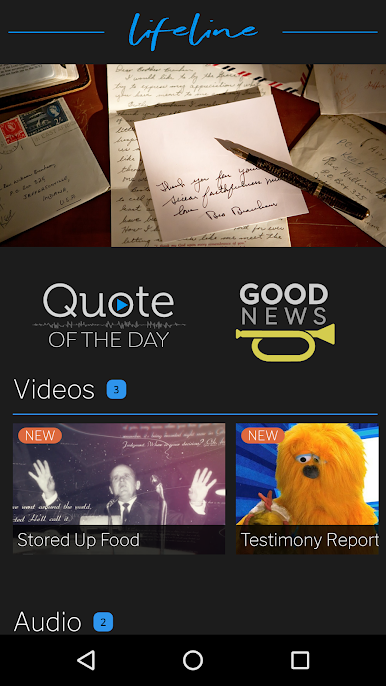
Here are some of the highlights of the brand-new Lifeline App:
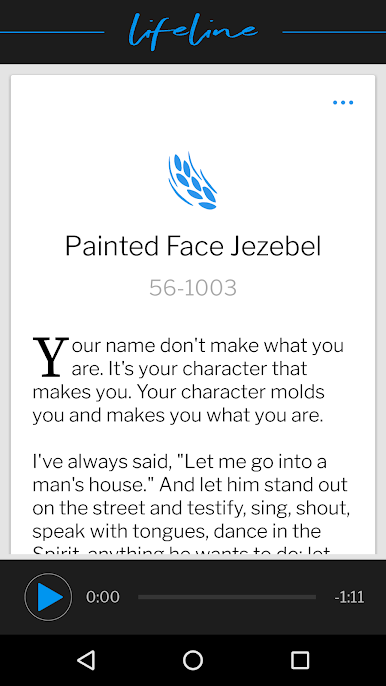
QUOTE OF THE DAY
You can get to the same uplifting QOTD that is on branham.org within the Lifeline app. Plus, jump directly to The Table app with quick links.
AUDIO & VIDEO
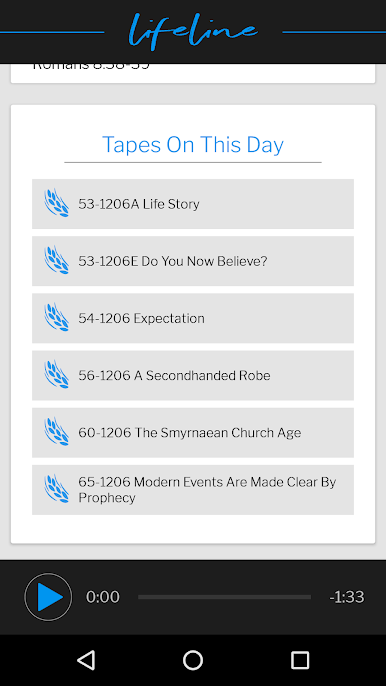
Whether it’s exclusive documentaries, inspirational stories, or video and audio content for the children, everything we post will have the single purpose of encouraging the Bride.
ENCOURAGEMENT
Keep the Word front and center on your device with inspirational wallpapers, photos, quotes, and more!
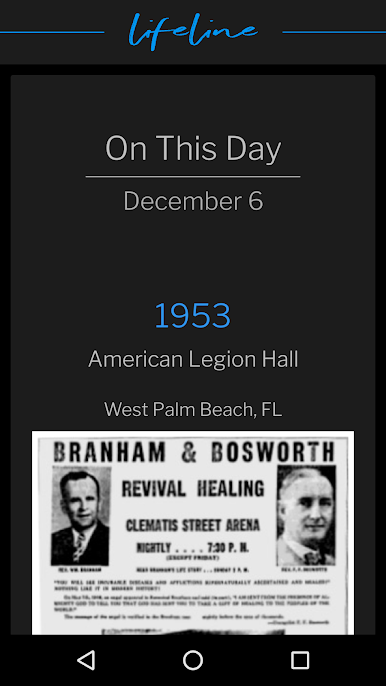
ENCOURAGING REPORTS
You’ll have reports every day that are sure
to lift your spirits! It may be a missionary report from India or powerful healing testimony from the United States; these encouraging reports are another Book of Acts for the Bride.
VGR NOTIFICATIONS
It might be a prayer request for believers in an earthquake zone or a reminder to take a few minutes for the Lord. These notifications will fill you in on breaking reports and help bring the Bride together.
Play Lifeline on PC. It’s easy to get started.
-
Download and install BlueStacks on your PC
-
Complete Google sign-in to access the Play Store, or do it later
-
Look for Lifeline in the search bar at the top right corner
-
Click to install Lifeline from the search results
-
Complete Google sign-in (if you skipped step 2) to install Lifeline
-
Click the Lifeline icon on the home screen to start playing

