


EchoLink
Play on PC with BlueStacks – the Android Gaming Platform, trusted by 500M+ gamers.

Page Modified on: Mar 22, 2025
Run EchoLink on PC or Mac
Why limit yourself to your small screen on the phone? Run EchoLink, an app by Synergenics, LLC, best experienced on your PC or Mac with BlueStacks, the world’s #1 Android emulator.
About the App
Ever wanted to connect with fellow Amateur Radio enthusiasts right from your phone? EchoLink brings licensed operators together no matter where you are, letting you tap into the worldwide EchoLink network straight from your Android device. Whether you’re at home, out in your backyard, or even traveling, you’ll have instant access to thousands of repeaters and operators—just like that.
App Features
-
Easy Access on the Go
Enjoy the freedom to link up with the EchoLink system using WiFi or your mobile data. You’re not tied to your radio gear or desktop anymore. -
Connect Worldwide
Chat, connect, or listen in on Amateur Radio conversations with operators across the globe. The network is vast, and there’s always someone online. -
Secure, Licensed-Only Communication
Only licensed Amateur Radio operators can use EchoLink, so you know your conversations stay within the radio community. -
Quick Setup for New and Returning Users
New to EchoLink? Grab a password right from the startup if you’re a licensed operator. If you’ve used EchoLink before but can’t remember your login, there’s an easy reminder feature. -
Solid on Both Phones and Larger Screens
Run EchoLink on your phone, or try it with BlueStacks for a bigger view—handy for managing multiple contacts or monitoring several conversations at once. -
Simple, Clean Controls
The app keeps things straightforward. No complicated menus; just the essentials so you can focus on connecting with others. -
Reliable Performance
Designed for clear audio and smooth connections, even if you’re hopping between WiFi and mobile data out in the field.
BlueStacks gives you the much-needed freedom to experience your favorite apps on a bigger screen. Get it now.
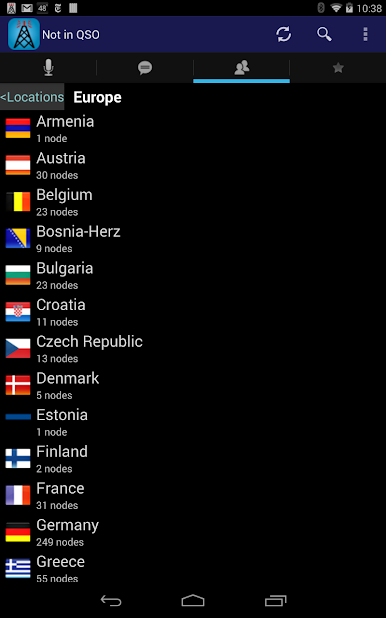
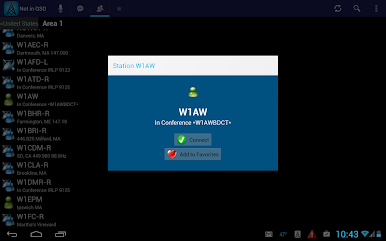
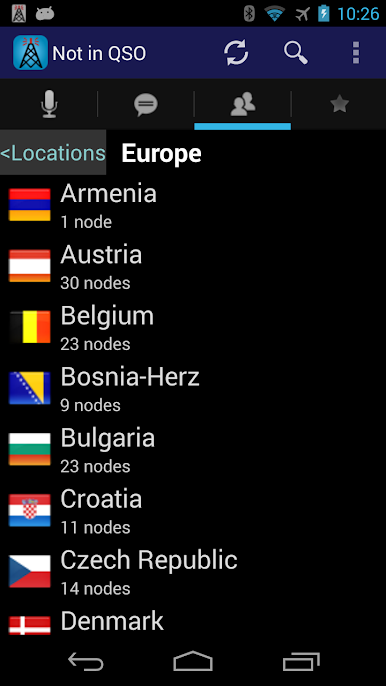
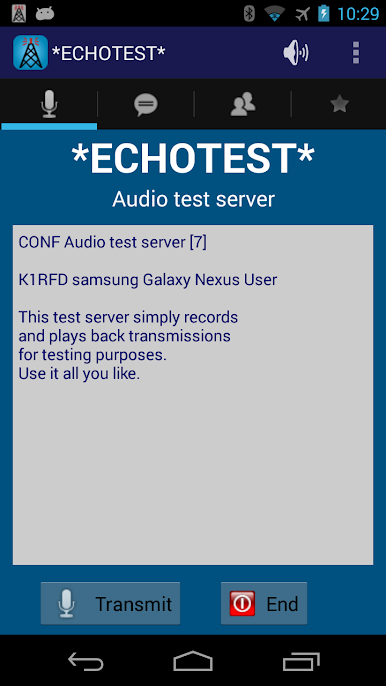
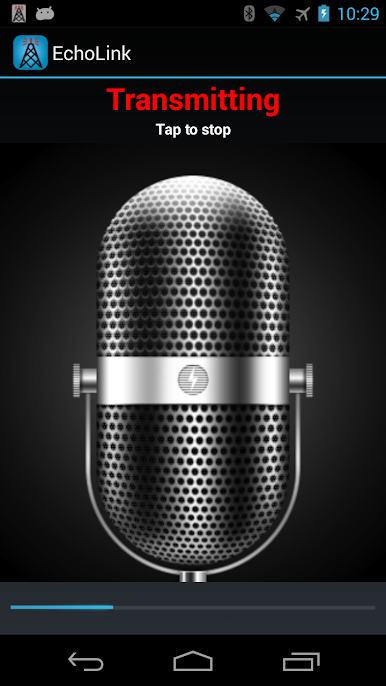
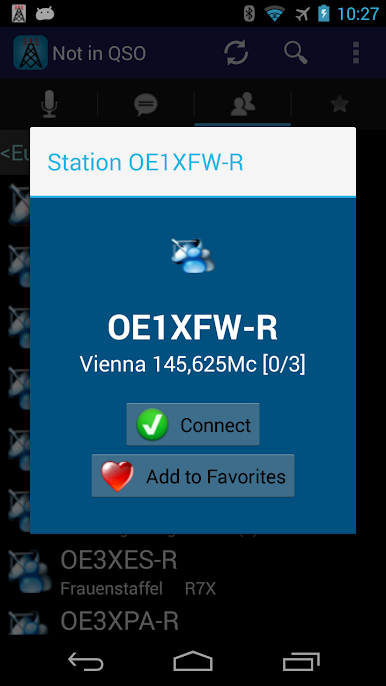
Play EchoLink on PC. It’s easy to get started.
-
Download and install BlueStacks on your PC
-
Complete Google sign-in to access the Play Store, or do it later
-
Look for EchoLink in the search bar at the top right corner
-
Click to install EchoLink from the search results
-
Complete Google sign-in (if you skipped step 2) to install EchoLink
-
Click the EchoLink icon on the home screen to start playing

