


TatoTalk
Play on PC with BlueStacks – the Android Gaming Platform, trusted by 500M+ gamers.

Page Modified on: Aug 2, 2026
Play TatoTalk on PC
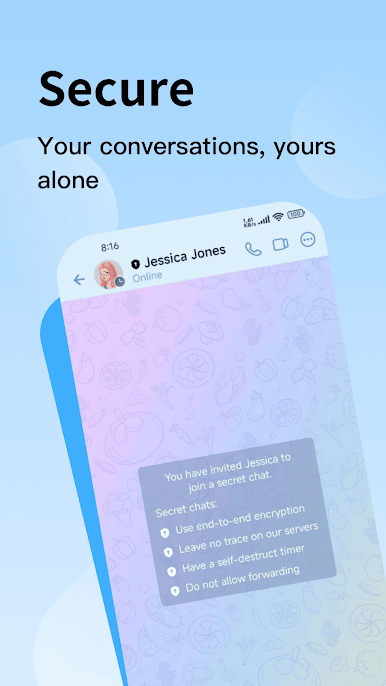
Privacy-First Encryption
Every message, call, and file transfer is protected by end-to-end encryption — your conversations are yours alone, with zero unauthorized access.
Smart Toolbox
Go beyond basic messaging with TatoTalk's built-in productivity suite: save Quick Replies for frequently used messages, break the ice with AI-generated conversation starters, and translate messages in real time without leaving the app.
Chat Tips Library
Not sure what to say? Browse a curated library of conversation guides and scripts — organized by scenario — to help you express yourself more confidently in any situation.
Rich Media Support
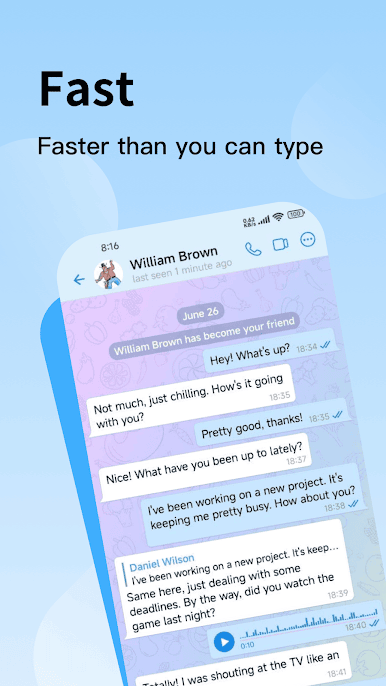
Share high-definition photos, videos, voice messages, and files of any type — no compression, no limits on your expression.
Groups Built for Teams
Host large communities or tight-knit teams with group voice and video calls, pinned announcements, and flexible admin controls.
Crystal-Clear Calls
High-quality voice and video calls that work reliably across borders — stay close to the people who matter, wherever they are.
Always in Sync
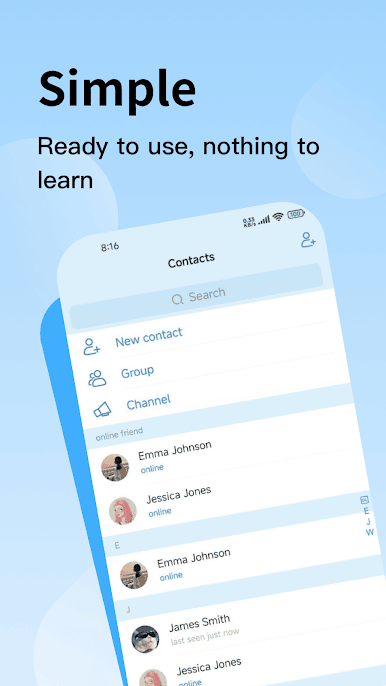
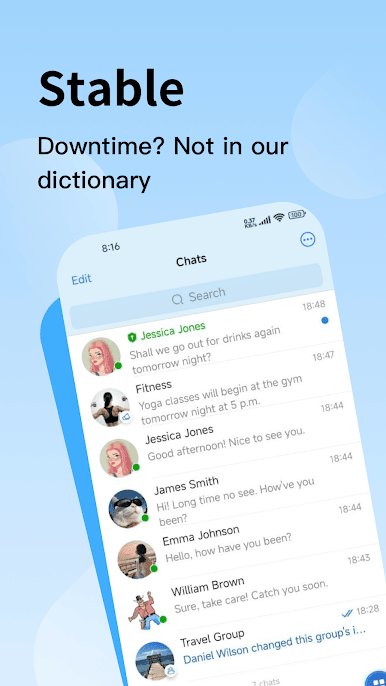
Pick up right where you left off — messages and contacts sync instantly across all your devices.
Make It Yours
Personalize your chat with custom themes, backgrounds, and notification settings.
Available in 19 Languages
Designed for a global community, with full localization across 19 languages.
Play TatoTalk on PC. It’s easy to get started.
-
Download and install BlueStacks on your PC
-
Complete Google sign-in to access the Play Store, or do it later
-
Look for TatoTalk in the search bar at the top right corner
-
Click to install TatoTalk from the search results
-
Complete Google sign-in (if you skipped step 2) to install TatoTalk
-
Click the TatoTalk icon on the home screen to start playing

