


RC Flight and Battery Log
Play on PC with BlueStacks – the Android Gaming Platform, trusted by 500M+ gamers.

Page Modified on: Jul 11, 2024
Play RC Flight and Battery Log on PC
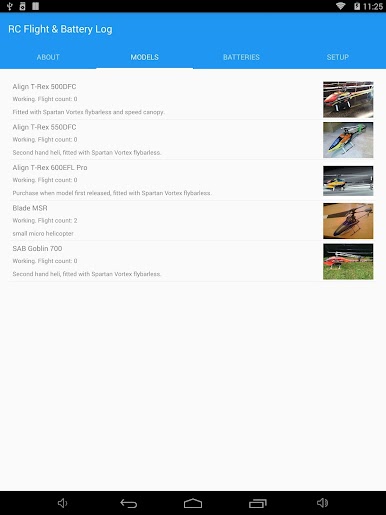
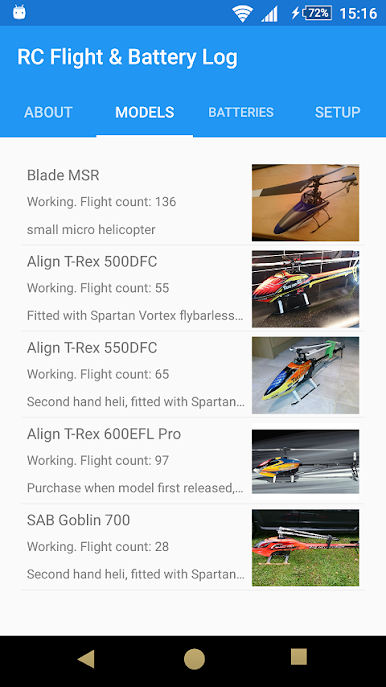
This is the 'Free edition' with maximum: 2 models, 8 batteries and 1 pilot.
(Unlock the features of the full app via in-app purchase.
PLEASE NOTE: this will still show as the 'Free' app. If this is an issue, please purchase the 'Full' app).
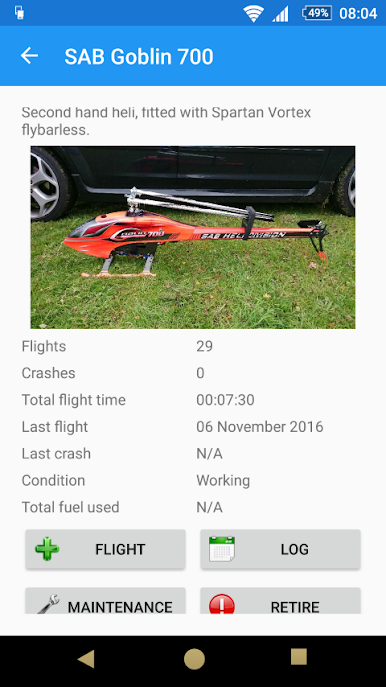
Keep track of model configuration, tasks and spares lists for each model.
Quick and easy identification of batteries and models using QR Code labels or via optional paid add-on for NFC RFID Tags (Revo Bump tags). Please note: anti-metal RFID tags are recommended when applied to batteries due to metal content affecting the tag performance.
Model types:
- planes, gliders, helicopters, multi-rotors (drones), jets, cars etc
Model power:
- electric, nitro, gas, kerosene, diesel, Jet-A, powerless
- tracks fuel usage for each model (nitro, gas and kerosene) in metric (ml) and gallons (US and UK)
- logs quantity of each fuel type used
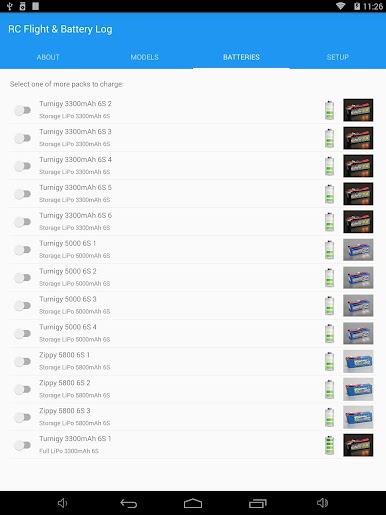
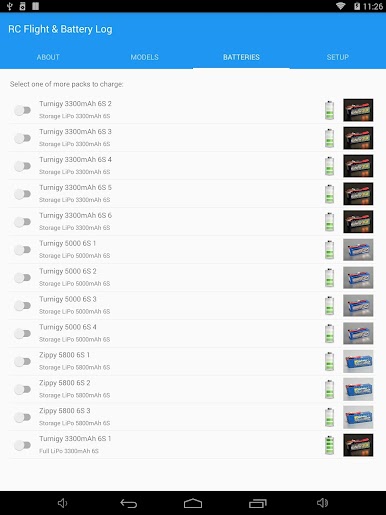
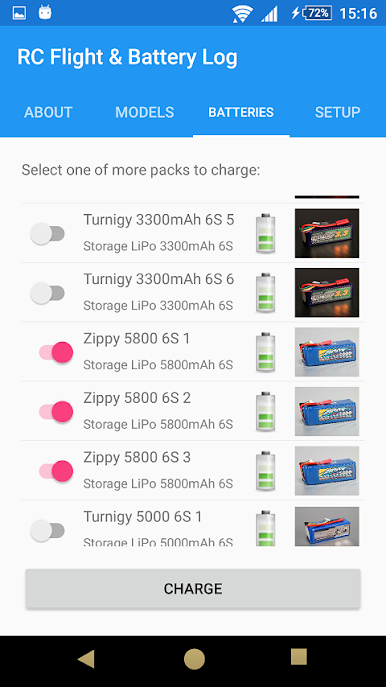
Battery types:
- LiPo, LiHV, LiFe, NiCad, etc
- Stick packs (virtual pack containing other batteries)
- Receiver packs (configurable flights per charge)
Flight log:
- Model and batteries used
- Pilot (from list of pilots)
- Flight style (from configurable list)
- Good flight or crash (with reason)
- Flight duration
- Weather temperature and wind speed
- Location (using GPS)
Logs model flights, crashes, repairs and maintenance.
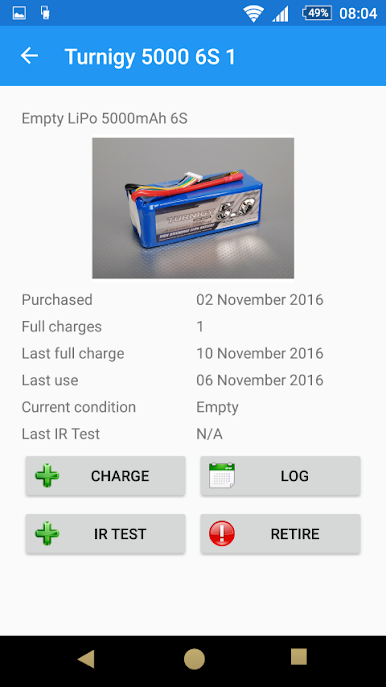
Log battery charge state, cycle count, IR (pack and individual cells).
Stores photos of models, batteries, pilots and spare parts.
Backup and restore data to Dropbox and share between devices.
Export data via Dropbox
Play RC Flight and Battery Log on PC. It’s easy to get started.
-
Download and install BlueStacks on your PC
-
Complete Google sign-in to access the Play Store, or do it later
-
Look for RC Flight and Battery Log in the search bar at the top right corner
-
Click to install RC Flight and Battery Log from the search results
-
Complete Google sign-in (if you skipped step 2) to install RC Flight and Battery Log
-
Click the RC Flight and Battery Log icon on the home screen to start playing

