


InterNations
Play on PC with BlueStacks – the Android Gaming Platform, trusted by 500M+ gamers.

Page Modified on: Oct 16, 2025
Play InterNations on PC
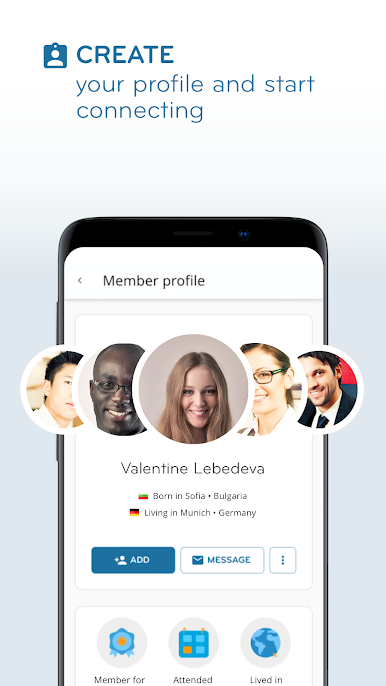
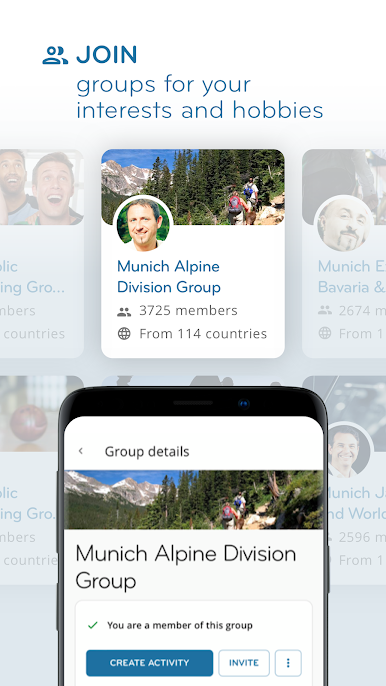
With communities in 420 cities around the world, InterNations is the world’s largest network for people living and working abroad — making it easy for YOU to meet expats and global minds both online and face-to-face.
With our app, you can:
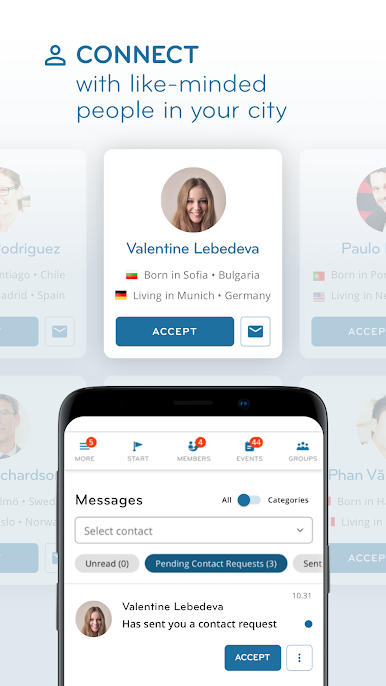
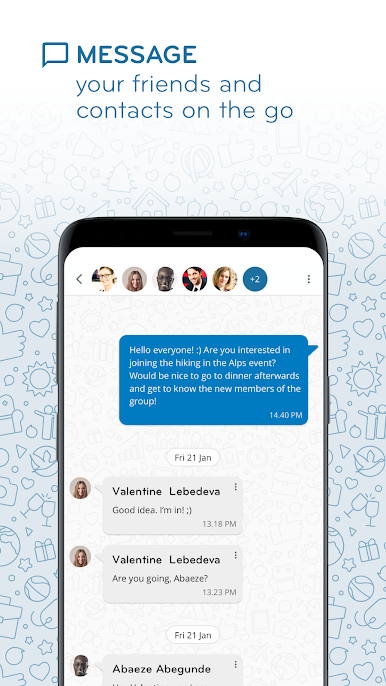
• Connect with internationals in your city and around the world
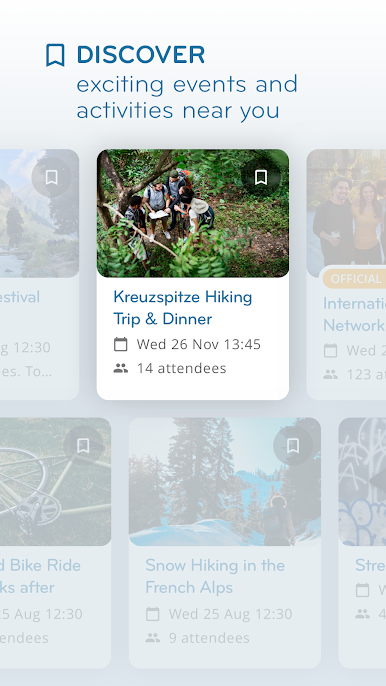
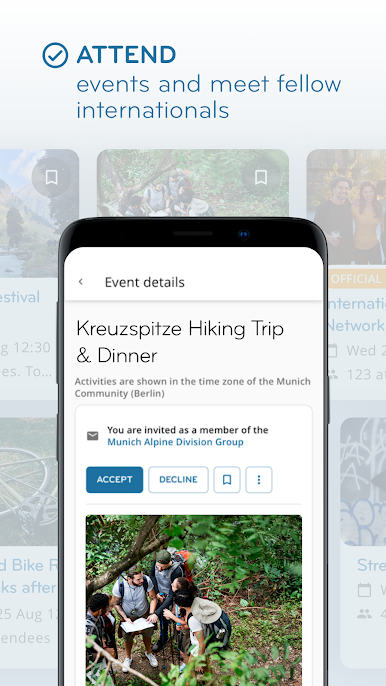
• Discover a range of curated events and experiences
• Meet people who share your interests at activities you’ll love
• Get real-life tips from experienced expats
• And more!
Membership information:
You can download this app for free, but InterNations membership is required to use it.
InterNations offers free and paid membership options. Availability and pricing depend on your location and selected subscription period.
Subscription terms:
Paid subscriptions automatically renew at the end of the subscription period. To prevent auto renewal, you must cancel your subscription via your InterNations Membership page before the next subscription period starts.
Privacy policy: https://www.internations.org/privacy-policy/
Terms of use: https://www.internations.org/terms-and-conditions/
We’re present in 420 cities around the world, including: Amsterdam (Netherlands), Bangalore (India), Bangkok (Thailand), Barcelona (Spain), Brussels (Belgium), Doha (Qatar), Dubai (UAE), Geneva (Switzerland), Ho Chi Minh City (Vietnam), Hong Kong, Kuala Lumpur (Malaysia), Kuwait City (Kuwait), London (UK), Manama (Bahrain), Mexico City (Mexico), Munich (Germany), New York (USA), Panama City (Panama), Paris (France), Quito (Ecuador), Riyadh (Saudi Arabia), Rome (Italy), San José (Costa Rica), Shanghai (China), Singapore, Sydney (Australia), and Toronto (Canada).
Enjoy the international experience!


Play InterNations on PC. It’s easy to get started.
-
Download and install BlueStacks on your PC
-
Complete Google sign-in to access the Play Store, or do it later
-
Look for InterNations in the search bar at the top right corner
-
Click to install InterNations from the search results
-
Complete Google sign-in (if you skipped step 2) to install InterNations
-
Click the InterNations icon on the home screen to start playing

