


Crane Master
Play on PC with BlueStacks – the Android Gaming Platform, trusted by 500M+ gamers.

Page Modified on: Feb 25, 2026
Play Crane Master on PC
Over time, the difficulty increases 📈. The crane starts moving faster ⚡, the targets become smaller 🎯, and sometimes the wind appears 🌬️, which affects the accuracy of the capture. Because of this, you need to feel the moment better and act more carefully 🤏. Each successful action brings you closer to completing the level ✅.
The game has clear controls and does not require a long learning curve 🎮 - you can start right away and gradually improve your skills 📊. Crane Master is good for both short breaks ⏱️ and longer gaming sessions when you want to test your reaction and accuracy 🧠.
Try to complete all the levels 🏁 and prove that you can fully control the crane 🏗️👑
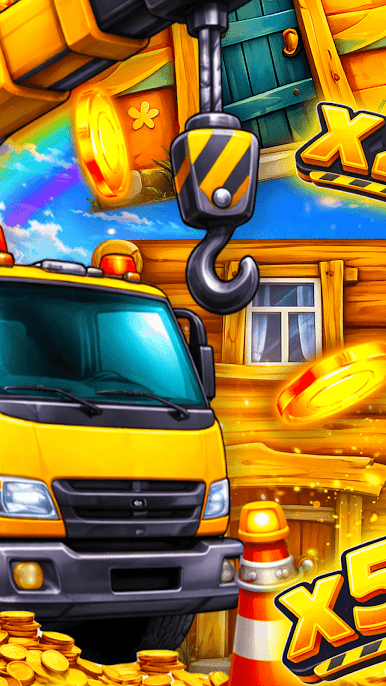
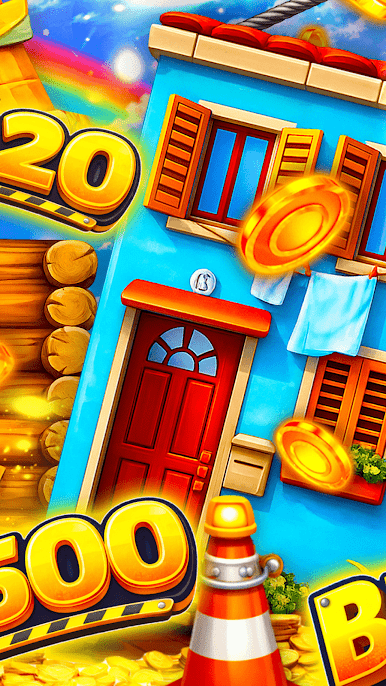
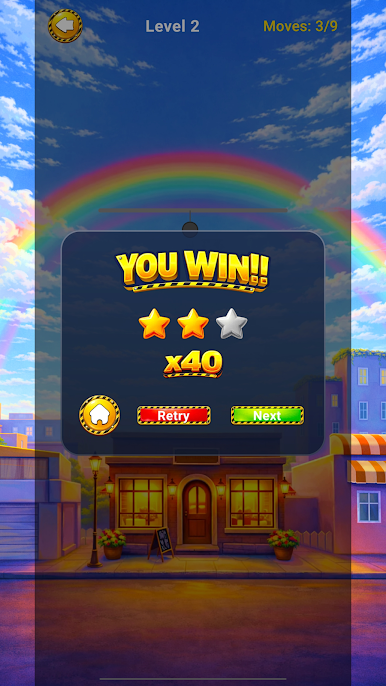
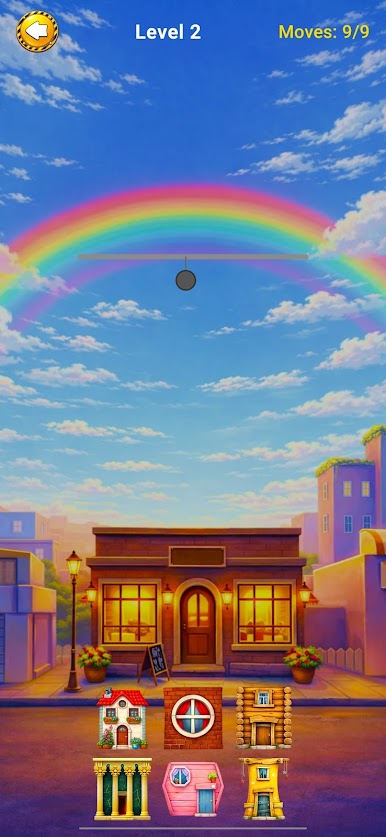
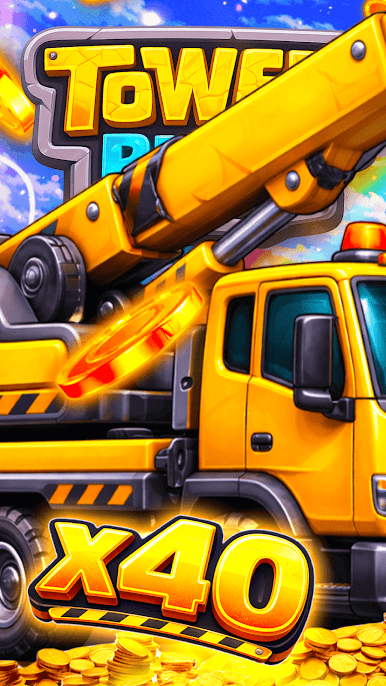
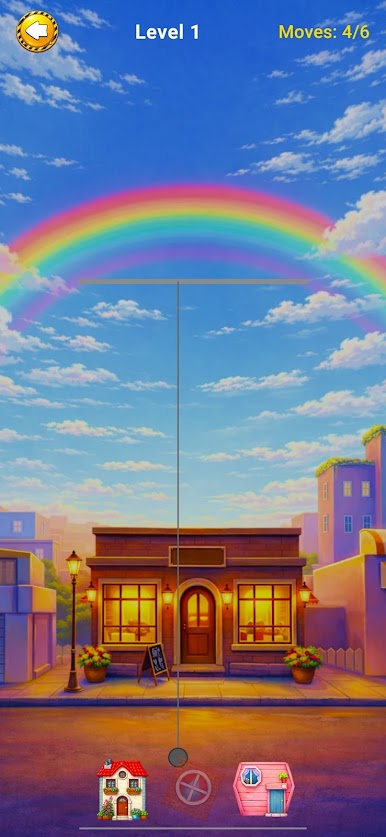
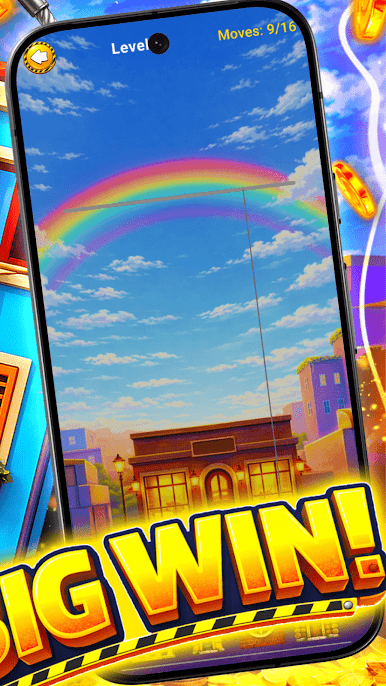
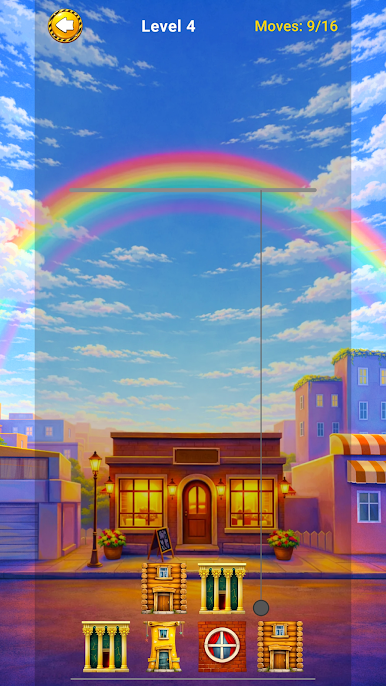
Play Crane Master on PC. It’s easy to get started.
-
Download and install BlueStacks on your PC
-
Complete Google sign-in to access the Play Store, or do it later
-
Look for Crane Master in the search bar at the top right corner
-
Click to install Crane Master from the search results
-
Complete Google sign-in (if you skipped step 2) to install Crane Master
-
Click the Crane Master icon on the home screen to start playing

