


PPSSPP - PSP emulator
Play on PC with BlueStacks – the Android Gaming Platform, trusted by 500M+ gamers.

Page Modified on: Mar 15, 2026
Main PPSSPP - PSP emulator on PC
PPSSPP is the original and best PSP emulator for Android. It runs a lot of games, but depending on the power of your device all may not run at full speed.
No games are included with this download. Use your own real PSP games and turn them into .ISO or .CSO files, or simply play free homebrew games, which are available online. Put those in /PSP/GAME on your SD card / USB storage.
This is the free version. If you want to support future development, please download PPSSPP Gold instead!
See http://www.ppsspp.org for more information, and see the forums for game compatibility information.

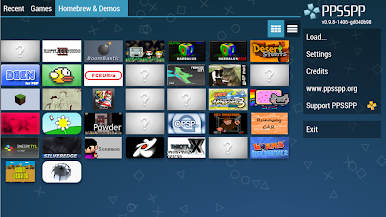
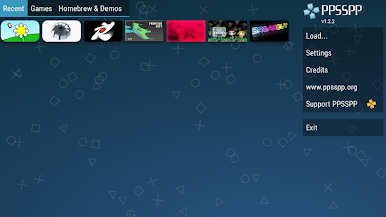
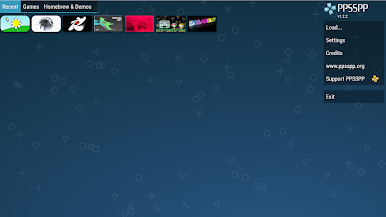
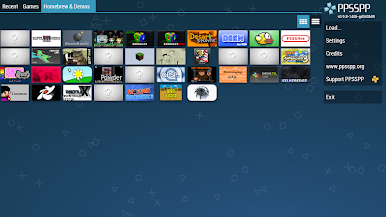
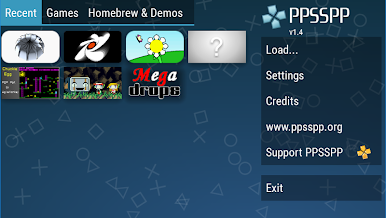
Play PPSSPP - PSP emulator on PC. It’s easy to get started.
-
Download and install BlueStacks on your PC
-
Complete Google sign-in to access the Play Store, or do it later
-
Look for PPSSPP - PSP emulator in the search bar at the top right corner
-
Click to install PPSSPP - PSP emulator from the search results
-
Complete Google sign-in (if you skipped step 2) to install PPSSPP - PSP emulator
-
Click the PPSSPP - PSP emulator icon on the home screen to start playing

