


Retro Game Collector #database
Play on PC with BlueStacks – the Android Gaming Platform, trusted by 500M+ gamers.

Page Modified on: Feb 24, 2026
Run Retro Game Collector #database on PC or Mac
Get freedom from your phone’s obvious limitations. Use Retro Game Collector #database, made by Captain Touch, a Entertainment app on your PC or Mac with BlueStacks, and level up your experience.
About the App
Ever lose track of which retro games you already own—or wish you had a smarter way to hunt for those rare finds? Retro Game Collector #database by Captain Touch is here to make life easier for collectors, big and small. Whether you’ve been stockpiling cartridges since childhood or you’re just starting to discover the magic of classic gaming, this Entertainment app simply gets what collectors need: an easy way to manage, organize, and value your collection.
App Features
-
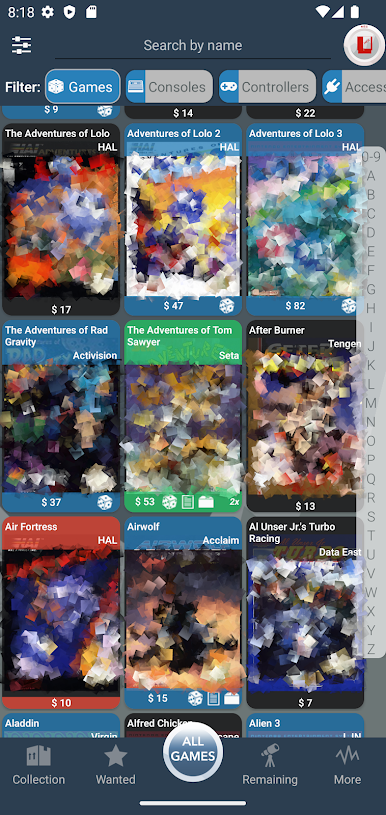
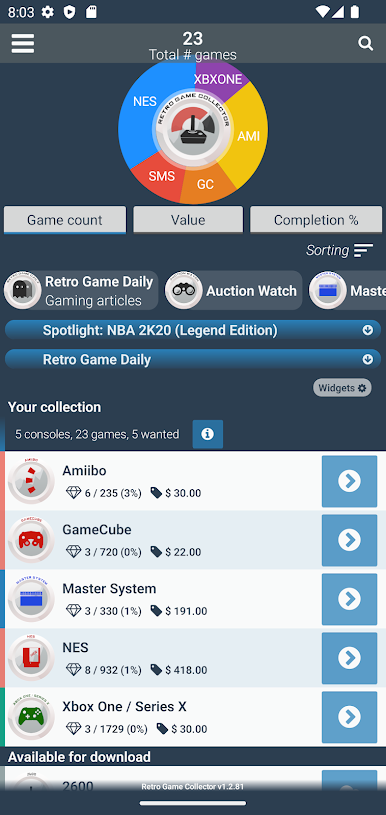
All-in-One Collection Tracker
Keep your game stash fully organized, right down to duplicates and those elusive wish-list titles. Enter details like region, condition, and quantity, and even add custom games that aren’t listed. -
Trophy Room for Rarities
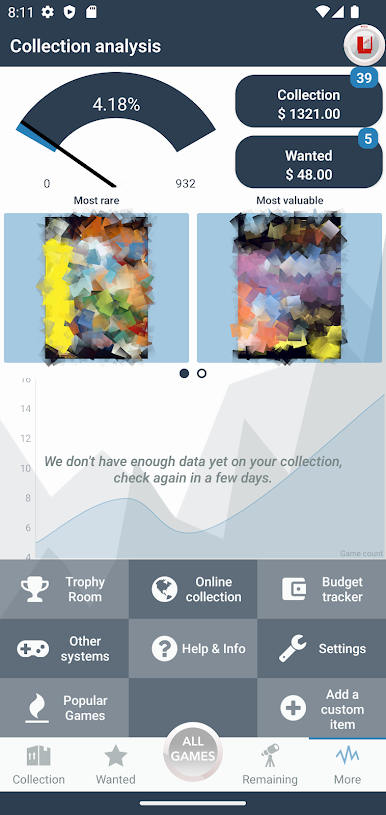
Quickly see your rarest and most valuable games without digging through the shelves. Your digital trophy case is just a tap away. -
Expansive Console Support
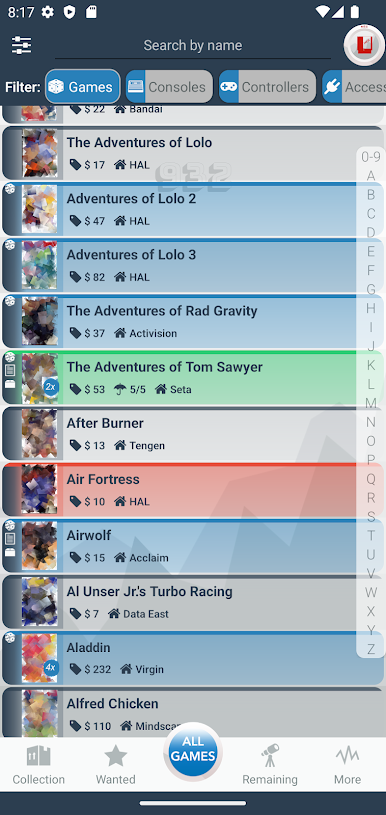
Retro Game Collector #database covers everything from iconic systems like NES, SNES, and PlayStation to more obscure platforms like Vectrex and Fairchild Channel F. If you grew up with it (or just collecting it), chances are you’ll find it here. -
Comprehensive Game Info
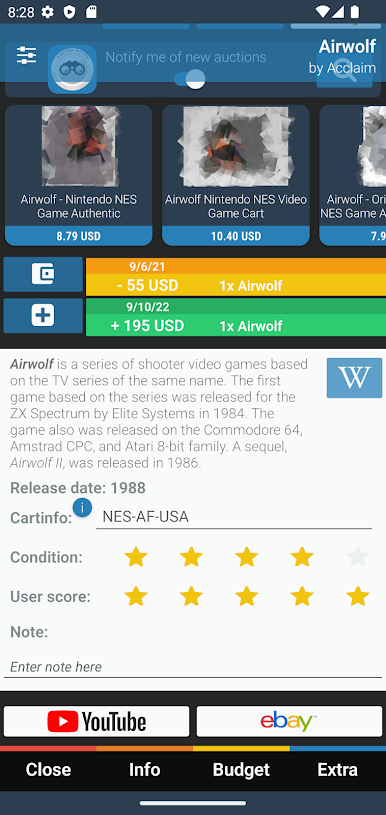
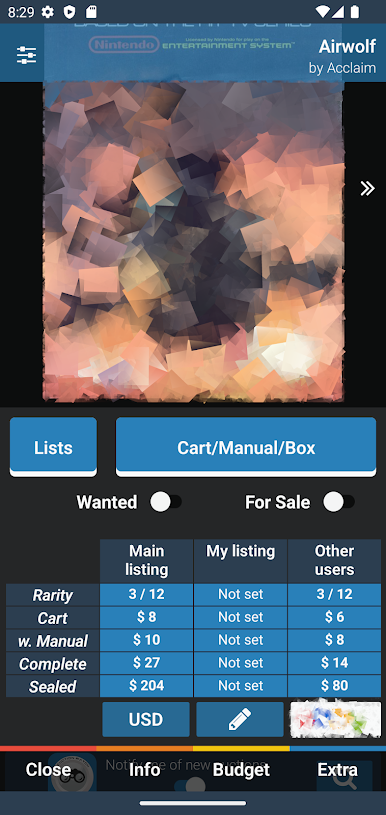
Every title comes with detailed info—see box art, region specifics, rarity scores, even up-to-date values pulled straight from the database. -
Budget & Value Tools
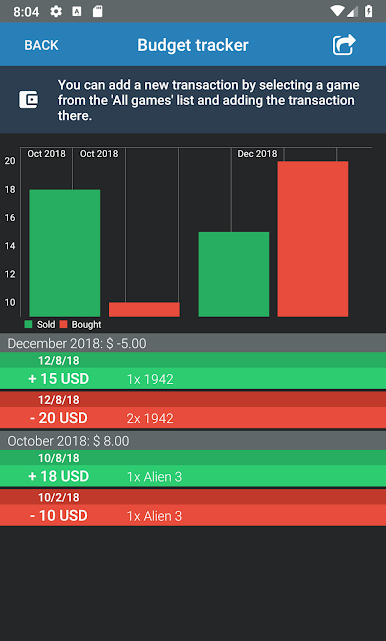
Track how much you spend or earn on your collection. Find out what the whole lot is worth, watch your collection value grow over time, and check graphs that visualize it all. -
Multi-Device Syncing & Exports
Want to switch between devices or show off your collection on the go? Your data syncs across devices, plus you can export everything to a spreadsheet. -
Personalize & Browse Your Way
Sort and filter games by publisher, rarity, or your own custom tags. Add notes, swap out box art for your own images, or toggle between list and cover views. -
Media and Marketplace Integration
Curious about current prices? See live eBay listings and YouTube videos for each game, all from within the app. -
Quick Sharing
Send a link to your full collection to friends or potential buyers—handy when someone asks, “What do you have for trade?” -
Extra Touches
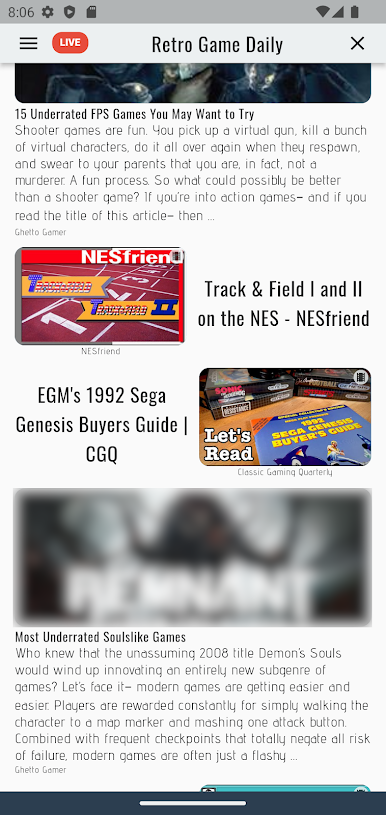
Exclude unwanted games from your main view, check out the latest retro gaming articles and videos, and manage purchases in multiple currencies.
And if you’re curious about how Retro Game Collector #database looks on a bigger screen, it runs smoothly on BlueStacks too.
Big screen. Bigger performance. Use BlueStacks on your PC or Mac to run your favorite apps.
Play Retro Game Collector #database on PC. It’s easy to get started.
-
Download and install BlueStacks on your PC
-
Complete Google sign-in to access the Play Store, or do it later
-
Look for Retro Game Collector #database in the search bar at the top right corner
-
Click to install Retro Game Collector #database from the search results
-
Complete Google sign-in (if you skipped step 2) to install Retro Game Collector #database
-
Click the Retro Game Collector #database icon on the home screen to start playing

