


Neshan| Map & Navigation App
Play on PC with BlueStacks – the Android Gaming Platform, trusted by 500M+ gamers.

Page Modified on: Aug 22, 2026
Play Neshan| Map & Navigation App on PC
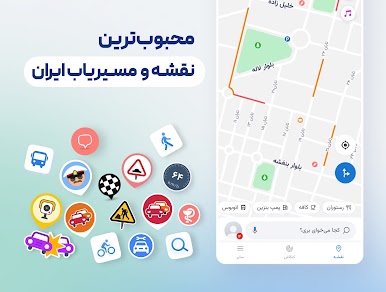
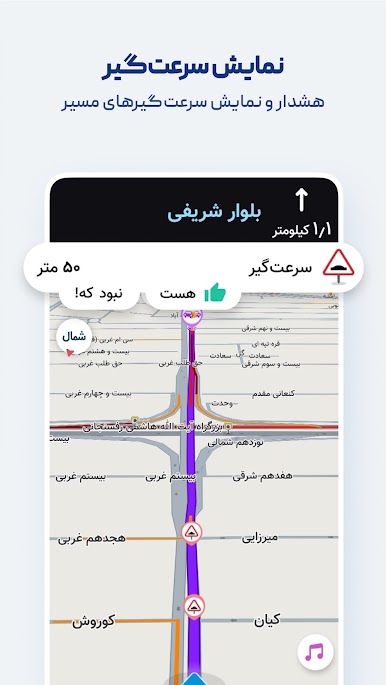
Features like displaying air pollution levels in cities with monitoring stations, warning about speed bumps, routing with traffic restriction and low-emission zone considerations, combined bus-and-metro navigation, motorcycle routing, and more have made Neshan the go-to choice for many Iranian users, including ride-hailing drivers on Snapp and Tapsi, offering unique advantages over other mapping and navigation services.
Key features and benefits of Neshan:
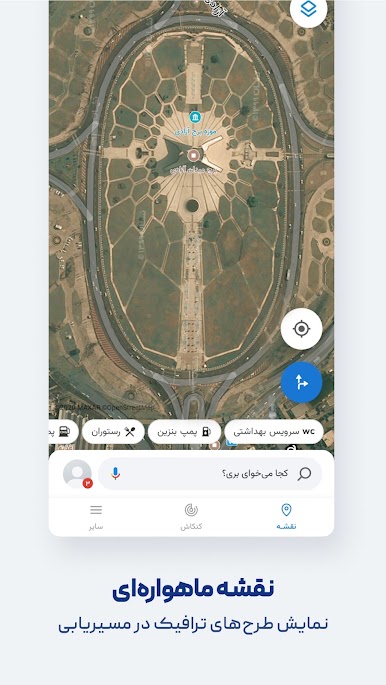
Maps of all cities and countries worldwide, powered by open and free OpenStreetMap data
Display of air pollution monitoring stations in all cities that have them
Detailed offline maps of all cities with live traffic information
Ability to choose the best and cheapest way to reach your destination with combined bus and metro routing
Global maps with navigation to any desired location
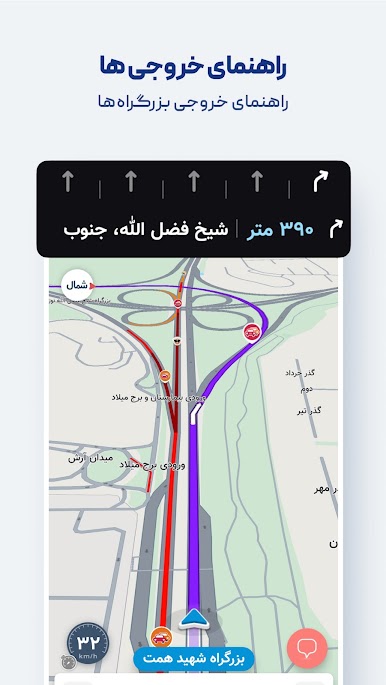
Persian voice guidance that speaks street names so you don’t need to look at the map
Find nearby public places such as restaurants, gas stations, ATMs, hotels, and more
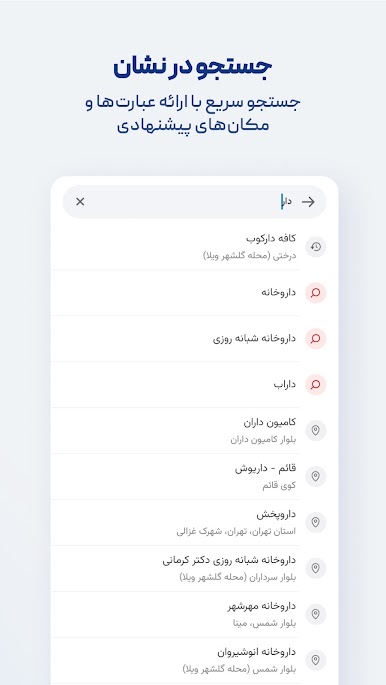
Search without typing (Persian speech recognition)
Routing that accounts for traffic restriction zones and low-emission zones, helping you avoid entering them unintentionally
Option to select direct routes in Neshan’s navigation settings
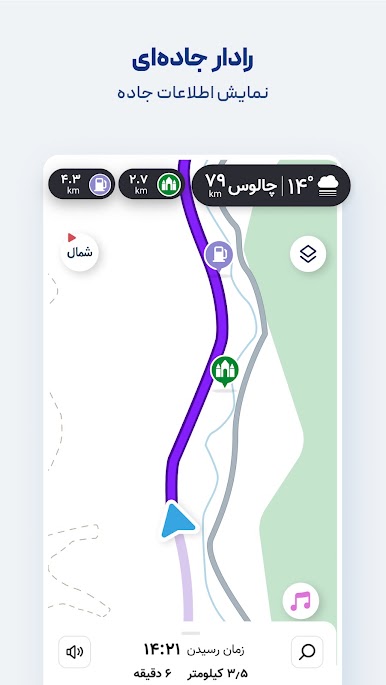
Alerts for police presence, speed cameras, speed bumps, and traffic
Accurate location detection using GPS
With Neshan maps and navigation, you’ll know your way anywhere.
Contact Neshan:
Email: support@neshan.org
Telegram Support: @neshan_admin
Instagram: instagram.com/neshan_nav
Play Neshan| Map & Navigation App on PC. It’s easy to get started.
-
Download and install BlueStacks on your PC
-
Complete Google sign-in to access the Play Store, or do it later
-
Look for Neshan| Map & Navigation App in the search bar at the top right corner
-
Click to install Neshan| Map & Navigation App from the search results
-
Complete Google sign-in (if you skipped step 2) to install Neshan| Map & Navigation App
-
Click the Neshan| Map & Navigation App icon on the home screen to start playing

