


Flexer for Amazon Flex
Play on PC with BlueStacks – the Android Gaming Platform, trusted by 500M+ gamers.

Page Modified on: Oct 1, 2026
Play Flexer for Amazon Flex on PC
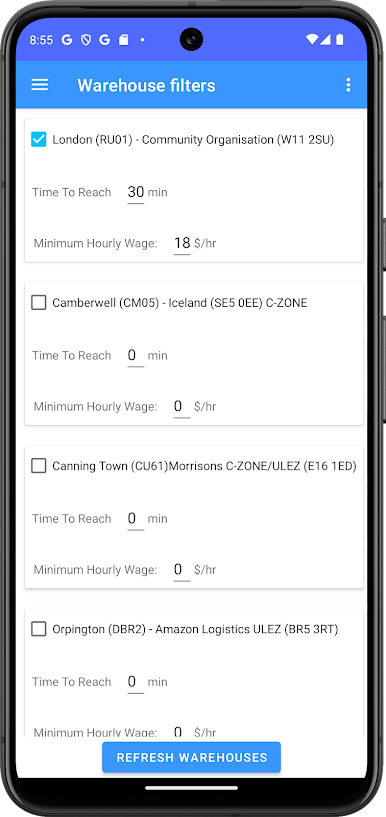
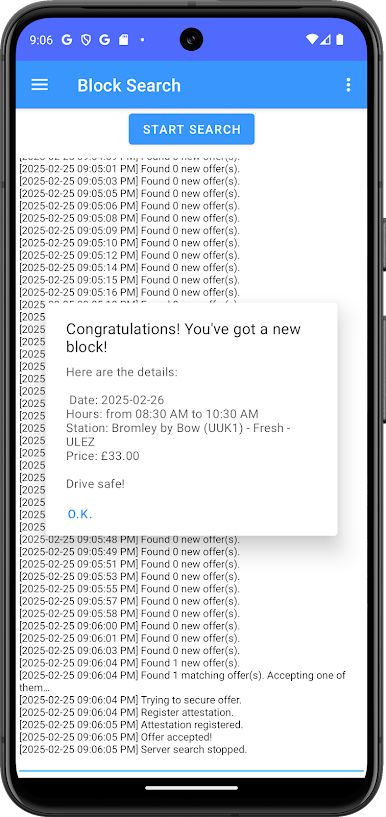
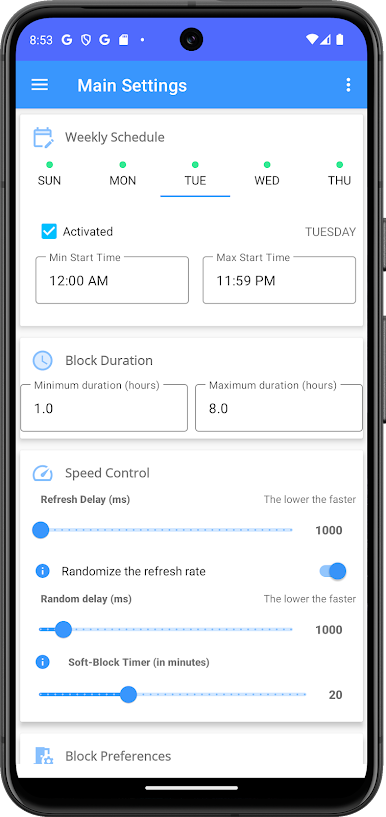
As Amazon Flex drivers, we understand that this is time consuming to wait in front of our phone, waiting for the perfect offer to show out, feeling frustrated when it appears that it has been taken already.
So we made this app where the whole search process is automated so you may spend your time doing something else.
Play Flexer for Amazon Flex on PC. It’s easy to get started.
-
Download and install BlueStacks on your PC
-
Complete Google sign-in to access the Play Store, or do it later
-
Look for Flexer for Amazon Flex in the search bar at the top right corner
-
Click to install Flexer for Amazon Flex from the search results
-
Complete Google sign-in (if you skipped step 2) to install Flexer for Amazon Flex
-
Click the Flexer for Amazon Flex icon on the home screen to start playing

