


唐詩三百首
Play on PC with BlueStacks – the Android Gaming Platform, trusted by 500M+ gamers.

Page Modified on: Feb 7, 2026
Run 唐詩三百首 on PC or Mac
Upgrade your experience. Try 唐詩三百首, the fantastic Education app from THJHSoftware, from the comfort of your laptop, PC, or Mac, only on BlueStacks.
About the App
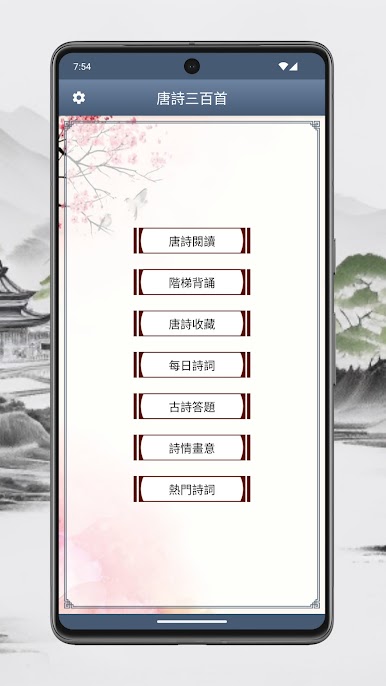
If you’ve ever been curious about classic Chinese poetry or just want a smooth way to revisit the 唐詩三百首 anthology, this app from THJHSoftware is worth a look. It opens up a window to Tang dynasty poetry, making it approachable for everyone – whether you’re a student cramming for a test or simply love beautiful language. You’ll find a neat, well-organized experience full of features designed to make reading and enjoying poetry way easier, and a little more fun, too.
App Features
-
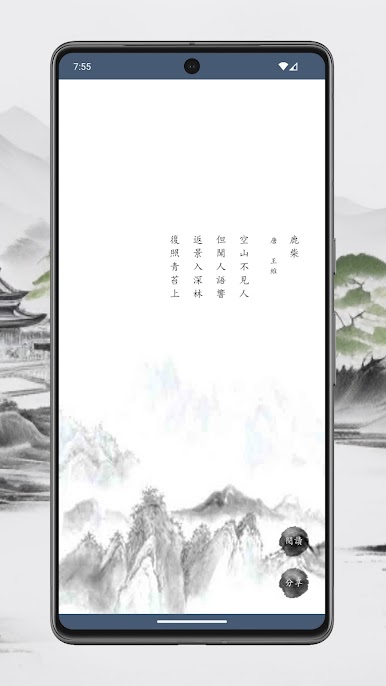
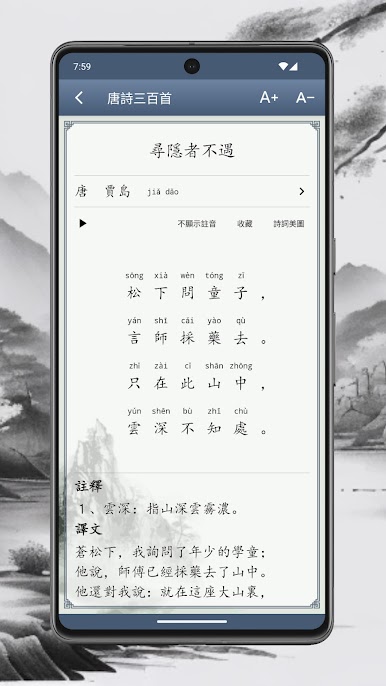
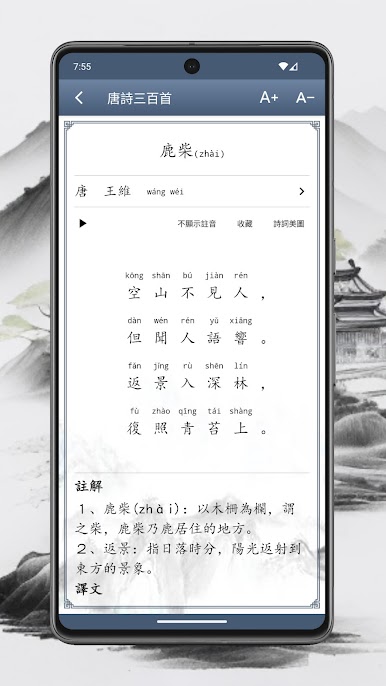
Fully Annotated Poems
Each poem comes with detailed notes, so if you’re not sure about certain lines or want extra explanation, it’s right there. No need to scramble for extra resources – the background info is baked in. -
Built-in Pinyin and Zhuyin
Struggling to pronounce a word or two? No worries. The app offers complete pinyin and can swap over to zhuyin display, making pronunciation and learning a lot more accessible. -
AI-Generated Voice Reading
Want to hear the poems read aloud? There’s built-in AI voice narration, so you can listen to the poems whenever you want – great for catching the rhythm or just hearing how it’s meant to sound. -
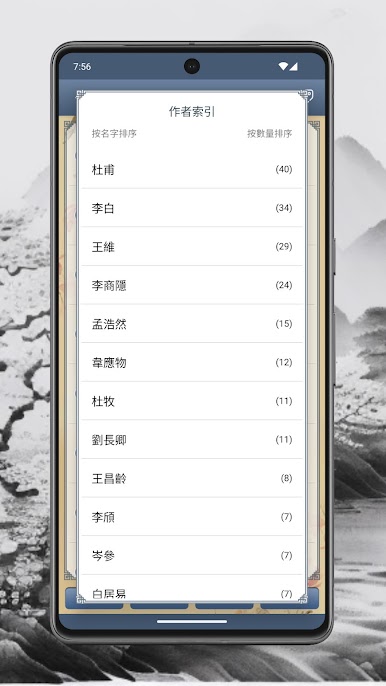
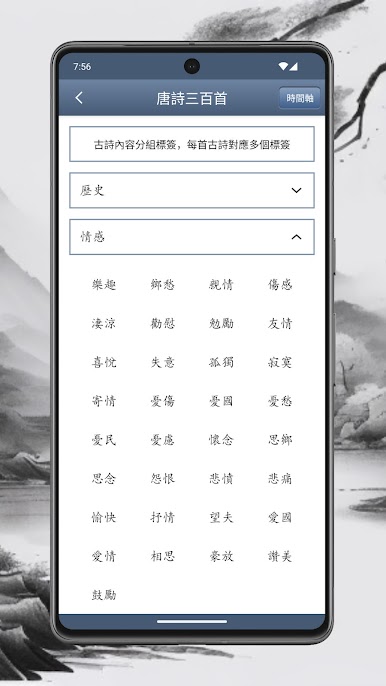
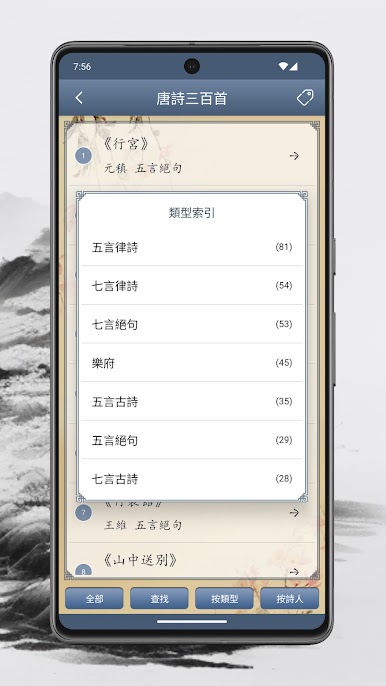
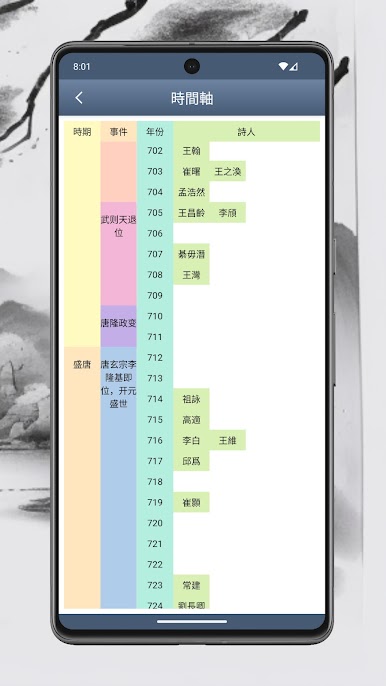
Easy Navigation by Poet or Genre
Whether you have a favorite poet in mind or want to browse by topic, the app has you covered. Find poems grouped by writer or by theme, all a tap away. -
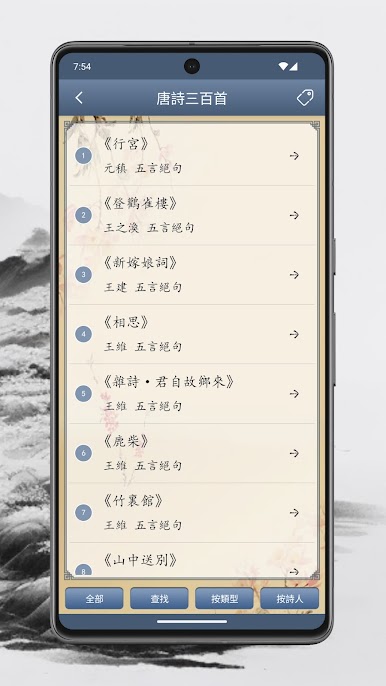
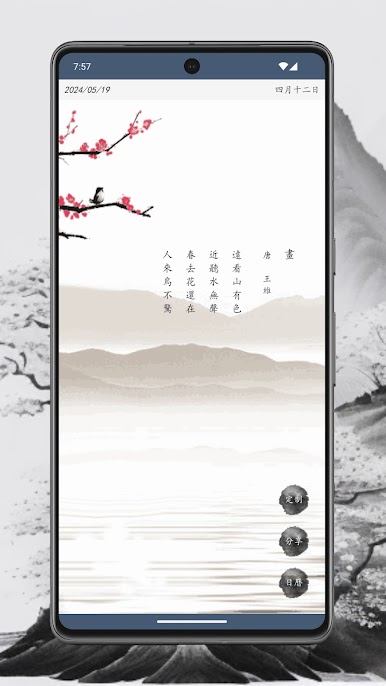
Beautiful, Tidy Layout
Everything’s tidy and pleasant to look at, with clear formatting to make sure your reading isn’t interrupted by messy design. -
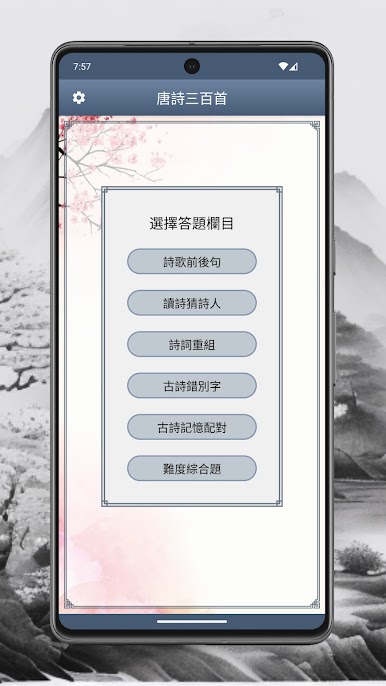
Student-Friendly Selections
Along with the classic anthology, you’ll find nearly 300 other popular poems often picked for memorization in schools, making this handy for kids and learners. -
Detailed Explanations
The included analysis offers useful insights, breaking down language, context, and historical background so that even those new to 唐詩三百首 can keep up. -
Works Smoothly on BlueStacks
If you’re into reading or studying on your computer, the app works well with BlueStacks, letting you bring those classic verses to a bigger screen without hassle. -
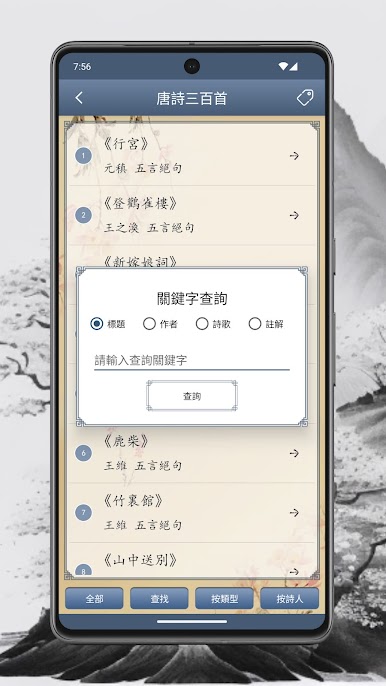
Quick Search and Categorization
Looking for something specific? Powerful search tools and smart categorization make it simple to find what you need, when you need it.
Ready to experience 唐詩三百首 on a bigger screen, in all its glory? Download BlueStacks now.
Play 唐詩三百首 on PC. It’s easy to get started.
-
Download and install BlueStacks on your PC
-
Complete Google sign-in to access the Play Store, or do it later
-
Look for 唐詩三百首 in the search bar at the top right corner
-
Click to install 唐詩三百首 from the search results
-
Complete Google sign-in (if you skipped step 2) to install 唐詩三百首
-
Click the 唐詩三百首 icon on the home screen to start playing

