


WMC Academy V2
Play on PC with BlueStacks – the Android Gaming Platform, trusted by 500M+ gamers.

Page Modified on: Sep 16, 2026
Play WMC Academy V2 on PC
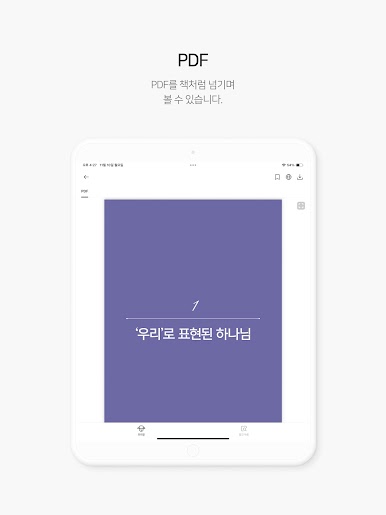
This app provides a systematic environment for practicing the mission of Word education and gospel preaching.
[Main Features]
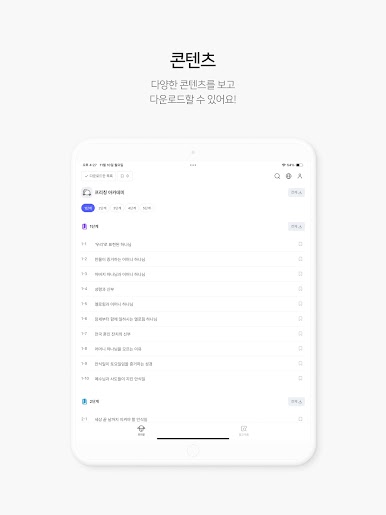
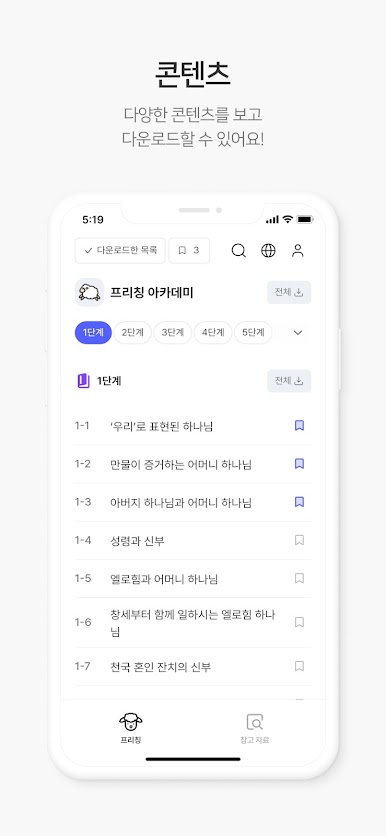
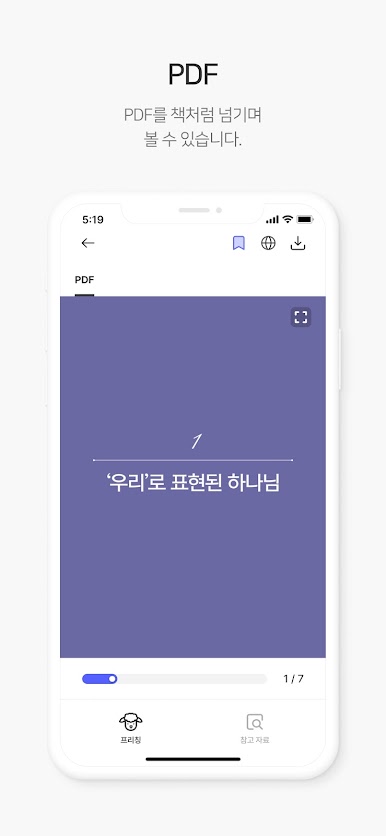
∙ Academy: Access Church of God Academy textbooks and materials
∙ Educational Materials: Provides a variety of reference materials for presentations and study
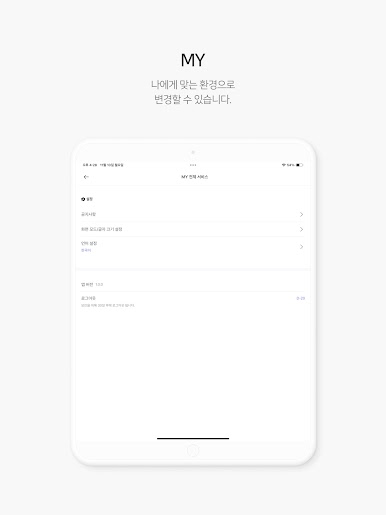
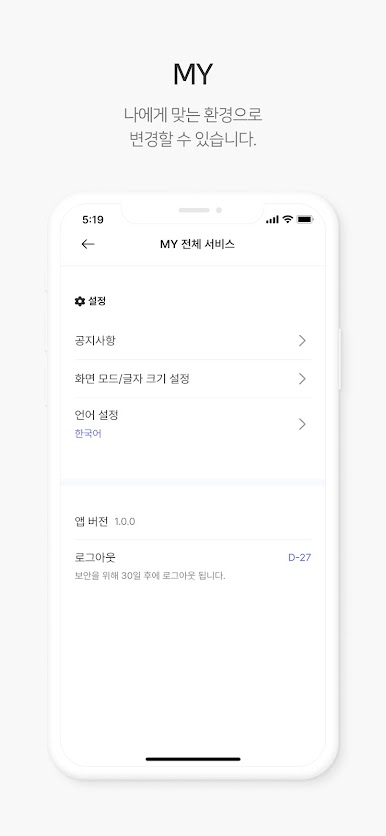
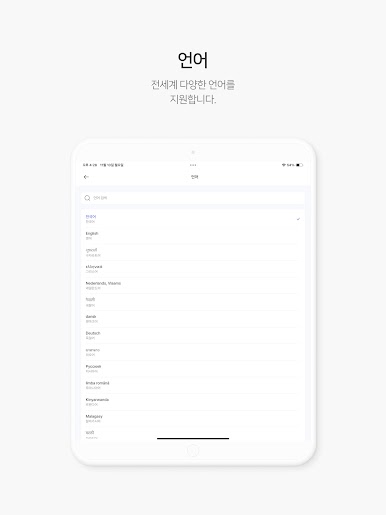
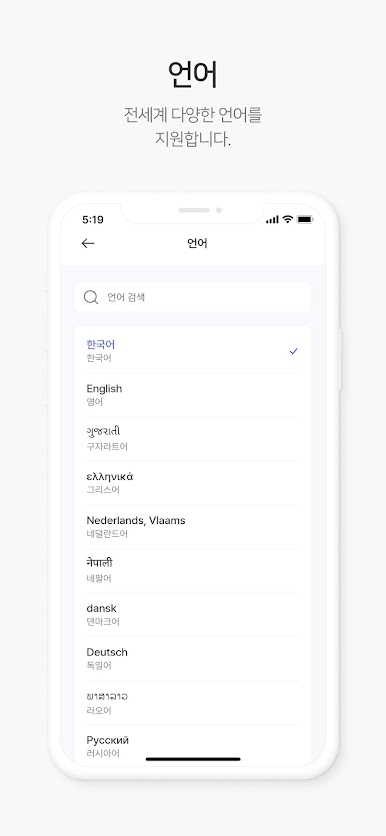
∙ Mobile Optimization: A convenient learning environment anytime, anywhere
WMC Academy is a learning channel that helps each member become a disciple through the Word and grow as a gospel worker.
[User Guide]
This app is exclusively for regular members of the World Mission Society Church of God WATV.
It does not support external disclosure or general membership registration.

Play WMC Academy V2 on PC. It’s easy to get started.
-
Download and install BlueStacks on your PC
-
Complete Google sign-in to access the Play Store, or do it later
-
Look for WMC Academy V2 in the search bar at the top right corner
-
Click to install WMC Academy V2 from the search results
-
Complete Google sign-in (if you skipped step 2) to install WMC Academy V2
-
Click the WMC Academy V2 icon on the home screen to start playing

