


WFMU (Official)
Play on PC with BlueStacks – the Android Gaming Platform, trusted by 500M+ gamers.

Page Modified on: Apr 30, 2014
Run WFMU (Official) on PC or Mac
Multitask effortlessly on your PC or Mac as you try out WFMU (Official), a Music & Audio app by WFMU on BlueStacks.
About the App
WFMU (Official) brings everything you love about the legendary freeform radio station right to your phone. If you’re looking for new music or want to revisit your favorite offbeat shows, this app makes it easy to explore the world of WFMU wherever you happen to be. Whether you’re listening live, digging into podcast archives, or just keeping up with station news, it’s all here—no stuffy menus, no subscription hoops to jump through.
App Features
-
Live Streams, Your Way
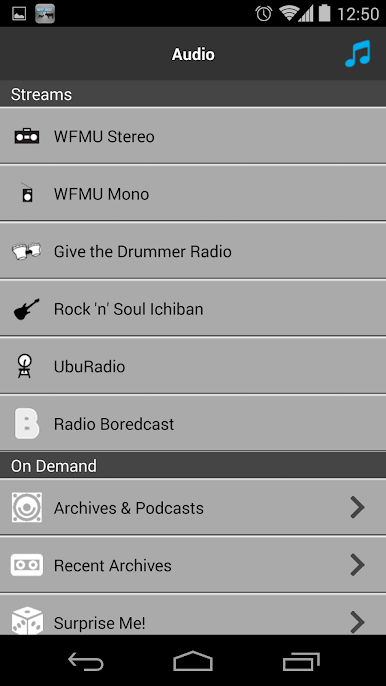
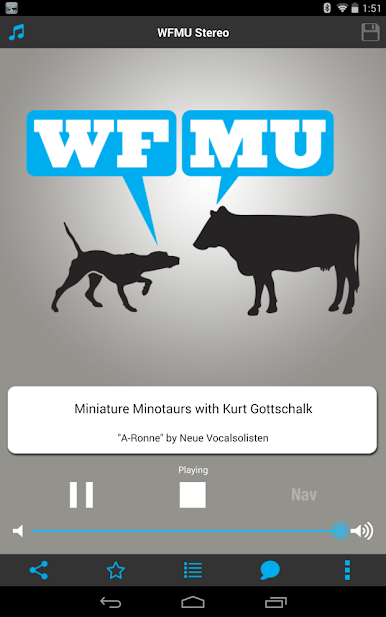
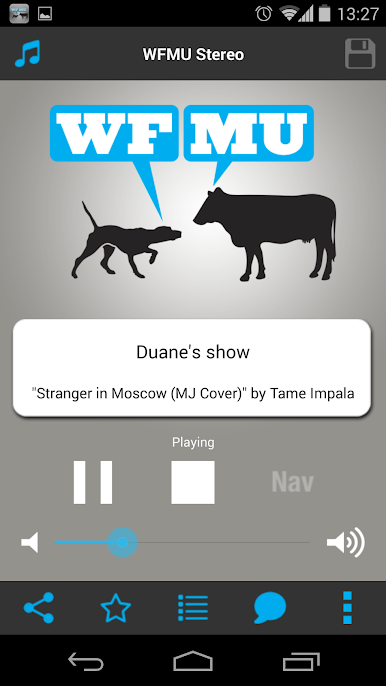
Choose between a high-quality stereo feed or a data-friendly mono stream, so you’re all set no matter where you’re listening. Check out extra channels like Give the Drummer Radio and Ichiban Rock ‘n’ Soul for even more variety. -
Huge Archive Access
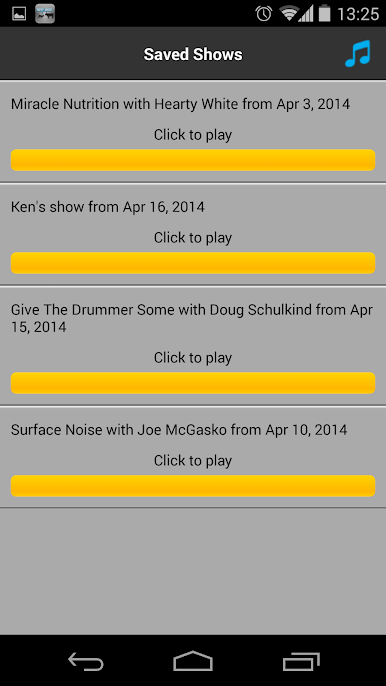
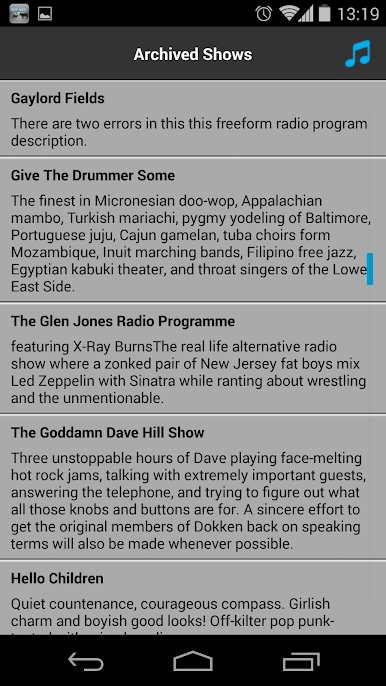
Missed a show? No problem. Browse through tons of show archives and podcasts—plus, you can even check out fill-in shows you might’ve never found before. Prefer offline listening? Download entire shows over WiFi and save your data for later. -
Real-Time Comments & Playlists
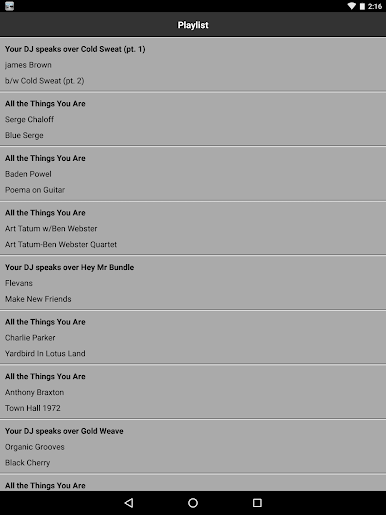
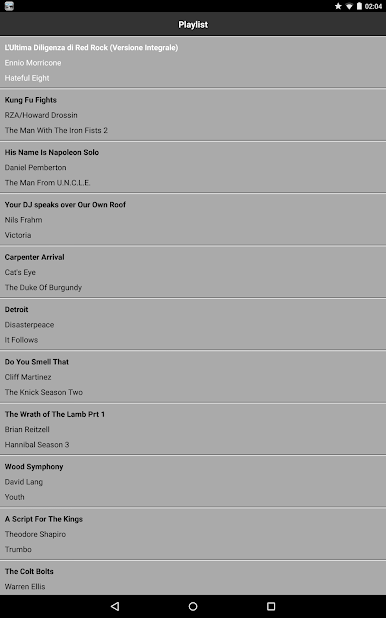
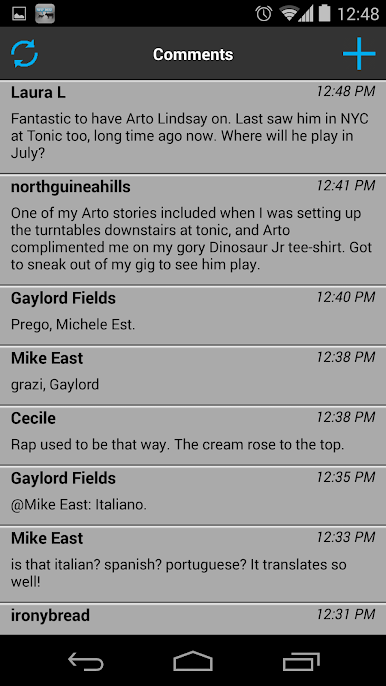
Jump into live commenting during select DJ shows. Want to see what’s playing? Many DJs post real-time playlists so you never have to guess the song title again. -
Share What You Love
Found a track you can’t stop playing? Share it instantly through Twitter, Facebook, email, or even scrobble your faves straight to Last.FM. -
Stay in the Loop
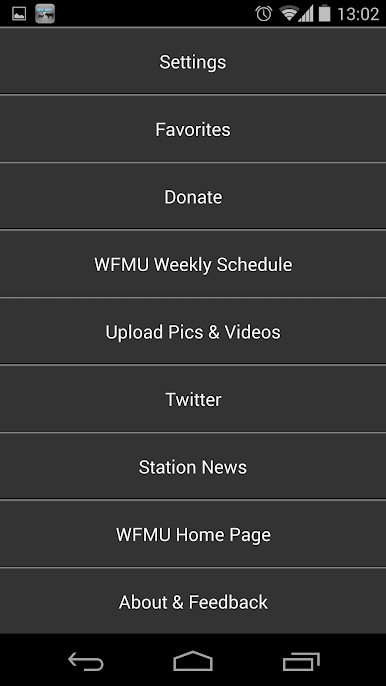
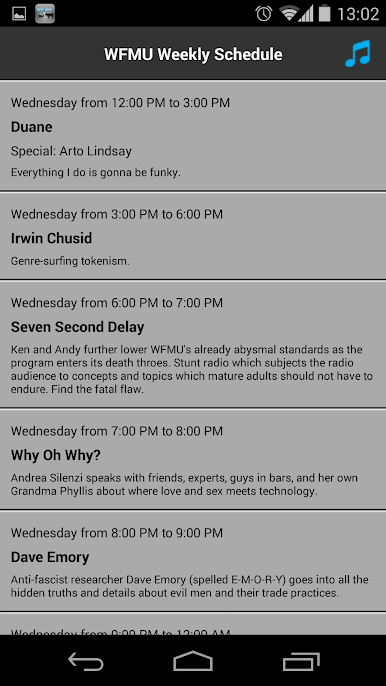
Get instant access to WFMU’s Twitter updates, the latest news from the station, and details about upcoming specials and the current schedule—all without switching apps. -
Watch & Upload Videos and Photos
Check out the WFMU video feed anytime, or upload your own pictures and videos directly from the app. -
Totally Free
No hidden costs or sneaky fees. WFMU (Official) puts everything in your pocket—for free.
You can even run WFMU (Official) on BlueStacks if you want the full experience on a bigger screen.
Eager to take your app experience to the next level? Start right away by downloading BlueStacks on your PC or Mac.

Play WFMU (Official) on PC. It’s easy to get started.
-
Download and install BlueStacks on your PC
-
Complete Google sign-in to access the Play Store, or do it later
-
Look for WFMU (Official) in the search bar at the top right corner
-
Click to install WFMU (Official) from the search results
-
Complete Google sign-in (if you skipped step 2) to install WFMU (Official)
-
Click the WFMU (Official) icon on the home screen to start playing

