


OSCO Games
Play on PC with BlueStacks – the Android Gaming Platform, trusted by 500M+ gamers.

Page Modified on: Sep 11, 2026
Play OSCO Games on PC
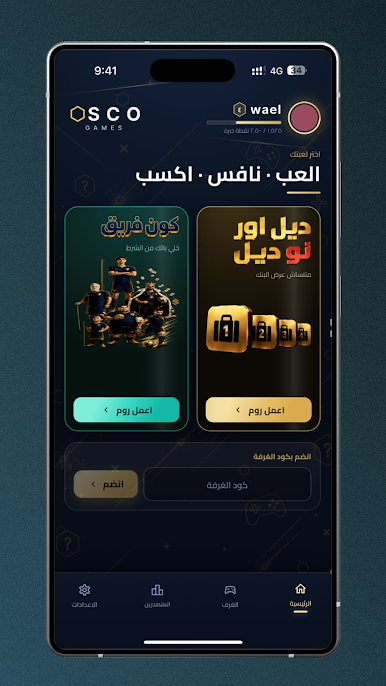
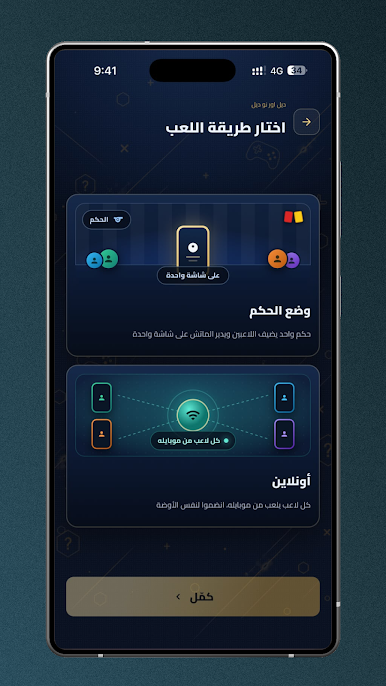
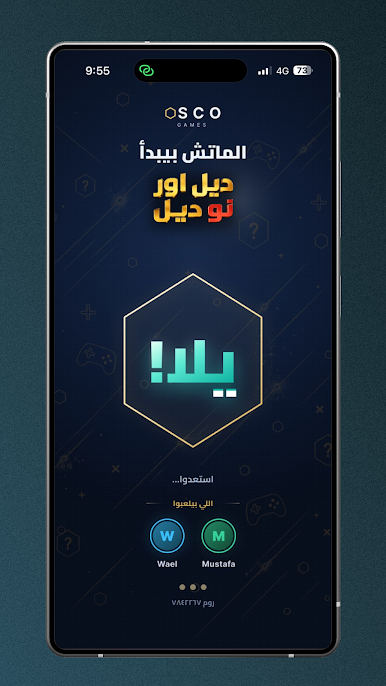
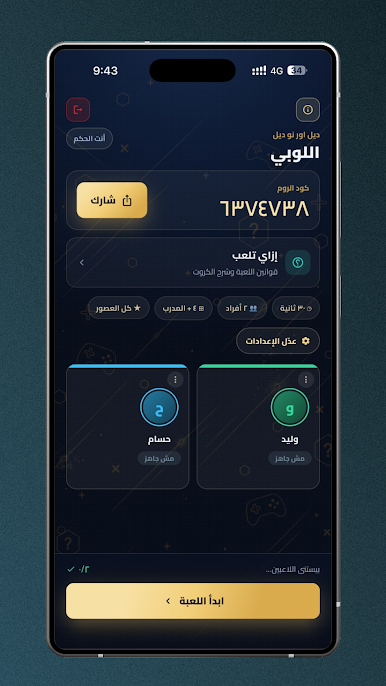
Two games in one room. Play on one phone you share, or each on their own—send the room code and you're all in.
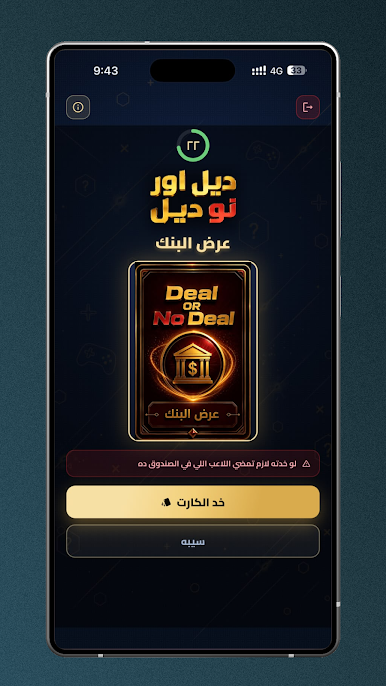
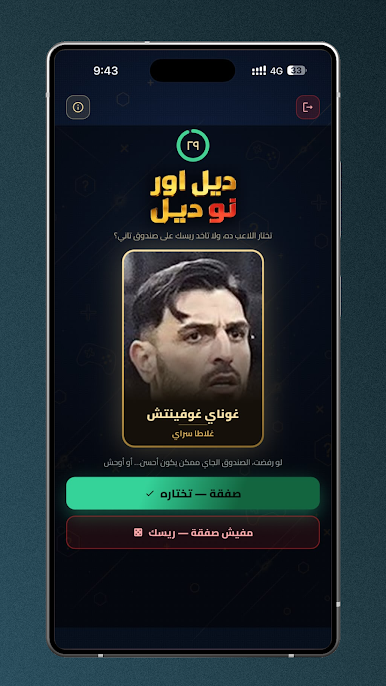
Make a deal or take a risk?
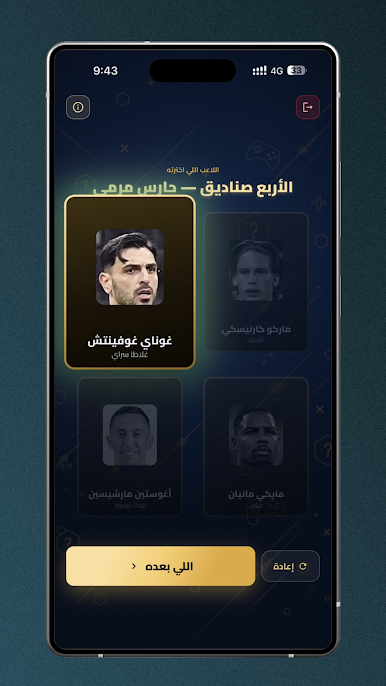
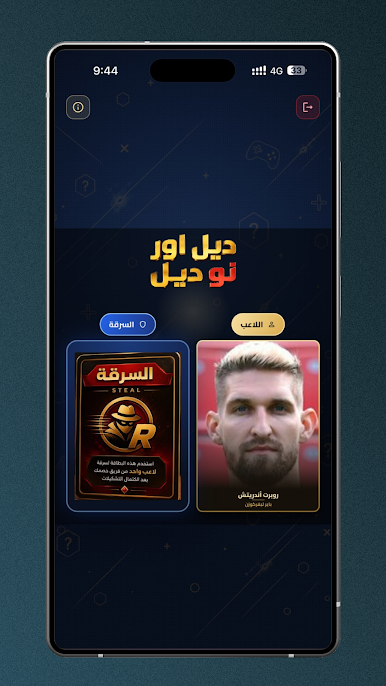
Closed boxes, each containing a player. Open a box and you have a decision: add them to your squad, or return them and take a chance on the next box. Complete your positions before everyone else does. Shield, steal, and your friend's outfit cards are waiting to turn the tide of the match at the last second.
Build a team!
Each position has a requirement—nationality, league, club. You all answer at the same time, no one can see each other's answers, and the score is the deciding factor. The player with the highest goal tally wins the championship.
What's inside the app:
• 2 to 8 players
• One phone to share, or a room for each player on their own phone
• Enter with a room code, browse public rooms, or keep them private for your group
• Cards: Shield, Heist, Your Friend's Outfit
• Timed or Untimed Matches — Time is in your hands
• Narrow down your player selection by league, club, or nationality
• Thousands of players and clubs, updated with the seasons
• Experience points and overall ranking
Free
No purchases or subscriptions. No betting, no real money, and no prizes — only a place in your squad is at stake.
Player and club information comes from general football databases and is updated with the seasons. The app is not affiliated with any club, federation, tournament, or TV program.
Play OSCO Games on PC. It’s easy to get started.
-
Download and install BlueStacks on your PC
-
Complete Google sign-in to access the Play Store, or do it later
-
Look for OSCO Games in the search bar at the top right corner
-
Click to install OSCO Games from the search results
-
Complete Google sign-in (if you skipped step 2) to install OSCO Games
-
Click the OSCO Games icon on the home screen to start playing

