


Bottle Flip 3D — Tap & Jump
Play on PC with BlueStacks – the Android Gaming Platform, trusted by 500M+ gamers.

Page Modified on: Aug 4, 2026
Main Bottle Flip 3D — Tap & Jump on PC
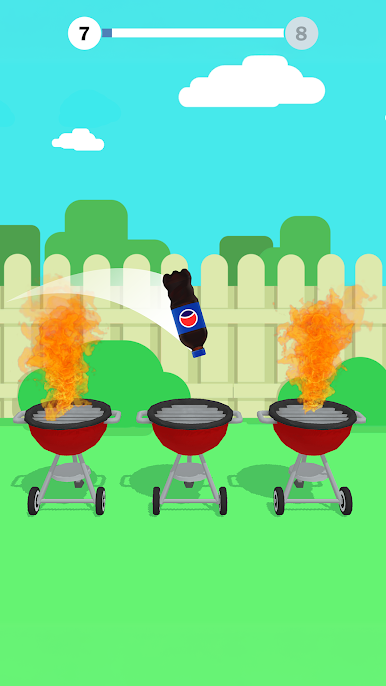
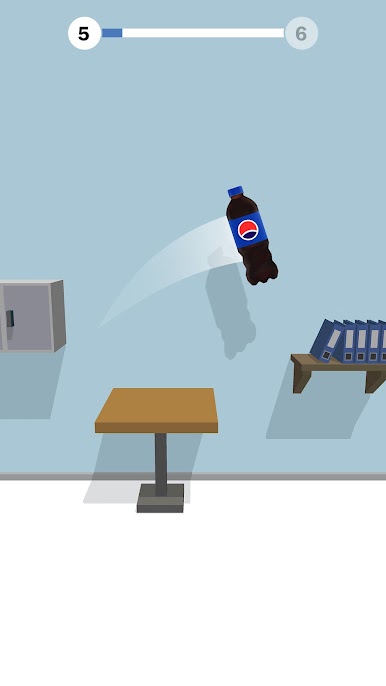
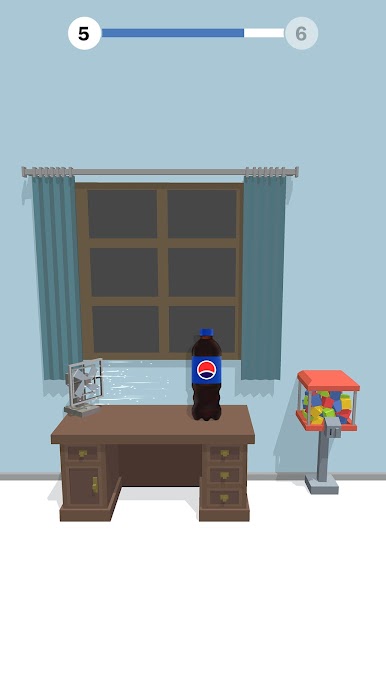
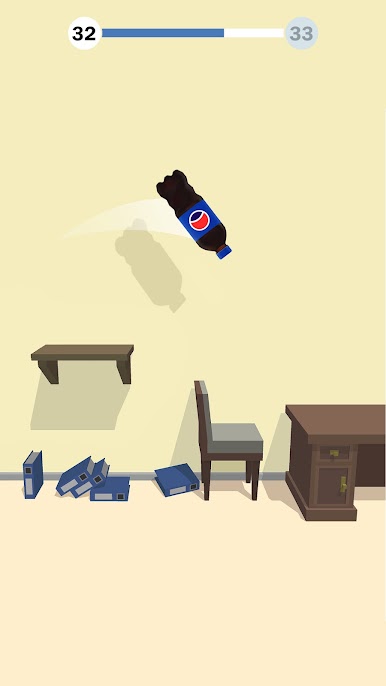
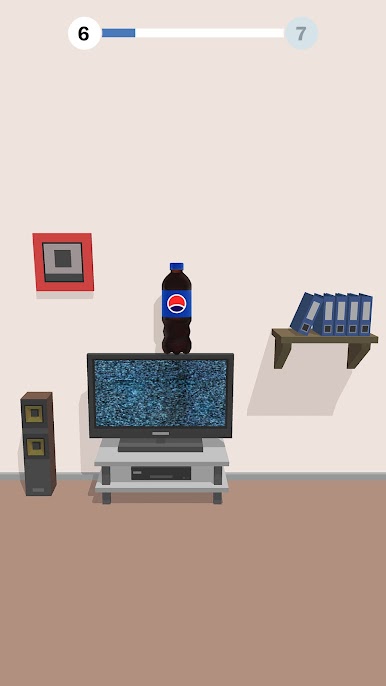
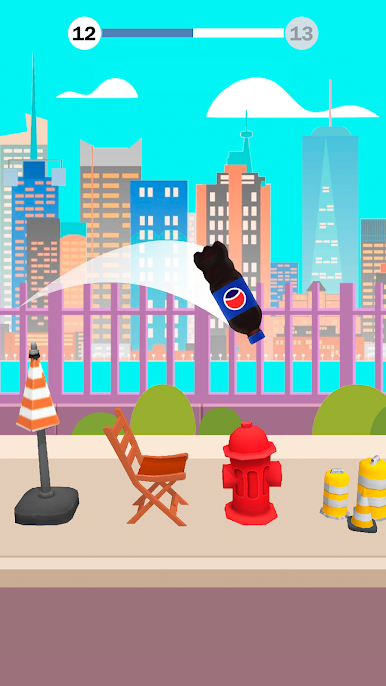
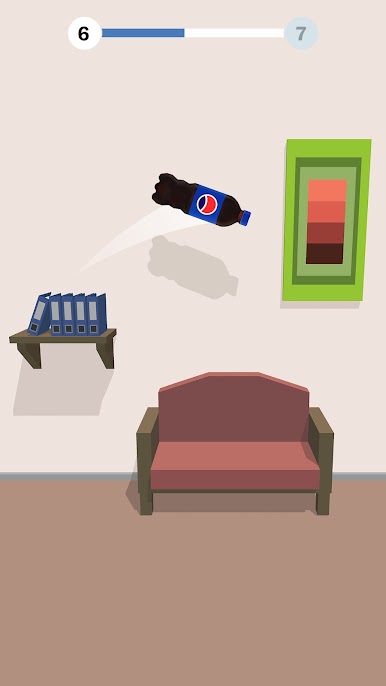
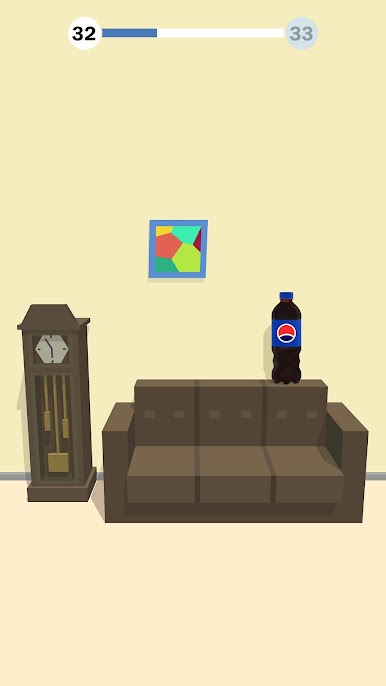
You’ll need to tap the screen at the right moment to make the bottle jump, flip, and bounce through a series of rooms filled with obstacles. Shelves, tables, chairs, sofas, and even subwoofers — you'll have to use everything as a platform for your bottle. But be careful; some objects are more tricky than others!
This game is not only fun, but also a great way to train your agility and coordination. A key to success is to calculate the jump distance correctly. Only then will you reach the finish line and win!
Features:
- Bottle Flip 3D is a challenging and entertaining hyper-casual arcade game that will keep you hooked for hours!
- Flip various bottles and explore different rooms with unique themes and designs.
- Tap the screen at the right moment and watch your bottle fly, spin, and land on various objects.
- Test your skills and see if you can flip a bottle like a pro!
- Enjoy the stunning graphics, realistic physics, and catchy sound effects.
- Experience the thrill of completing each level and unlocking new ones.
With Bottle Flip 3D, you’ll never get bored! There’s always a new challenge, a different obstacle, and a chance for you to show off your amazing flips. Enjoy the game!

Play Bottle Flip 3D — Tap & Jump on PC. It’s easy to get started.
-
Download and install BlueStacks on your PC
-
Complete Google sign-in to access the Play Store, or do it later
-
Look for Bottle Flip 3D — Tap & Jump in the search bar at the top right corner
-
Click to install Bottle Flip 3D — Tap & Jump from the search results
-
Complete Google sign-in (if you skipped step 2) to install Bottle Flip 3D — Tap & Jump
-
Click the Bottle Flip 3D — Tap & Jump icon on the home screen to start playing

