


PDF Reader & Editor - Easy PDF
Play on PC with BlueStacks – the Android Gaming Platform, trusted by 500M+ gamers.

Page Modified on: Oct 20, 2026
Run PDF Reader - PDF Viewer on PC or Mac
PDF Reader – PDF Viewer is a Productivity app developed by QR Code Scanner. BlueStacks app player is the best platform to run this Android app on your PC or Mac for an immersive gaming experience.
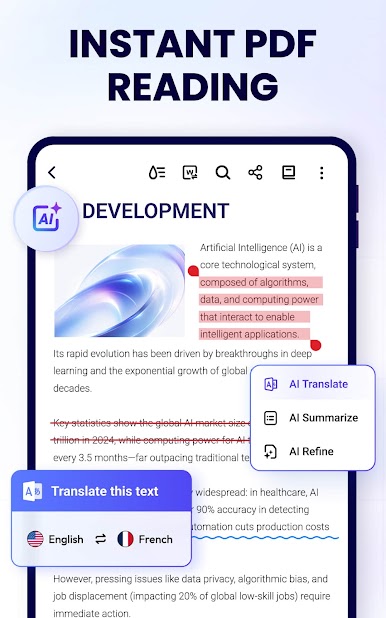
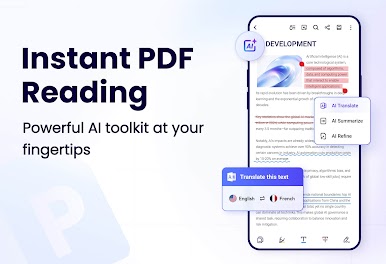
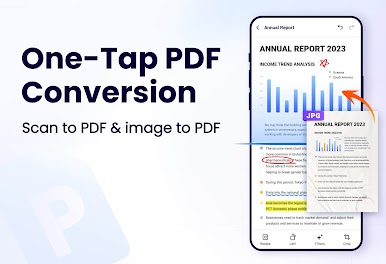
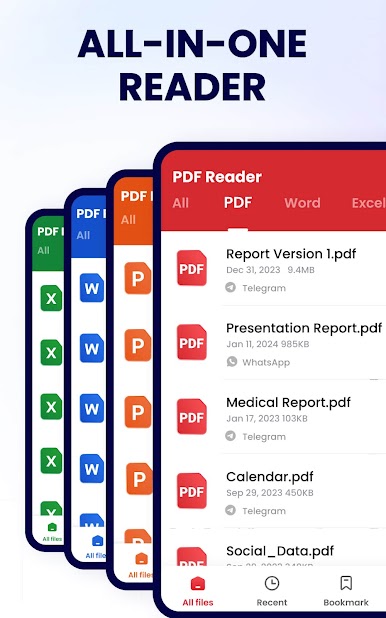
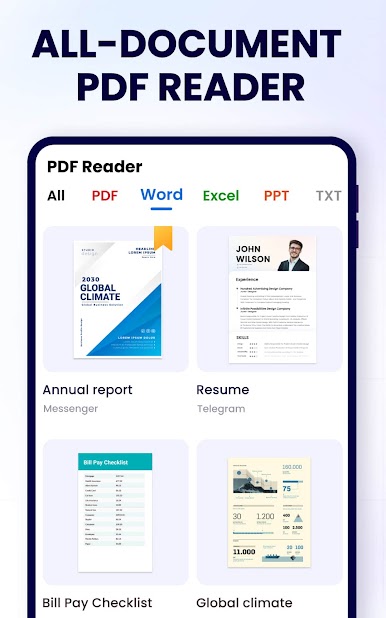
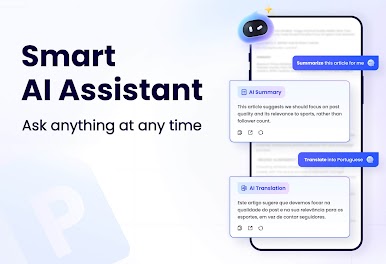
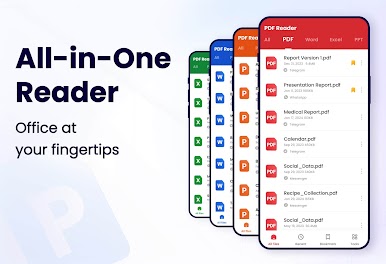
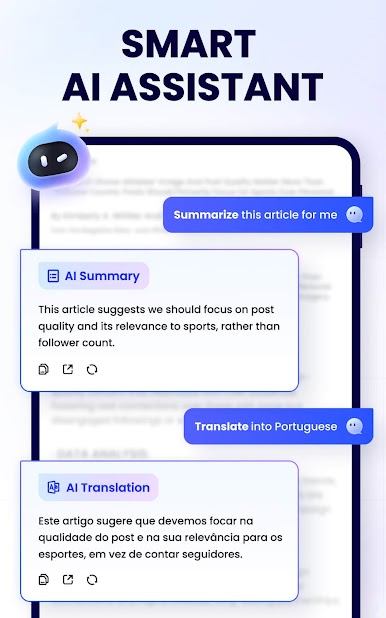
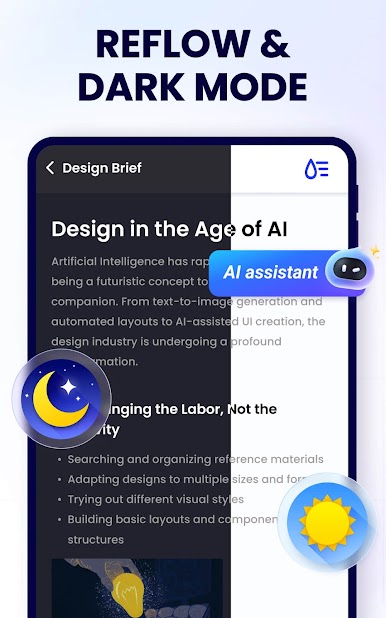
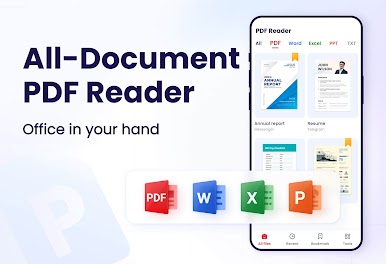
PDR Reader is the most practical PDF app for Android. You can quickly open and read PDFs without having to manually search for them thanks to this professional document reading app.
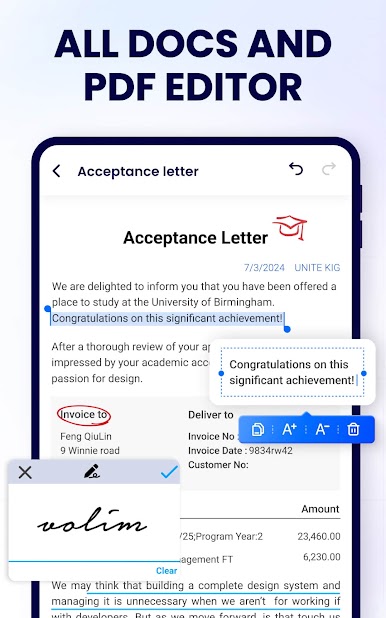
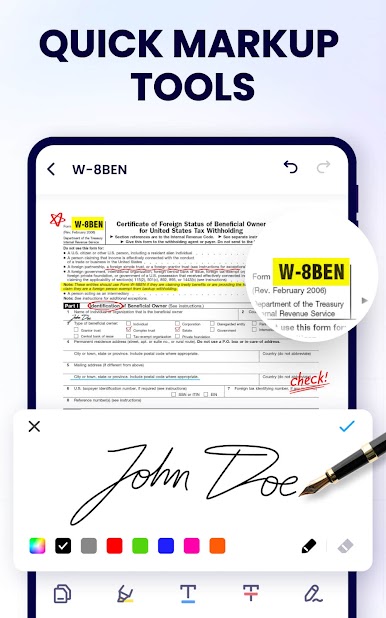
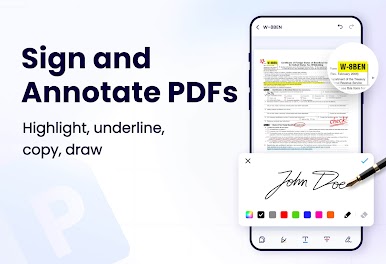
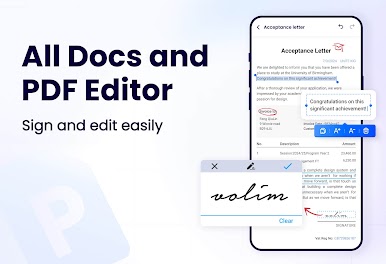
In addition to viewing PDFs, this tool can be used to edit them, manage them, add bookmarks, and more. In addition, it’s a breeze to send PDF files to anyone else who needs them.
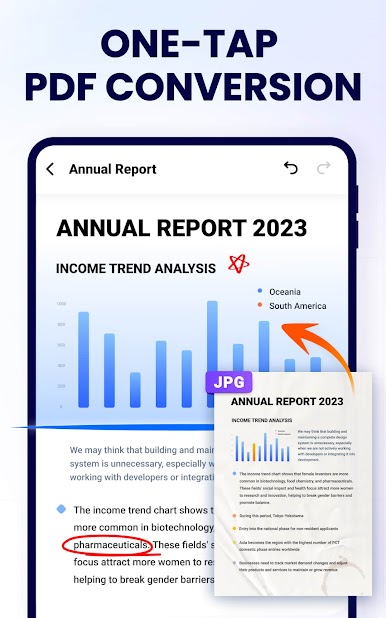
With PDF Reader, you can read, edit, manage, doodle, add notes, bookmark, merge, split, and do so much more. With this app, you won’t need to download bulky programs on your computer to convert or open files—simply load up PDF Reader with BlueStacks, and you’ll be on your merry way.
After you’re done editing your PDF files, you can share them with PDF Reader to your social media accounts. So, whether you’re a professional who needs to keep team members updated or a student who wants to submit a file to a professor, PDF Reader does everything you’d want it to.
Download PDF Reader – PDF Viewer on PC with BlueStacks and manage your PDF files safely.
Play PDF Reader & Editor - Easy PDF on PC. It’s easy to get started.
-
Download and install BlueStacks on your PC
-
Complete Google sign-in to access the Play Store, or do it later
-
Look for PDF Reader & Editor - Easy PDF in the search bar at the top right corner
-
Click to install PDF Reader & Editor - Easy PDF from the search results
-
Complete Google sign-in (if you skipped step 2) to install PDF Reader & Editor - Easy PDF
-
Click the PDF Reader & Editor - Easy PDF icon on the home screen to start playing

