


Proton Authenticator & 2FA
Play on PC with BlueStacks – the Android Gaming Platform, trusted by 500M+ gamers.

Page Modified on: Jul 24, 2026
Play Proton Authenticator & 2FA on PC
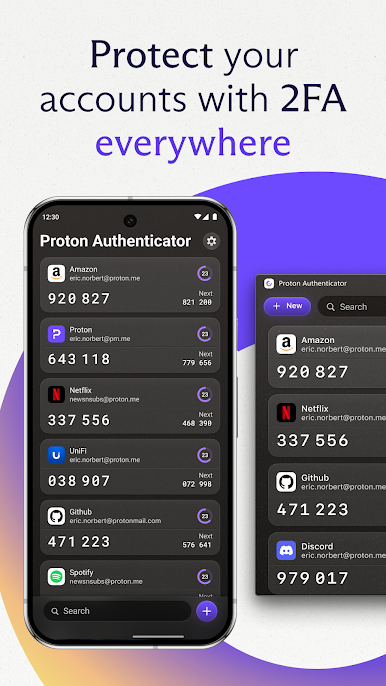
Open-source, end-to-end encrypted, and protected by Swiss privacy laws, Proton Authenticator is the safest way to generate and store your 2FA codes and TOTP tokens.
WHY CHOOSE PROTON AUTHENTICATOR?
Free authenticator app: no Proton account required, no ads
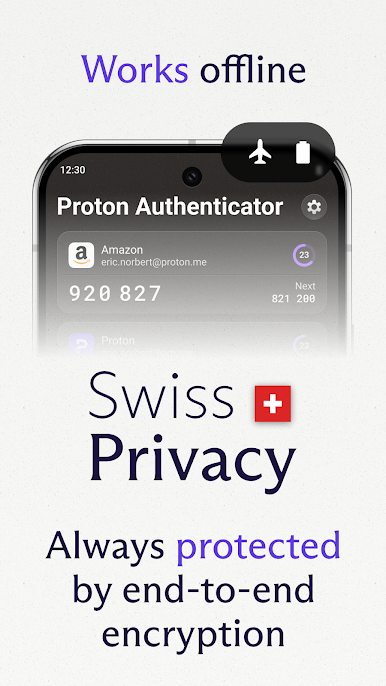
Works offline: generate OTP codes on mobile and desktop without a connection
Encrypted sync: keep your 2FA codes on all your devices with end-to-end encryption
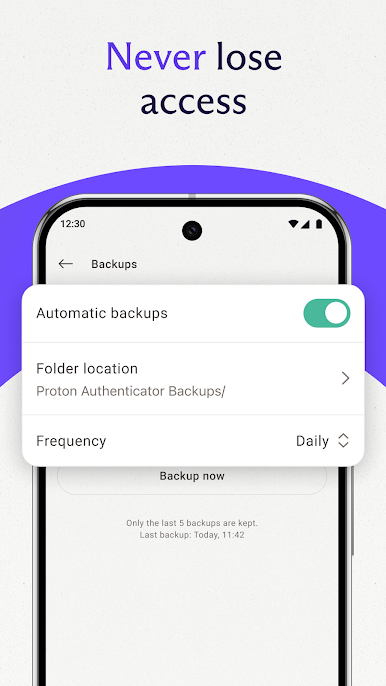
Automatic backups: never lose access to your MFA-protected accounts
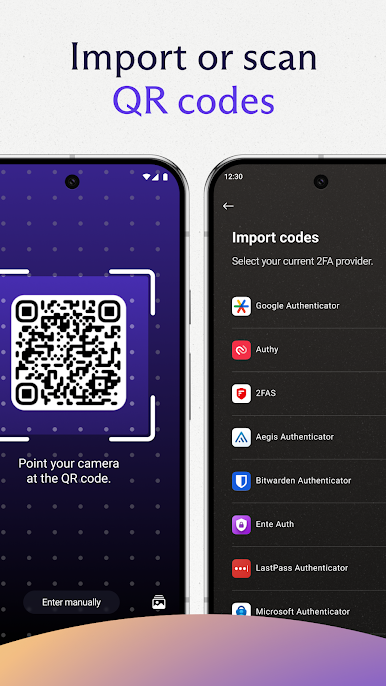
Easy import and export: move your OTP tokens from other 2FA apps in a few taps, or export them anytime
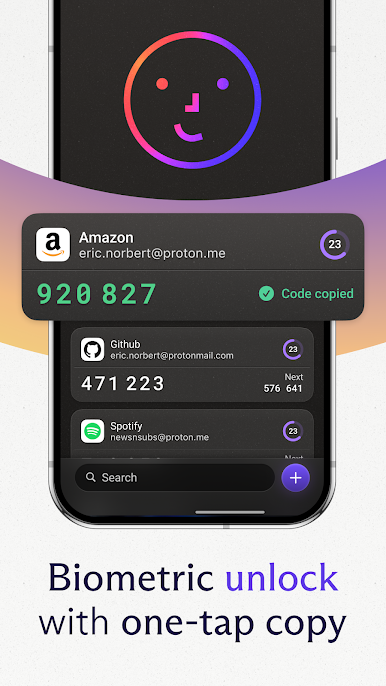
App lock: secure your authenticator app with biometrics or a PIN code
Open source: transparent, verifiable code
Swiss privacy: protected by Switzerland's privacy laws
Trusted by millions. Built by Proton.
Secure every login with a private 2FA authenticator app. Download Proton Authenticator today.
Play Proton Authenticator & 2FA on PC. It’s easy to get started.
-
Download and install BlueStacks on your PC
-
Complete Google sign-in to access the Play Store, or do it later
-
Look for Proton Authenticator & 2FA in the search bar at the top right corner
-
Click to install Proton Authenticator & 2FA from the search results
-
Complete Google sign-in (if you skipped step 2) to install Proton Authenticator & 2FA
-
Click the Proton Authenticator & 2FA icon on the home screen to start playing

